> ## Documentation Index
> Fetch the complete documentation index at: https://moengage.com/docs/llms.txt
> Use this file to discover all available pages before exploring further.
# 予測の管理
> インスタンスの詳細の確認、傾向バケットのチェック、予測データからのターゲットキャンペーンの作成によって、MoEngage の予測を管理します。
# 予測の詳細
予測の詳細ページには、ID、Type、Created Time、Last Run Time などの予測の詳細が表示されます。
**Prediction Details for instance** をクリックし、特定のインスタンスを選択すると、その詳細が表示されます。
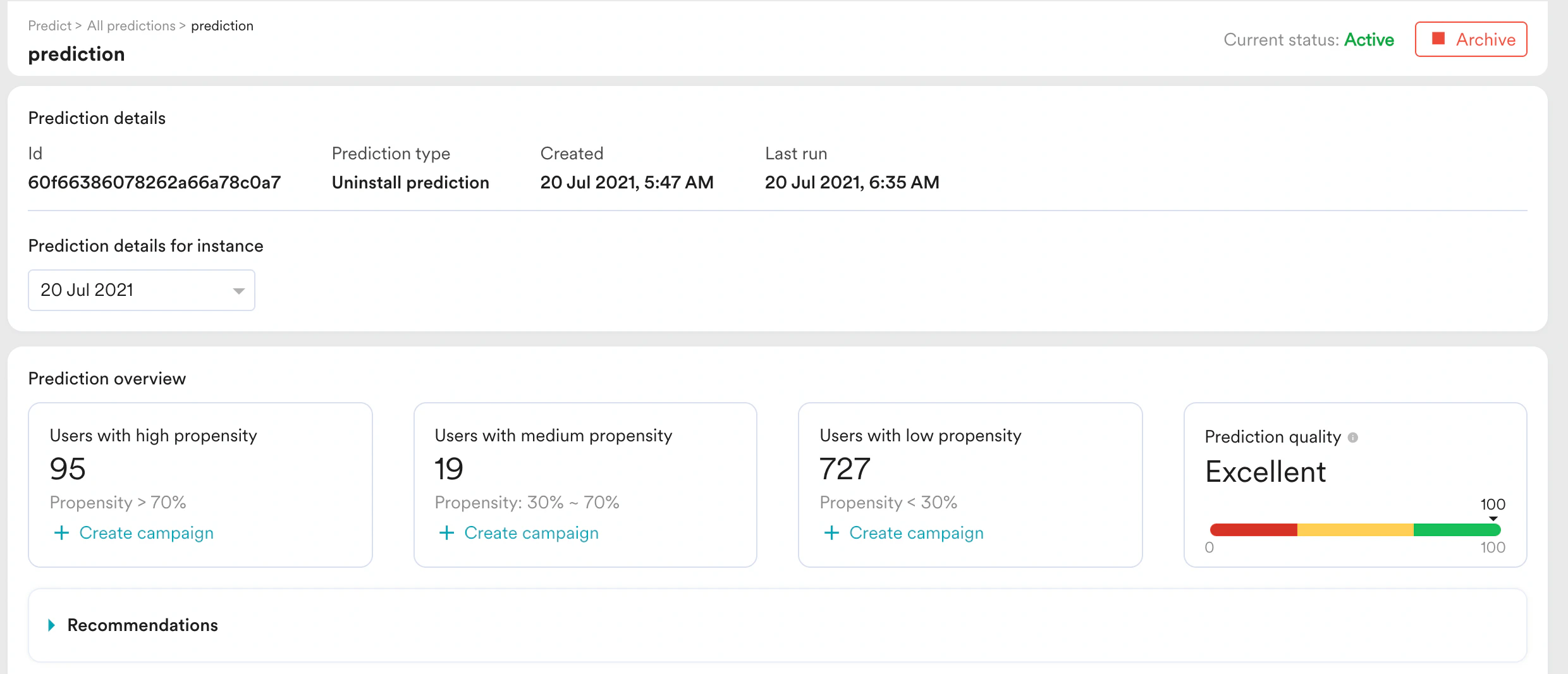 予測の概要には、さまざまな傾向バケットに含まれるユーザー数と予測品質が表示されます。
**Recommendation** をクリックすると、各予測に対する推奨アクションを確認できます。
# 予測を使用したキャンペーンの作成
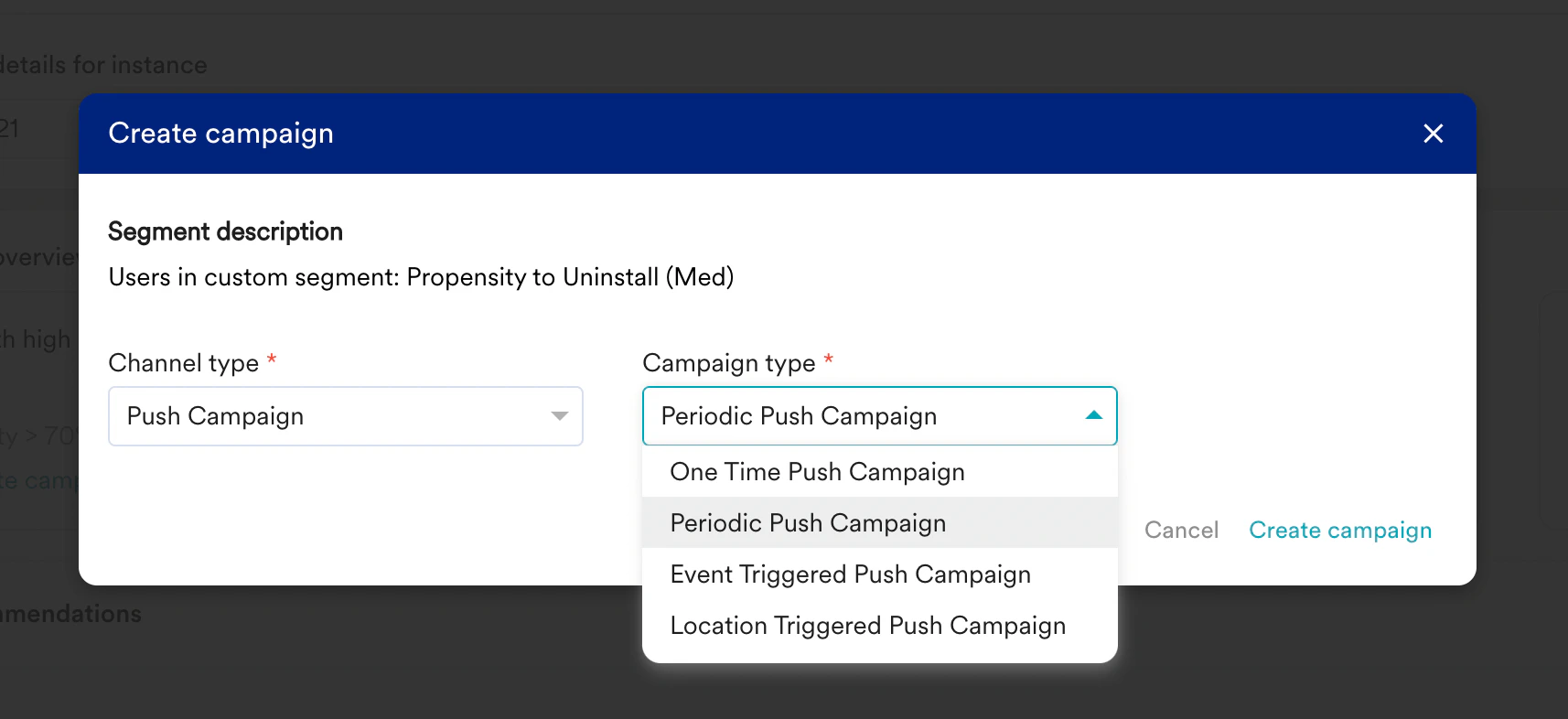
各傾向バケットを使用してキャンペーンを作成できます。**+Create campaign** ボタンをクリックし、チャネルとキャンペーンタイプを選択するだけで、予測からキャンペーンを作成できます。
予測の概要には、さまざまな傾向バケットに含まれるユーザー数と予測品質が表示されます。
**Recommendation** をクリックすると、各予測に対する推奨アクションを確認できます。
# 予測を使用したキャンペーンの作成
各傾向バケットを使用してキャンペーンを作成できます。**+Create campaign** ボタンをクリックし、チャネルとキャンペーンタイプを選択するだけで、予測からキャンペーンを作成できます。