> ## Documentation Index
> Fetch the complete documentation index at: https://moengage.com/docs/llms.txt
> Use this file to discover all available pages before exploring further.

# サポートチケットを確認するにはどうすればよいですか?

> 自動生成されたメールスレッド、またはサポートWebポータルのMy Activitiesページを使用して、MoEngageのサポートチケットを追跡および管理します。

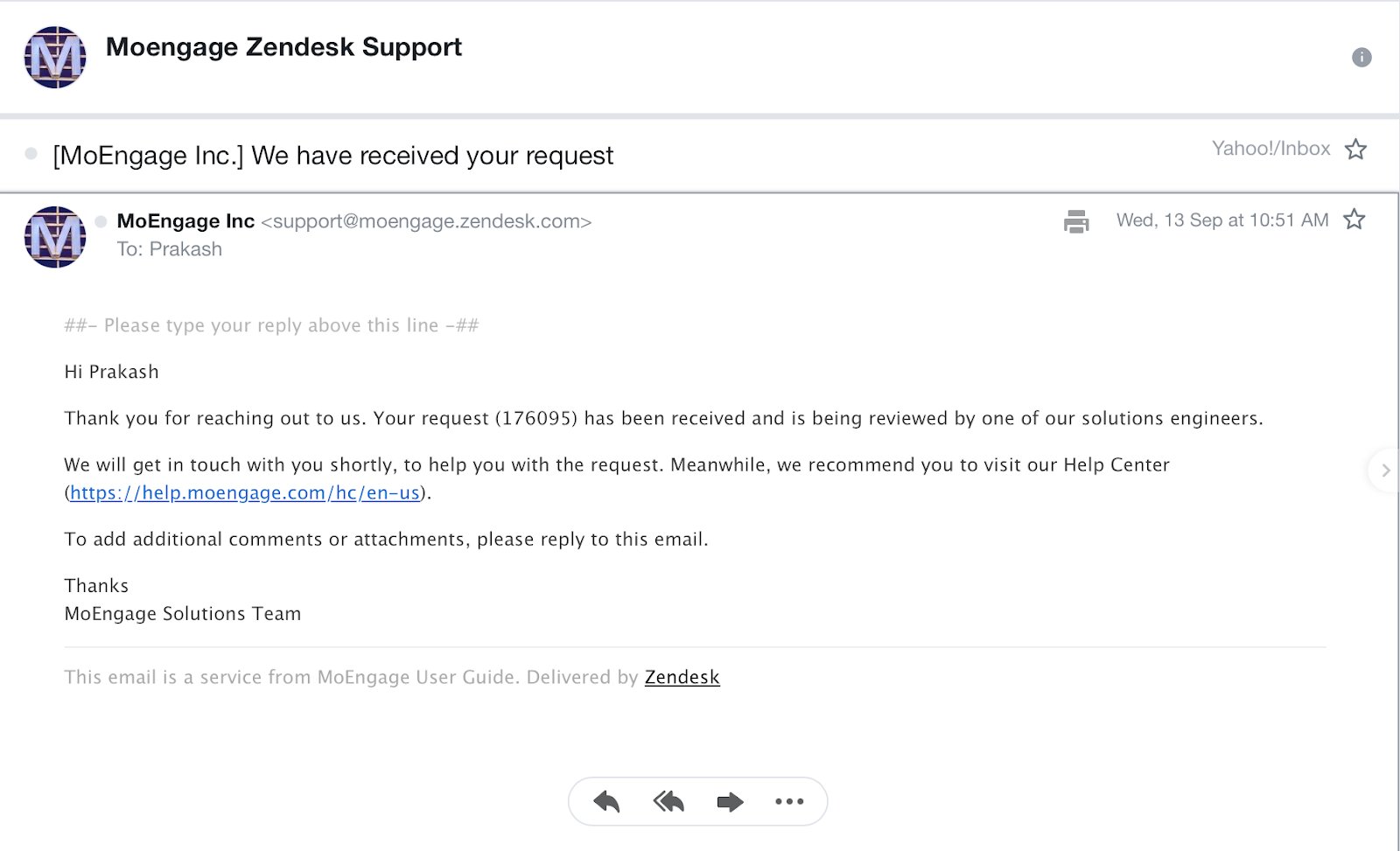
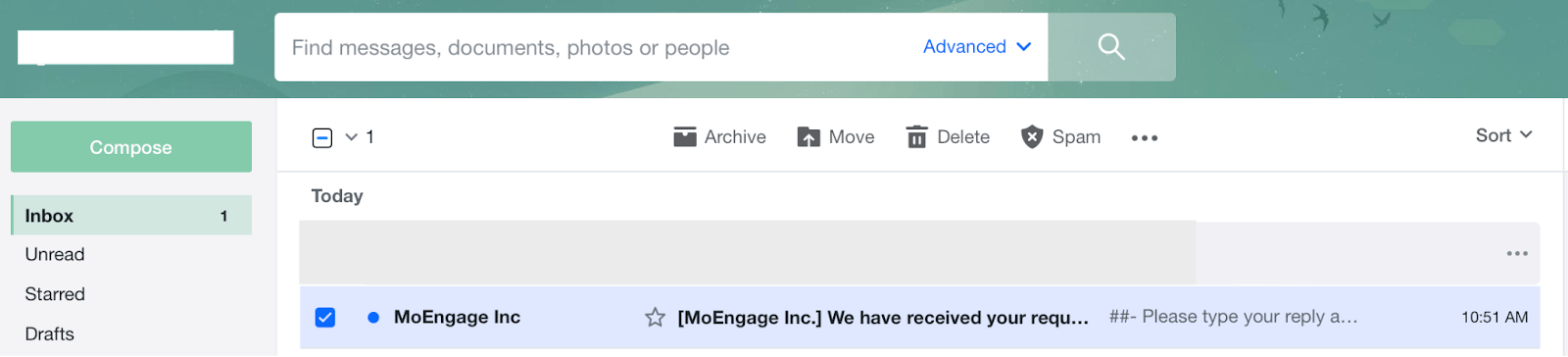
チケットを作成すると、チケット番号が記載された自動生成メールがお客様のメールアドレスに届きます。このメールスレッドを使用して、問題についてさらにやり取りしたり、ケースを再開したりできます。
<img src="https://mintcdn.com/moengage/MkyldVVKHHCZ-kMR/images/moengage_adb020.png?fit=max&auto=format&n=MkyldVVKHHCZ-kMR&q=85&s=9bb69971584527c5e5d3c8d13035bb5e" width="1600" height="364" data-path="images/moengage_adb020.png" />

メールを開くと、チケットの詳細を確認できます。

<img src="https://mintcdn.com/moengage/Ci8j4F7VOEUnUuwd/images/moengage_eacd74.png?fit=max&auto=format&n=Ci8j4F7VOEUnUuwd&q=85&s=13e8fcbfc21ca5db6a4c78ed6f13b882" width="1600" height="973" data-path="images/moengage_eacd74.png" />

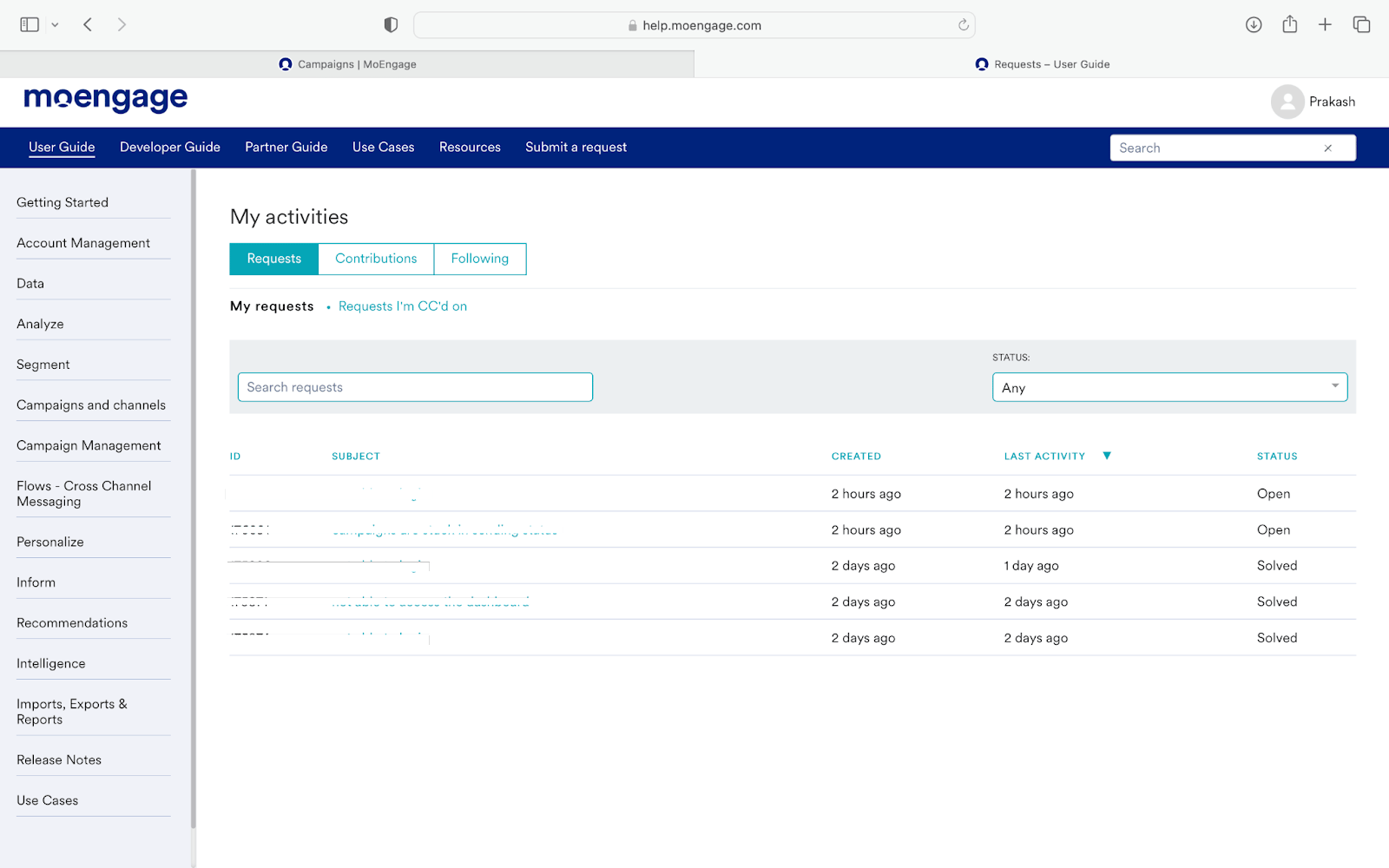
また、Webフォーム(右上)で自分の名前をクリックし、**My activities** をクリックすると、未解決または解決済みのチケットを追跡することもできます。

<img src="https://mintcdn.com/moengage/_eUNBDpGCEXI_sgZ/images/moengage_a8131f.png?fit=max&auto=format&n=_eUNBDpGCEXI_sgZ&q=85&s=a53568174476aef586b7d6b5e525f8aa" width="1600" height="296" data-path="images/moengage_a8131f.png" />

My activitiesページが表示されます。**Requests** タブですべてのチケットを確認できます。
<img src="https://mintcdn.com/moengage/t9nft78wsoLTI2Nx/images/moengage_2cc3d4.png?fit=max&auto=format&n=t9nft78wsoLTI2Nx&q=85&s=f029ca20a609e8ae91a564bac746a014" width="1600" height="1000" data-path="images/moengage_2cc3d4.png" />