> ## Documentation Index
> Fetch the complete documentation index at: https://moengage.com/docs/llms.txt
> Use this file to discover all available pages before exploring further.
# PFL
# Introduction
[PFL](https://www.pfl.com/) simplifies direct mail at scale by managing the entire process from strategy and production to delivery, measurement and beyond.
# Use cases
The PFL × MoEngage integration lets you send personalized direct mail from your MoEngage flows, orchestrating physical mail alongside digital channels for a true cross-channel customer experience.
# Integration
**Prerequisites**
1. Ensure you have access to your PFL dashboard.
2. Ensure that you have your PFL Webhook key and your PFL URL. If you dont have these, schedule an installation call with your PFL customer success manager. They can provide API keys for each PFL store from which you'll place orders.
To integrate with PFL, use the PFL APIs to send recipient data via MoEngage connectors.
## Step 1: Create connector campaign on MoEngage
To create a connector campaign on MoEngage,
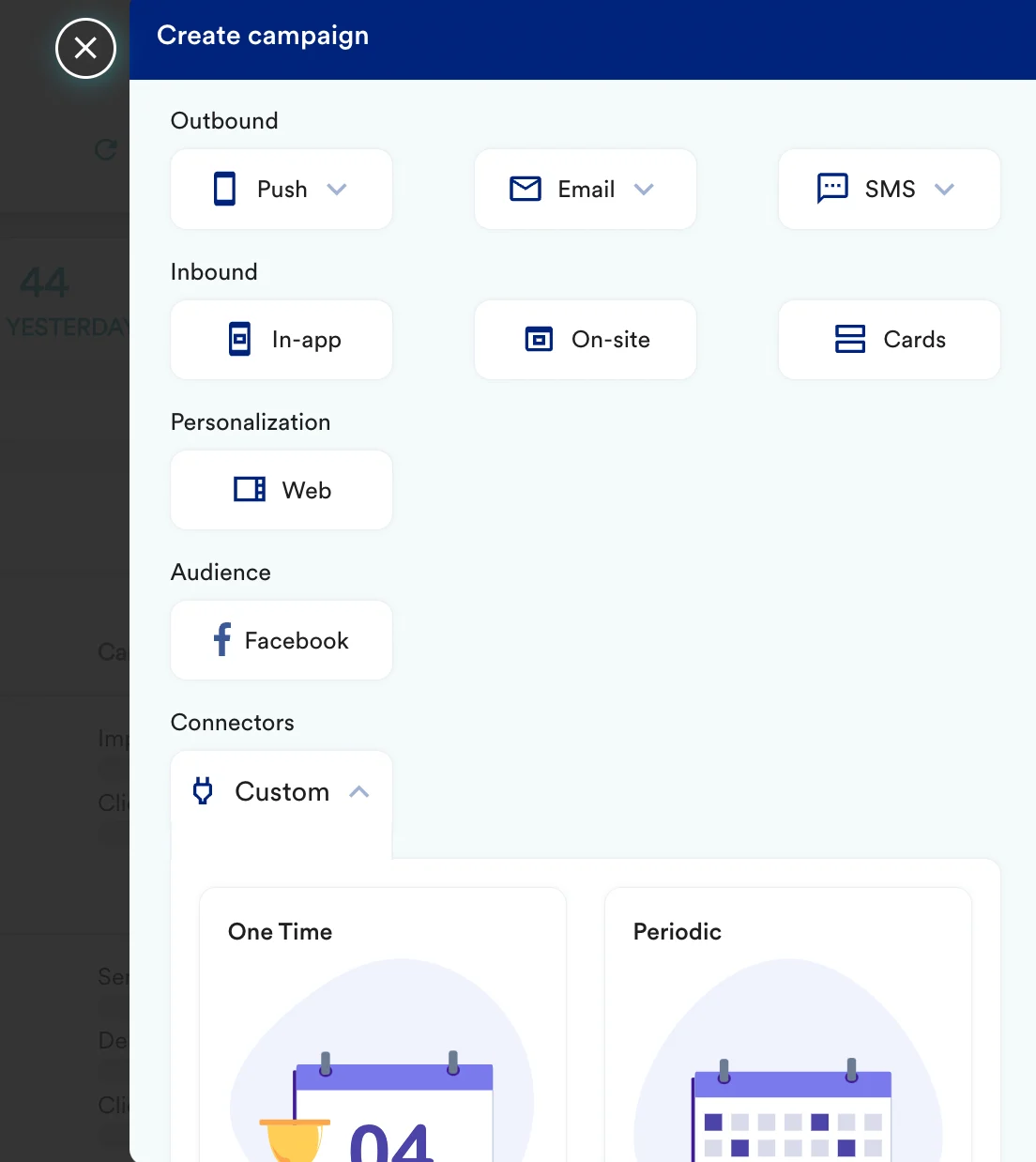
1. Navigate to Create Campaign >> Connectors >> Custom
 2. On step 2 of the campaign, select -
#### a) URL details
| Key | Value |
| ----------- | ---------- |
| Method | POST |
| Webhook URL | \ |
| URL params | -- |
#### b) Headers
Add the following two headers
| Key | Value |
| ------------- | ------------------------- |
| Authorization | Bearer \ |
#### c) Request Body
In the following request body, select RAW and enter the payload provided to you by the PFL Development team.
## Step 3: Test your configuration
At this point, your campaign should be ready to test and send. You can also test your connector configuration using the Test functionality available on Step 2 of Create Connector Campaign
2. On step 2 of the campaign, select -
#### a) URL details
| Key | Value |
| ----------- | ---------- |
| Method | POST |
| Webhook URL | \ |
| URL params | -- |
#### b) Headers
Add the following two headers
| Key | Value |
| ------------- | ------------------------- |
| Authorization | Bearer \ |
#### c) Request Body
In the following request body, select RAW and enter the payload provided to you by the PFL Development team.
## Step 3: Test your configuration
At this point, your campaign should be ready to test and send. You can also test your connector configuration using the Test functionality available on Step 2 of Create Connector Campaign
 Check the PFL dashboard once you test the configuration or trigger the campaign.