> ## Documentation Index
> Fetch the complete documentation index at: https://moengage.com/docs/llms.txt
> Use this file to discover all available pages before exploring further.
# How Does onConfigurationChanged() Work for In-App in Android Native?
> Understand how the onConfigurationChanged() lifecycle method interacts with MoEngage in-app campaigns in Android native apps.
## Problem
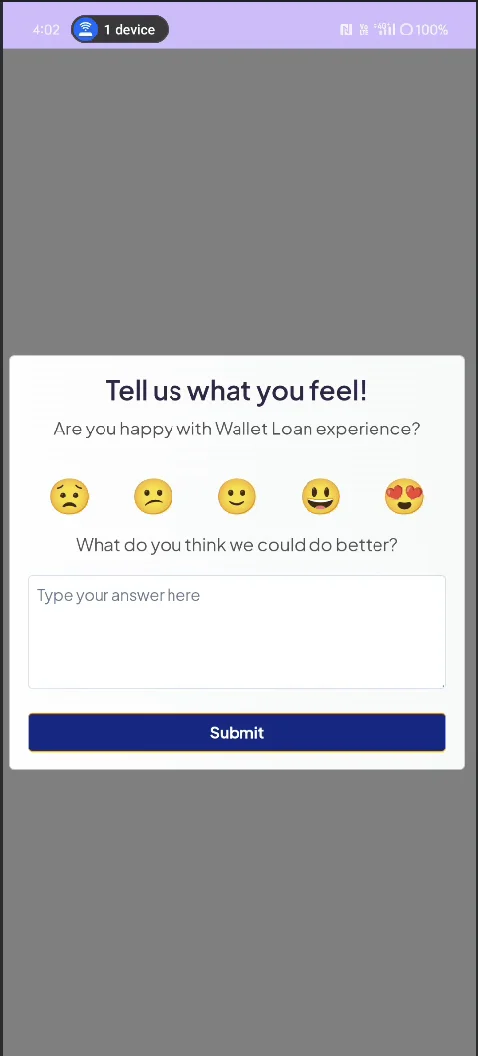
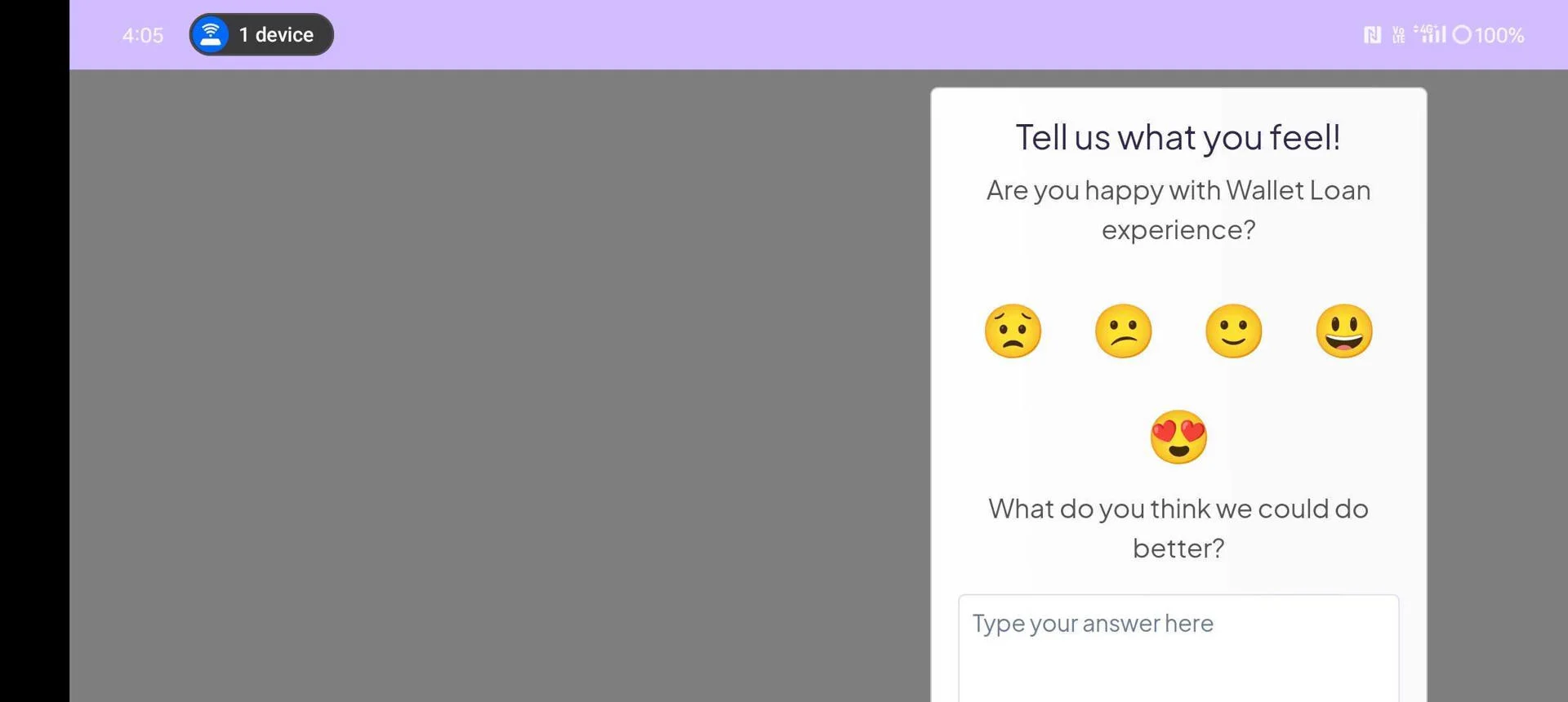
Native in-apps are limited to portrait mode when using`onConfigurationChanged()`, which prevents landscape orientation, whereas HTML in-apps support both orientations.
## Instructions
1. Open the [Handling Configuration](/docs/developer-guide/android-sdk/in-app-messages/in-app-nativ) link, change, and override the code in your activity or fragment.
```kotlin Kotlin wrap theme={null}
override fun onConfigurationChanged(newConfig: Configuration) {
super.onConfigurationChanged(newConfig)
MoEInAppHelper.getInstance().onConfigurationChanged()
}
```
**Information**
This method notifies the MoEngage SDK when a configuration change occurs for an activity or fragment that Android does not handle.
2. To manually manage configuration changes for an activity or fragment, you must add the `android:configChanges="orientation"` attribute to the relevant `` tag within your `AndroidManifest.xml` file.
```xml AndroidManifest.xml wrap theme={null}
```
3. Run the Native app with this setup, call `showInApp()` in `onResume`, and the in-app will appear in its default portrait mode.
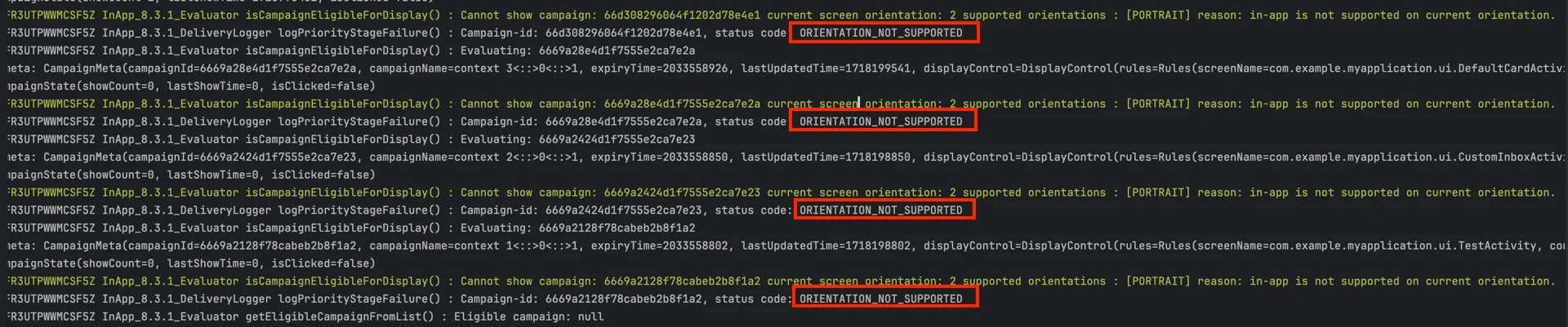
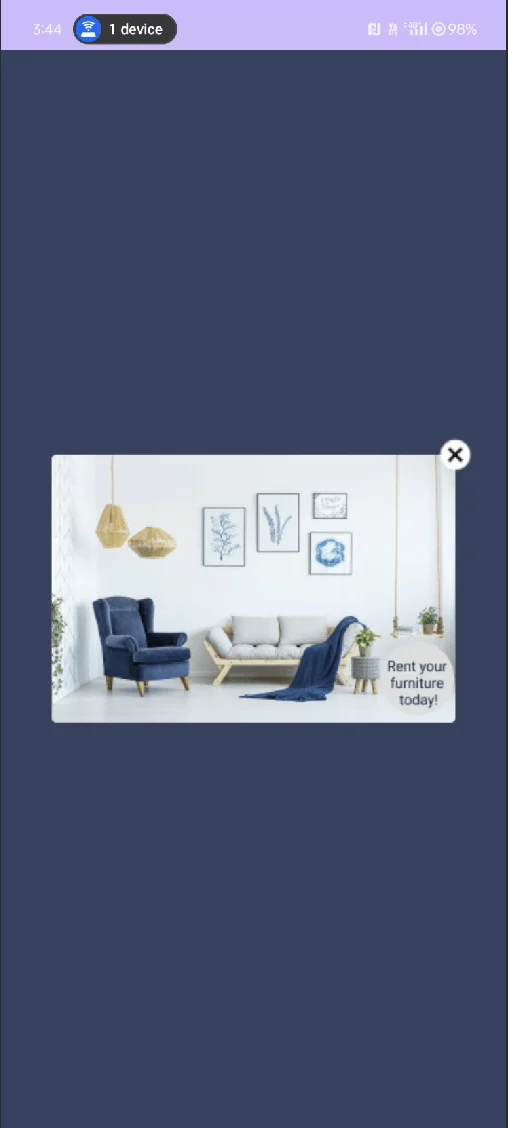 4. When orientation changes, the in-app disappears and displays `ORIENTATION_NOT_SUPPORTED` for the native in-app campaign.
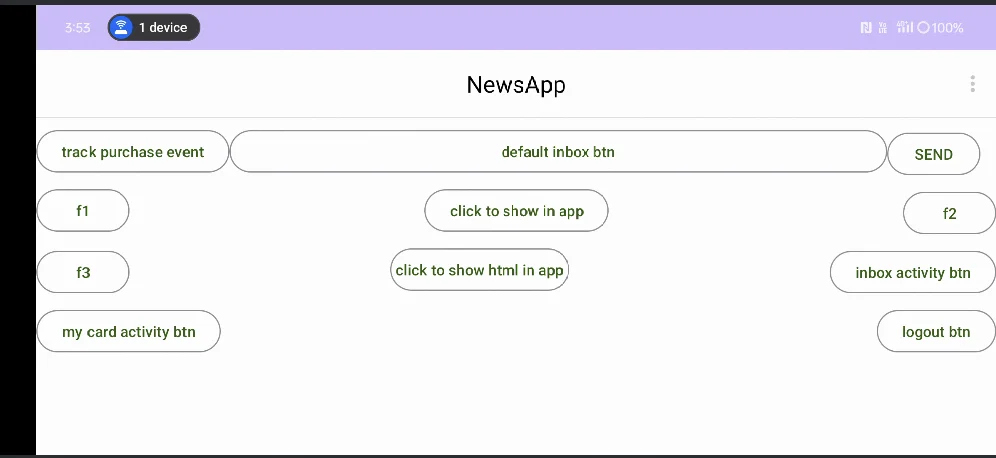
 5. HTML in-apps support both portrait and landscape orientations. Internally, `onConfigurationChanged()` calls ConfigurationChangedHandler's `showInAppOnConfigurationChange()` of the HTML in-app.