> ## Documentation Index
> Fetch the complete documentation index at: https://moengage.com/docs/llms.txt
> Use this file to discover all available pages before exploring further.
# How to Make the Background of In-App Templates Transparent or Set It to Any Color?
> Make MoEngage in-app template backgrounds transparent or set them to any color using HTML code snippets or alpha value adjustments.
## Problem
The background of In-app templates needs to be modified to be transparent or changed to a specific color.
## Solution
Perform the following steps:
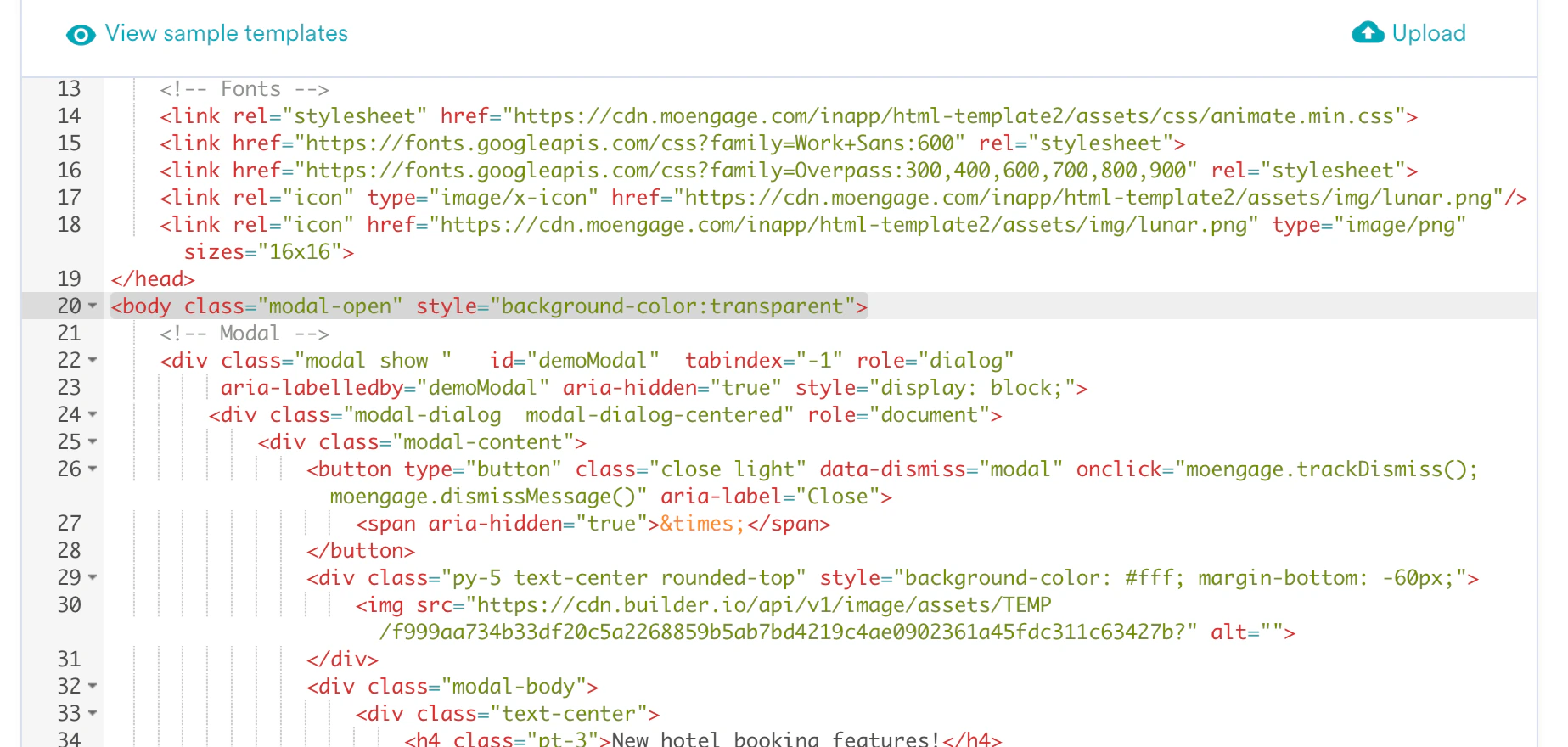
* **HTML templates**\
Use the provided code snippets to make the background transparent or set it to any color you prefer.
 * **Standard templates**\
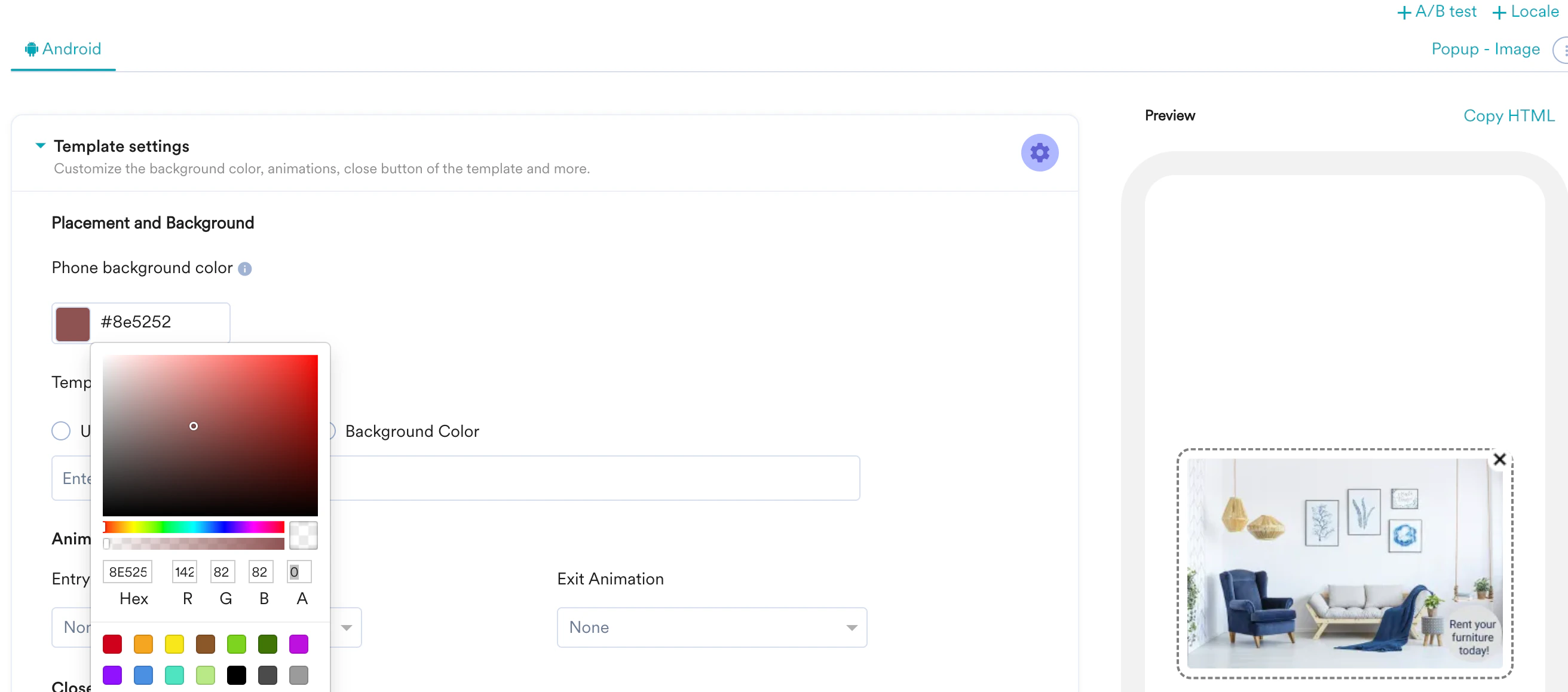
Set the Alpha value to 0 to make the background transparent.
* **Standard templates**\
Set the Alpha value to 0 to make the background transparent.