> ## Documentation Index
> Fetch the complete documentation index at: https://moengage.com/docs/llms.txt
> Use this file to discover all available pages before exploring further.
# Why Does the Image/GIF Display Fail in Native In-App?
> Troubleshoot why images or GIFs do not render in native in-app campaigns in MoEngage.
## Problem
The Native in-apps fail to load GIFs without the GIF dependency on Android Native or Hybrid frameworks, such as Flutter or React Native.
## Explanation
* The issue occurs because the in-app module relies entirely on the Glide image library to load any included images and GIFs.
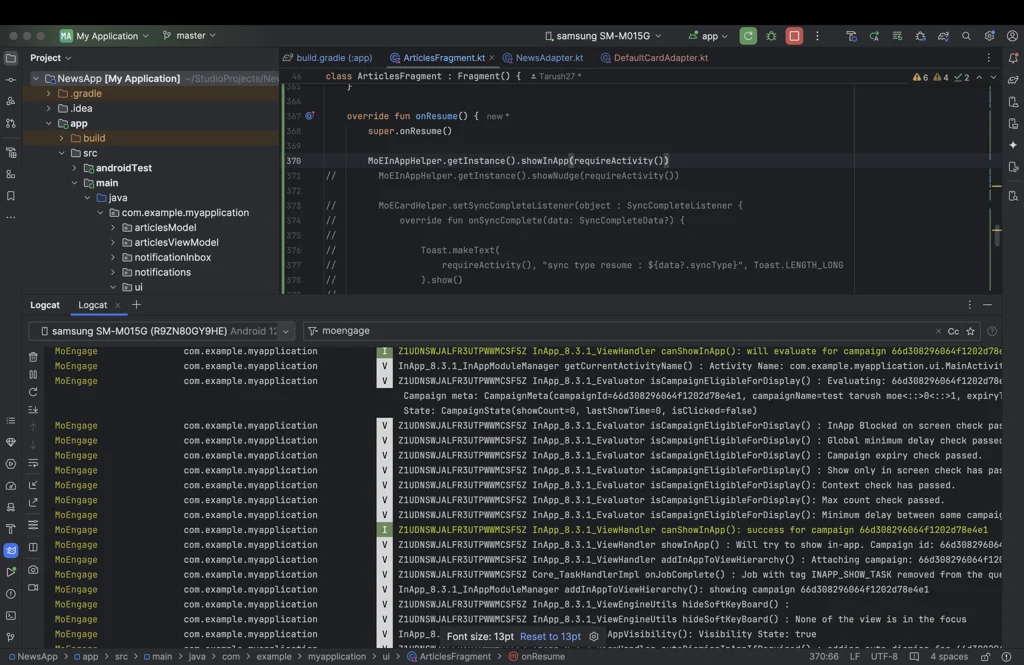
* The in-app message display is not completed by calling this method alone:
```java theme={null}
MoEInAppHelper.getInstance().showInApp(context)
```
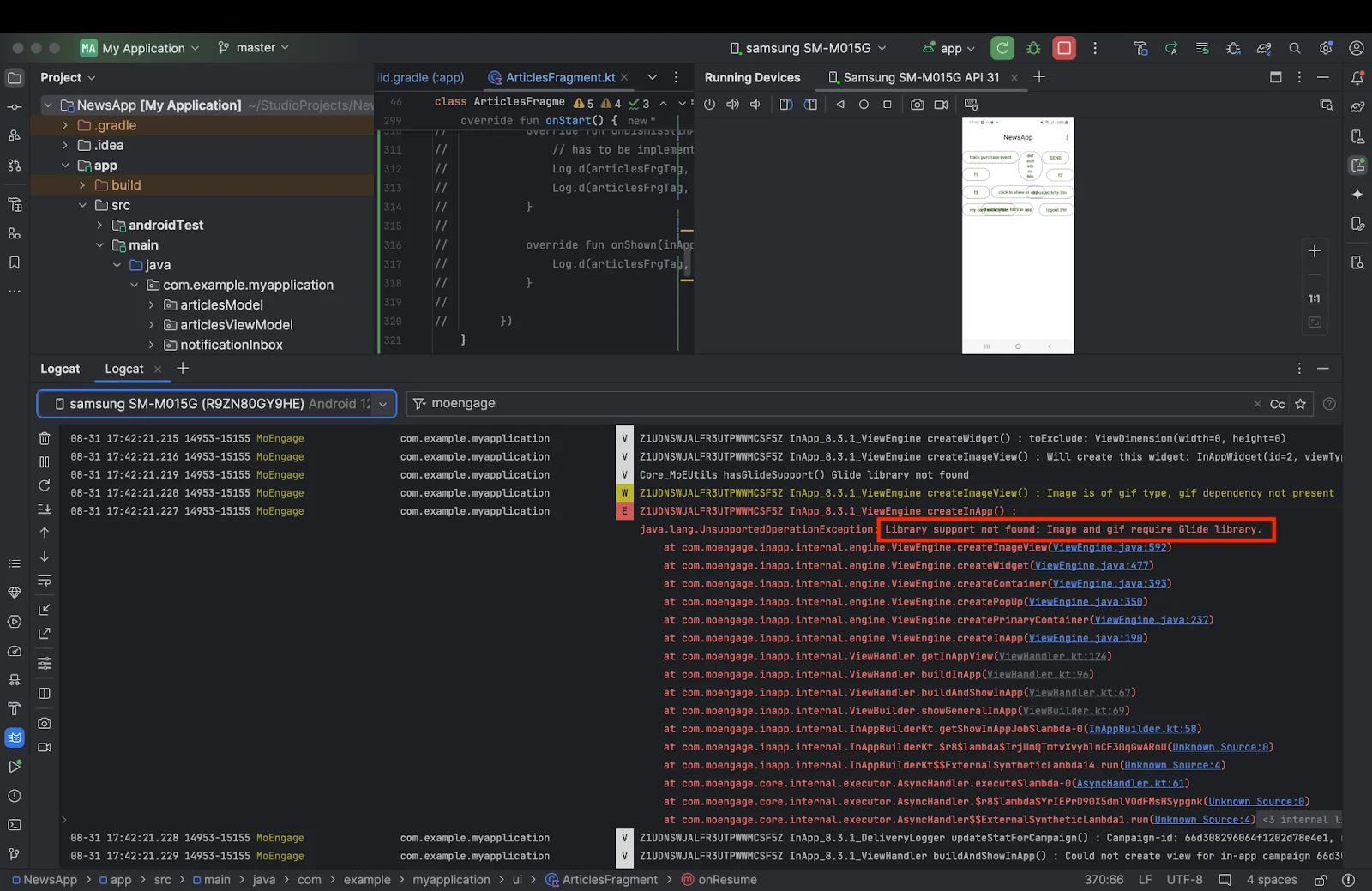
* Invoking this method causes the following error:
`Library support not found: Image and gif require Glide library.`
 ## Solution
* To ensure the in-app module displays images and GIFs, integrate the app-level build.gradle file into the application's build dependencies.
```groovy theme={null}
build.gradle (:app)
dependencies {
implementation 'com.github.bumptech.glide:glide:4.16.0'
}
```
* After adding the dependency, sync your Gradle files and rebuild the app.
* Glide will now be included, and your in-app messages with images and GIFs will display correctly.
## Solution
* To ensure the in-app module displays images and GIFs, integrate the app-level build.gradle file into the application's build dependencies.
```groovy theme={null}
build.gradle (:app)
dependencies {
implementation 'com.github.bumptech.glide:glide:4.16.0'
}
```
* After adding the dependency, sync your Gradle files and rebuild the app.
* Glide will now be included, and your in-app messages with images and GIFs will display correctly.