> ## Documentation Index
> Fetch the complete documentation index at: https://moengage.com/docs/llms.txt
> Use this file to discover all available pages before exploring further.
# Raise a Support Ticket from the MoEngage Login Page
> Step-by-step guide to raising a MoEngage support ticket directly from the login page for issues with passwords, SSO, Google Sign-In, or 2FA.
This section provides step-by-step instructions to raise a support ticket from the MoEngage login page for all issues related to login (username / password, Google Sign-In, SSO), password reset and 2FA.
Ensure that you use the correct URL of the dashboard to raise a ticket.
The following are the available dashboards:
| Data Center Name | Dashboard URL |
| ---------------- | ----------------------------------------------------------------------- |
| DC-01 | [https://dashboard-01.moengage.com](https://dashboard-01.moengage.com/) |
| DC-02 | [https://dashboard-02.moengage.com](https://dashboard-02.moengage.com/) |
| DC-03 | [https://dashboard-03.moengage.com](https://dashboard-03.moengage.com/) |
| DC-04 | [https://dashboard-04.moengage.com](https://dashboard-04.moengage.com/) |
| DC-05 | [https://dashboard-05.moengage.com](https://dashboard-05.moengage.com/) |
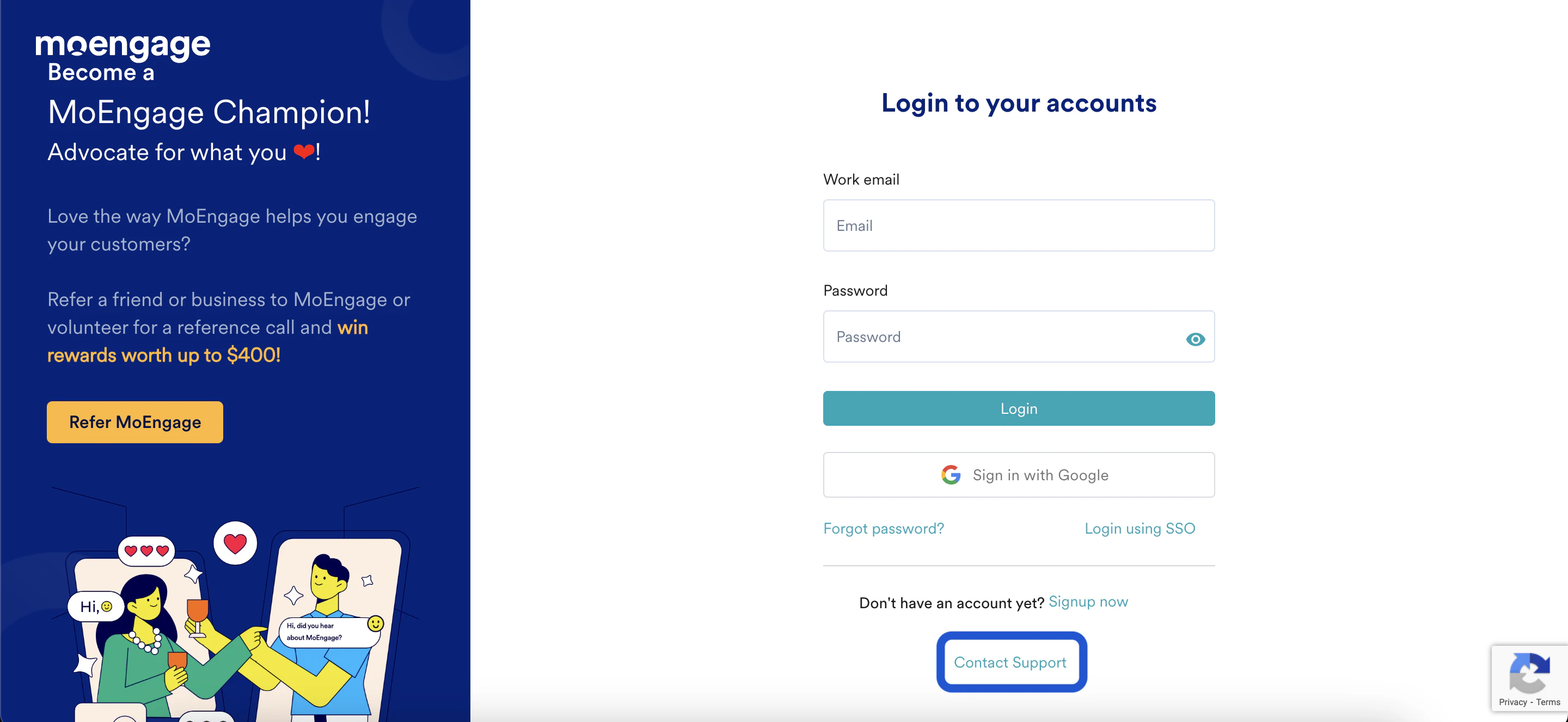
**Step 1:**
Go to the login page and click on "Contact Support".
 **Step 2:**
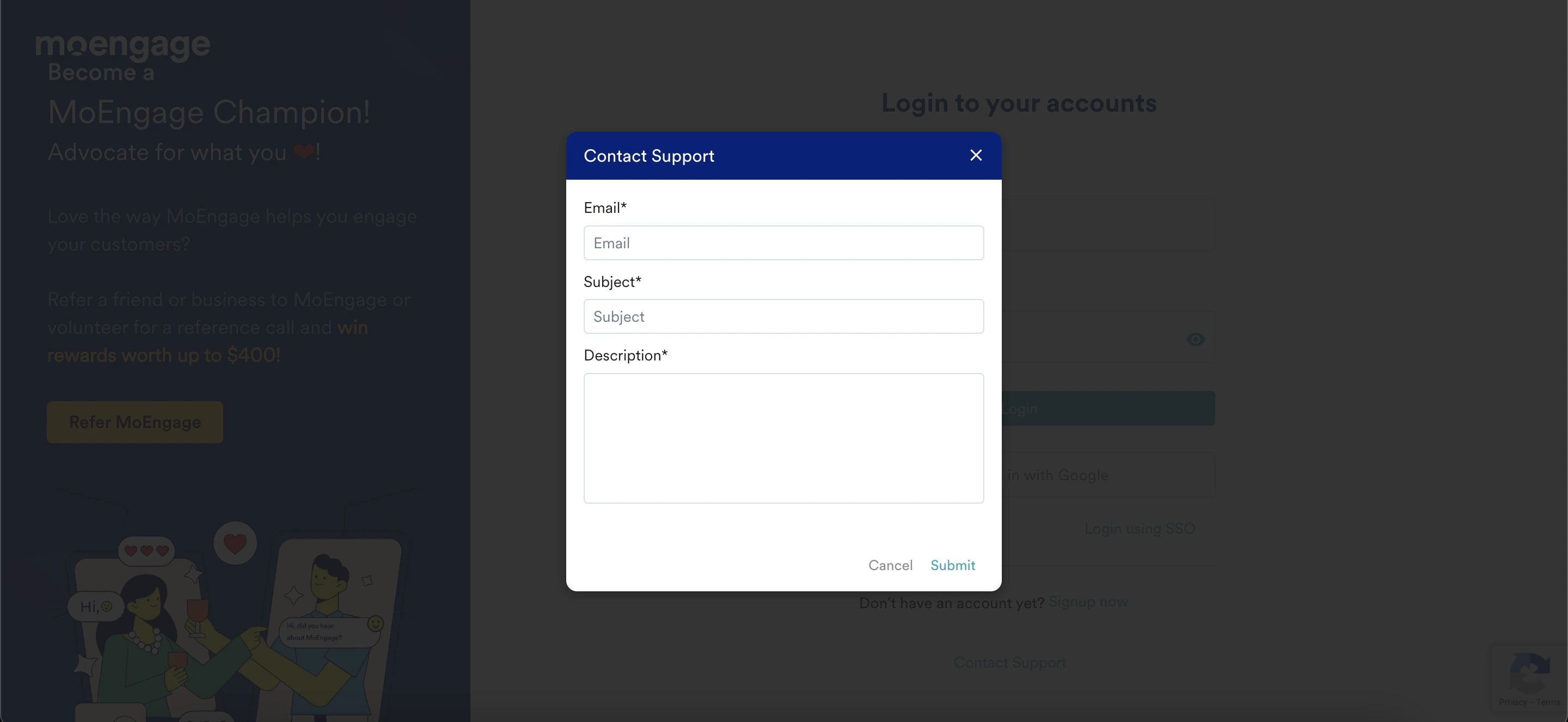
Fill the necessary details and click on "Submit".
**Step 2:**
Fill the necessary details and click on "Submit".