> ## Documentation Index
> Fetch the complete documentation index at: https://moengage.com/docs/llms.txt
> Use this file to discover all available pages before exploring further.
# Organization Details
> View and edit your organization's agreement details with MoEngage, including contract information and billing terms on the dashboard.
The **Organization** tab provides the details of your organization's agreement with MoEngage.
**Prerequisites**
* You must have the **Growth** or **Enterprise** plan to view or edit your organization details.
* Users must have the **View** permission for **Usage and** **Billing** to view the organization details.
* Users must have the **Create & Manage** permission for **Usage and Billing** to edit the organization details.
# View Organization Details
Users on the **Starter** plan cannot view the organization details on the **Organization** tab.
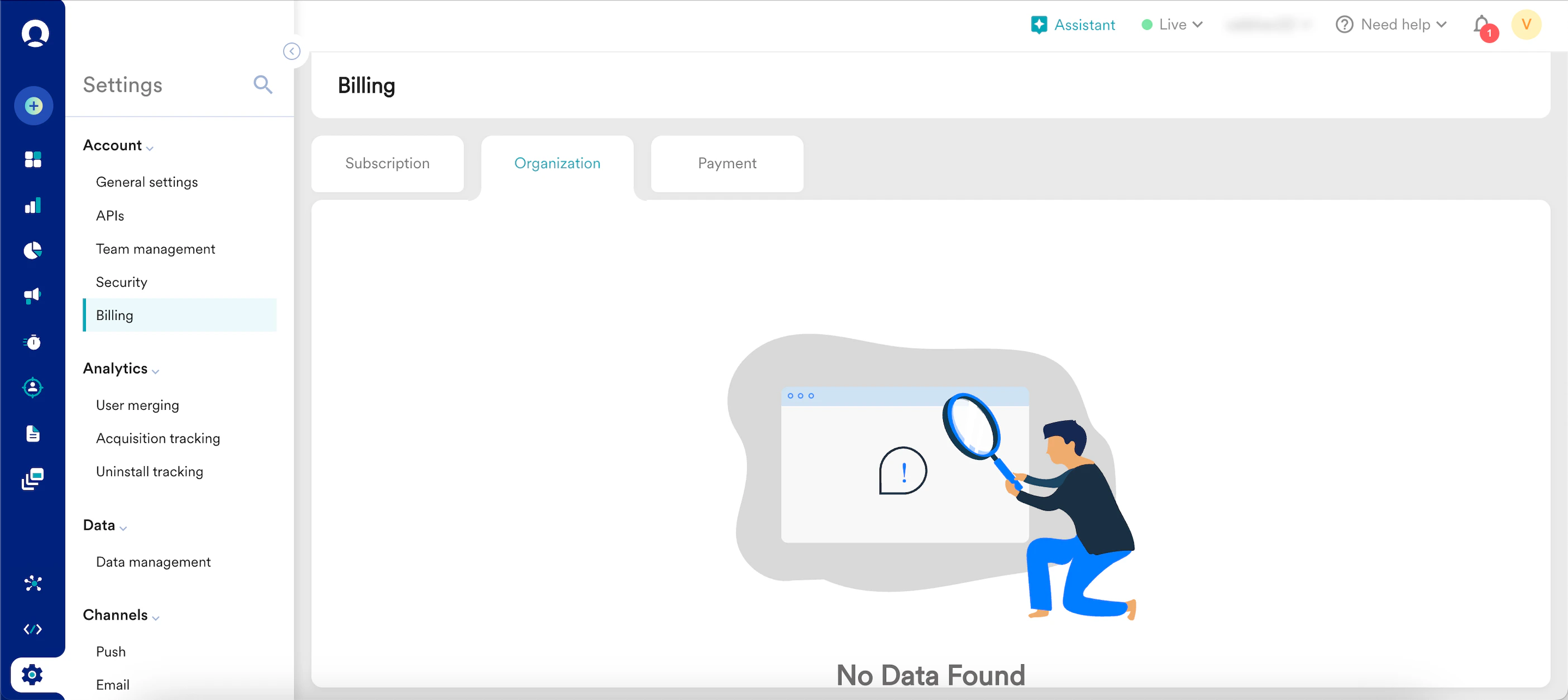 Perform the following steps to view the organization's details:
1. On the left navigation menu in the MoEngage dashboard, click **Settings** > **Billing**.
2. On the Billing page, select the **Organization** tab.
Perform the following steps to view the organization's details:
1. On the left navigation menu in the MoEngage dashboard, click **Settings** > **Billing**.
2. On the Billing page, select the **Organization** tab.
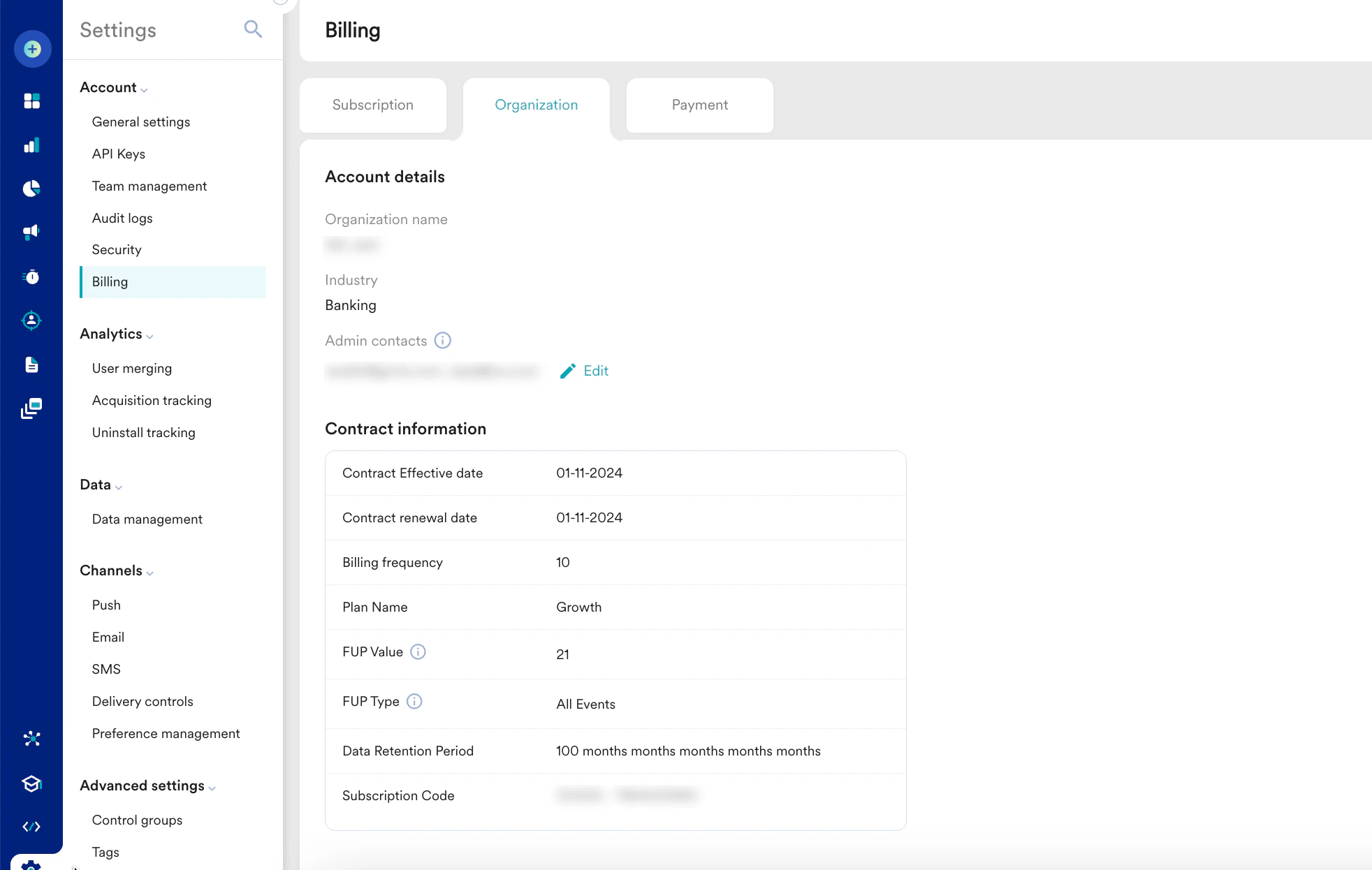 3. On the Organization tab, you can view the following details:
| Section | Fields & Description |
| -------------------- | ------------------------------------------------------------------------------------------------------------------------------------------------------------------------------------------------------------------------------------------------------------------------------------------------------------------------------------------------------------------------------------------------------------------------------------------------------------------------------------------------------------------------------------------------------------------------------------------------------------------------------------------------------------------------------------------------------------------------------------------------------------------------------------------------------------------------------------------------------------------------------------------------------------------------------------------------------------------------------------------------------------------------------------------------------------------------------------------------------------------------------------------------------------------------------------------------------------------------------------------------------------------------------------------------------------------------------------------------------------------------------------------------------------------------------------------------------- |
| Account Details |
3. On the Organization tab, you can view the following details:
| Section | Fields & Description |
| -------------------- | ------------------------------------------------------------------------------------------------------------------------------------------------------------------------------------------------------------------------------------------------------------------------------------------------------------------------------------------------------------------------------------------------------------------------------------------------------------------------------------------------------------------------------------------------------------------------------------------------------------------------------------------------------------------------------------------------------------------------------------------------------------------------------------------------------------------------------------------------------------------------------------------------------------------------------------------------------------------------------------------------------------------------------------------------------------------------------------------------------------------------------------------------------------------------------------------------------------------------------------------------------------------------------------------------------------------------------------------------------------------------------------------------------------------------------------------------------- |
| Account Details | - **Organization name**: This field specifies the name of your organization.
- **Industry**: This field specifies the industry in which your organization operates. For example, banking or e-commerce.
- **Admin contacts**: This field specifies the email address(s) of your admins in the organization.
MoEngage will send invoices, overages, and other organization-related messages to this email address.
|
| Contract Information | - **Contract Effective Date**: This field shows the date on which the contract for the organization was signed.
- **Contract renewal date**: This field shows the date on which the contract is renewed for the organization.
- **Billing frequency**: The field shows the frequency at which the organization is billed.
- **Plan name**: This field shows the name of the current active plan configured for your workspace.
**Note**: To update your account, contact your MoEngage Customer Success Manager. - **FUP Value**: This field displays the threshold or limit established in the Fair Usage Policy (FUP). The FUP outlines guidelines and rules to guarantee equitable and non-discriminatory access to MoEngage resources for all customers. For more information, refer [here](/user-guide/data/key-concepts/fair-usage-policy-fup).
- **FUP Type**: This field shows the type of policy (FUP) applied. The FUP type defines whether you are charged for utilising *All Events* or *Custom Events*.
- **Data Retention Period**: This field shows how long your data is kept within the organization.
- **Subscription code**: This field shows the subscription code entered (used to upgrade the plan details).
**Note**: If you have already subscribed to a plan but have not received a subscription code, contact your customer success manager.
|
# Edit Organization Details
You can edit only the **Admin contacts** field in the **Account details** section.
To edit the organization details, perform the following steps:
1. On the left navigation menu in the MoEngage dashboard, click **Settings** > **Billing**.
2. On the Billing page, select the **Organization** tab.
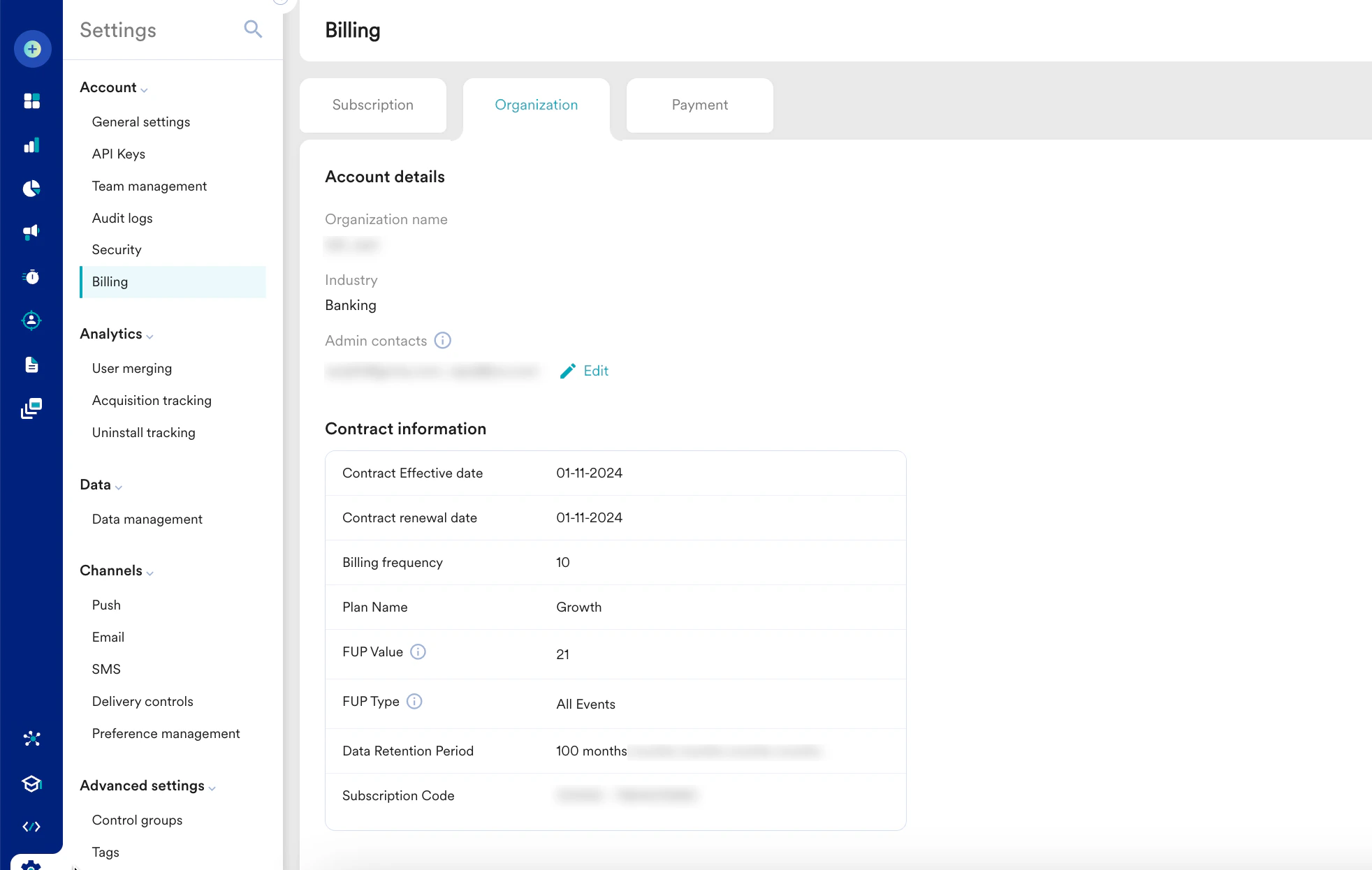 3. On the **Organization** tab, click the **Edit** link.
 4. On the **Edit admin contacts** pop-up window, edit the existing admin contacts as necessary. You can add multiple email addresses, separate them with a comma, and press Enter.
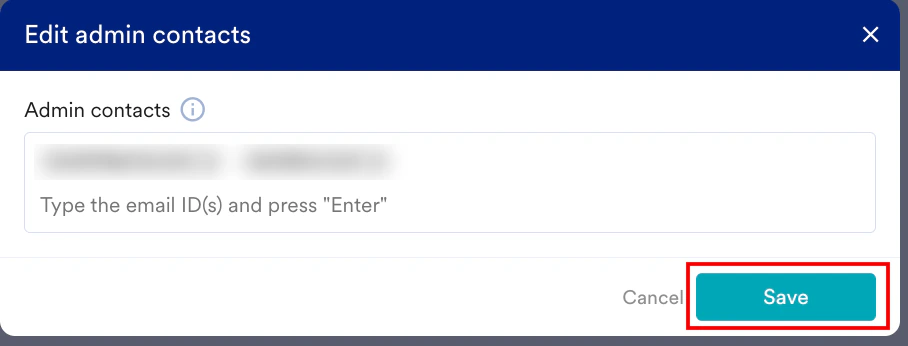 5. Click **Save**.
Your organization details are updated successfully.
5. Click **Save**.
Your organization details are updated successfully.