

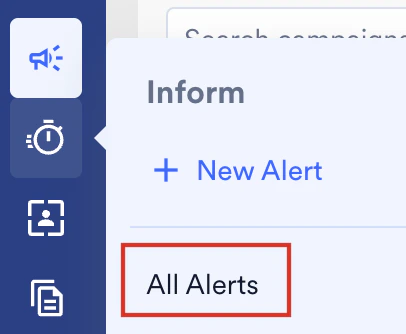
- On the sidebar menu in MoEngage, hover over the Inform menu item
 . The Inform menu appears.
 - Click All Alerts.
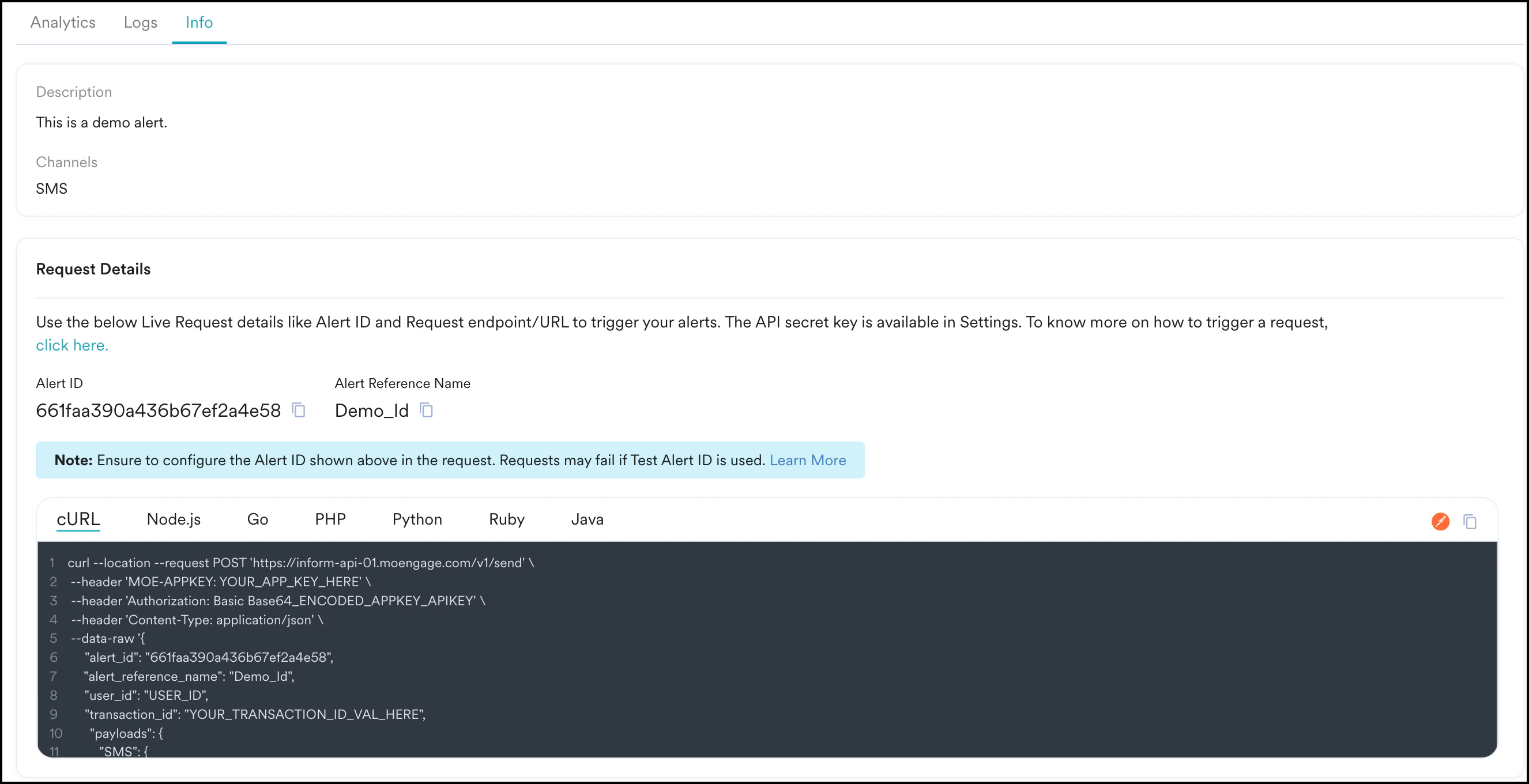
- Click the desired alert and navigate to the Info tab of that alert.
-
- Channels for which the Alert has been configured along with information about the default and fallback channels if the channel order is sequential sending.
- Request Details:
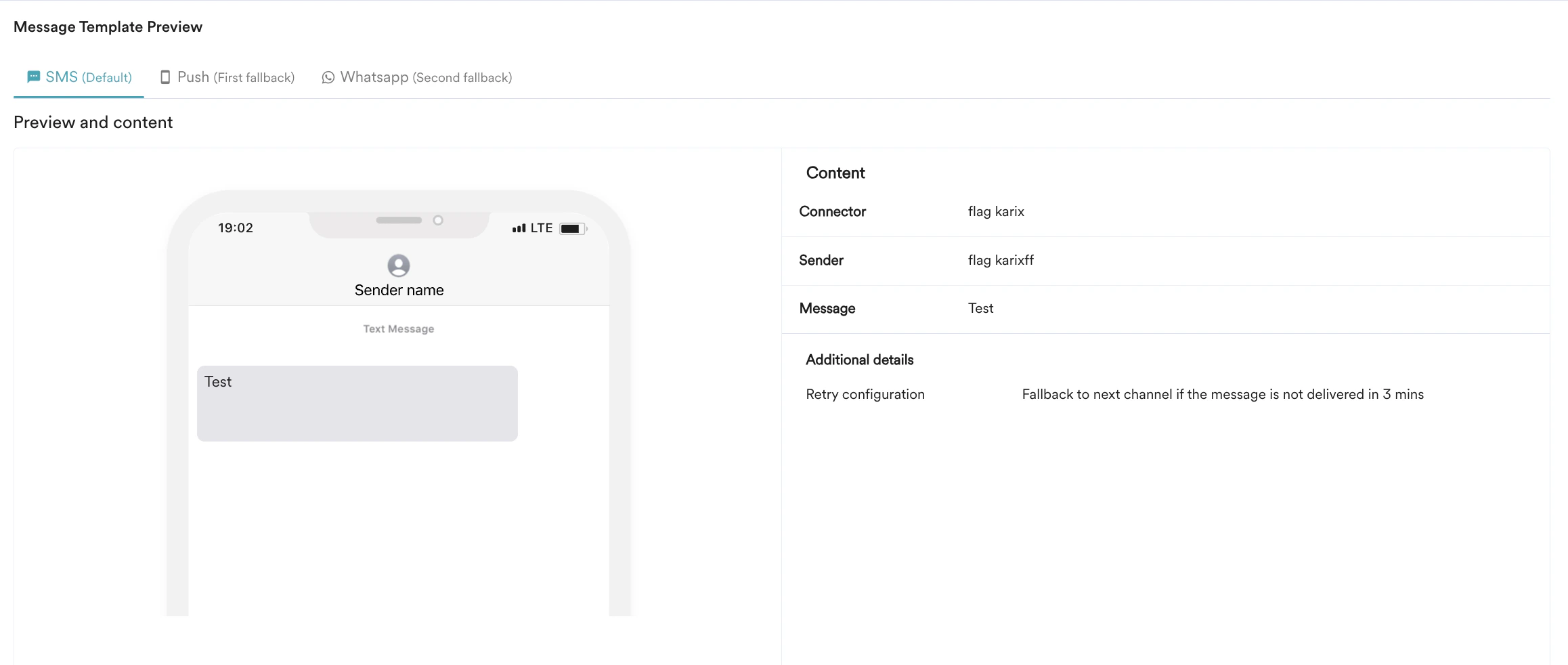
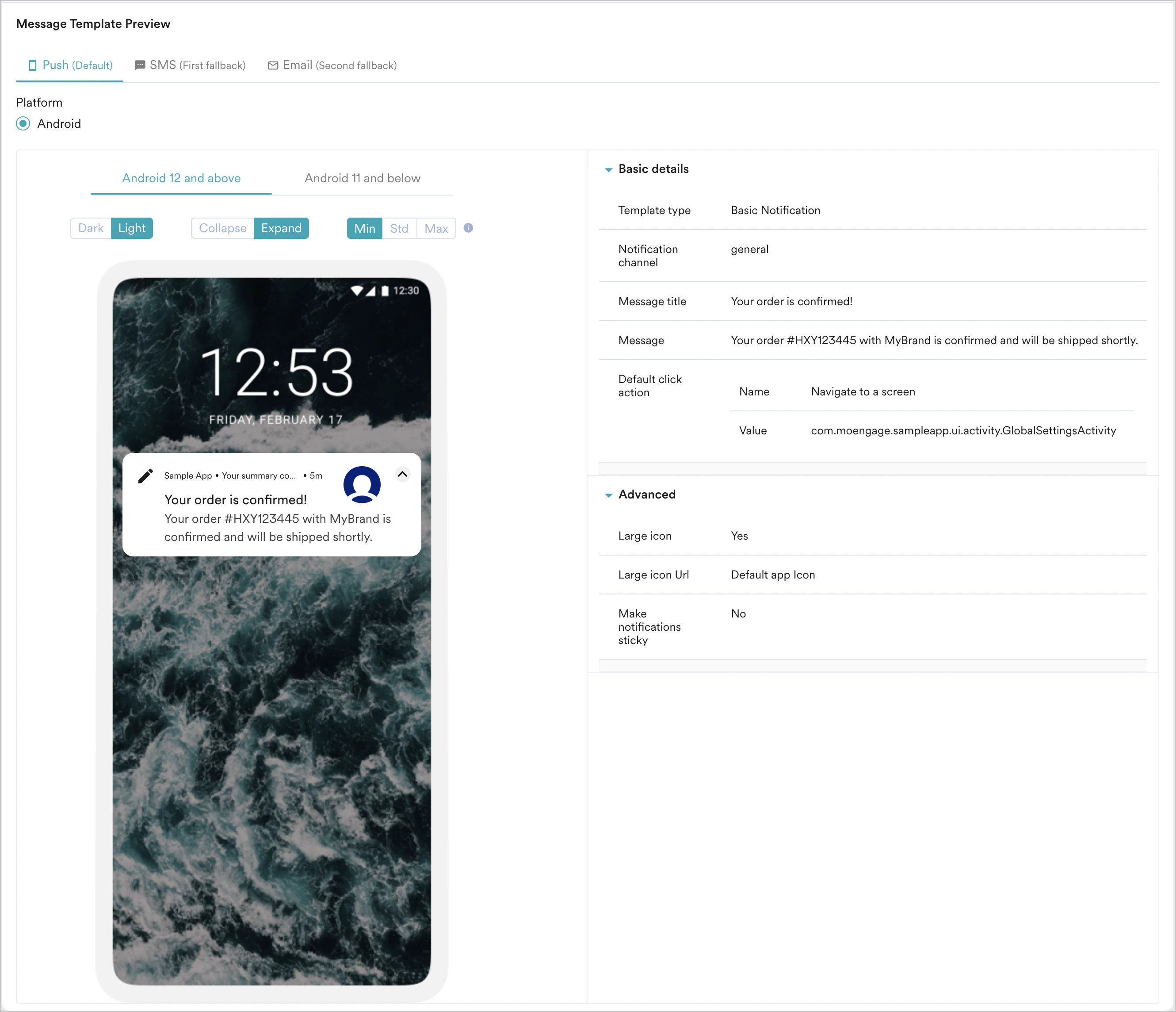
- Channel-level message previews
- The Alert ID or Reference ID mentioned above in the code snippets must be used while sending Live Alerts. In case you use the Test Alert ID that is available during Alert creation, the request will fail.
- The logs get populated instantaneously when an API request is received, and you can view them in the Alert Logs tab.