

Introduction
In today’s fast-paced digital landscape, marketers need a constant stream of high-quality, engaging visuals to capture audience attention. Merlin AI Designer allows you to skillfully generate images based on specific, detailed descriptions.The accuracy and effectiveness of generated images heavily on the level of detail provided. Using ambiguous terms or vague descriptions may lead to unexpected or undesired results. Therefore, for optimal outcomes, ensure that your descriptions are clear, precise, and packed with relevant details.
Example
❌ A bad image description: A surprise book. You must add a banner text: “Unlock a little magic” and CTA “Shop now”. ✅ A good image description:
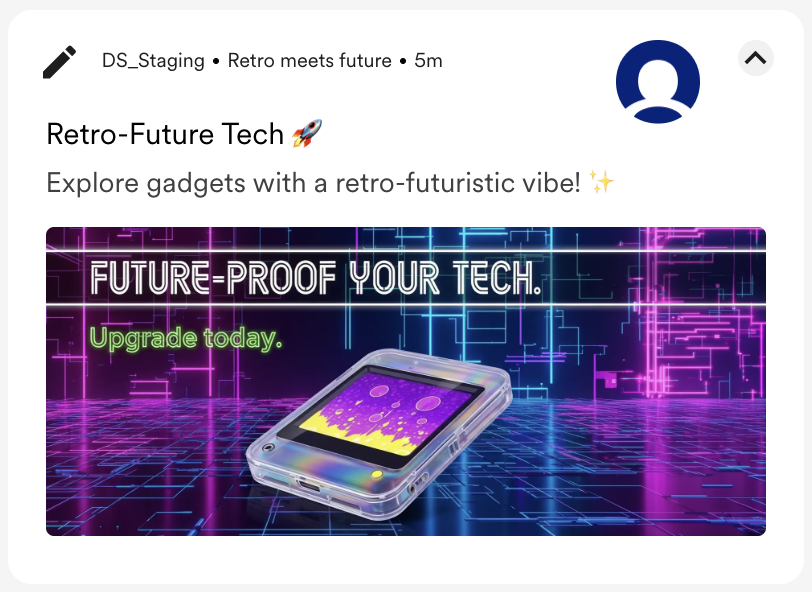
A gleaming, translucent gadget with a bubbling screensaver in a Y2K aesthetic. Cybernetic grid background. Add a message for Banner: “Future-proof your tech.” And CTA: “Upgrade today.”
✅ A good image description:
A gleaming, translucent gadget with a bubbling screensaver in a Y2K aesthetic. Cybernetic grid background. Add a message for Banner: “Future-proof your tech.” And CTA: “Upgrade today.”
Inspiration Library
With Merlin AI Designer, you have the power to create images at your fingertips. The following are some examples of high-quality image descriptions and their corresponding outputs.Without Reference Image
The following table provides a reference to create a completely new visual based only on your text description:| Image Description | Generated Image |
|---|---|
| A vibrant, Ghibli-inspired scene of a picnic in a meadow, featuring a mouth-watering spread of fresh pastries and steaming tea. Add text for Banner: “Your moment of bliss awaits” and CTA: “Order now” | 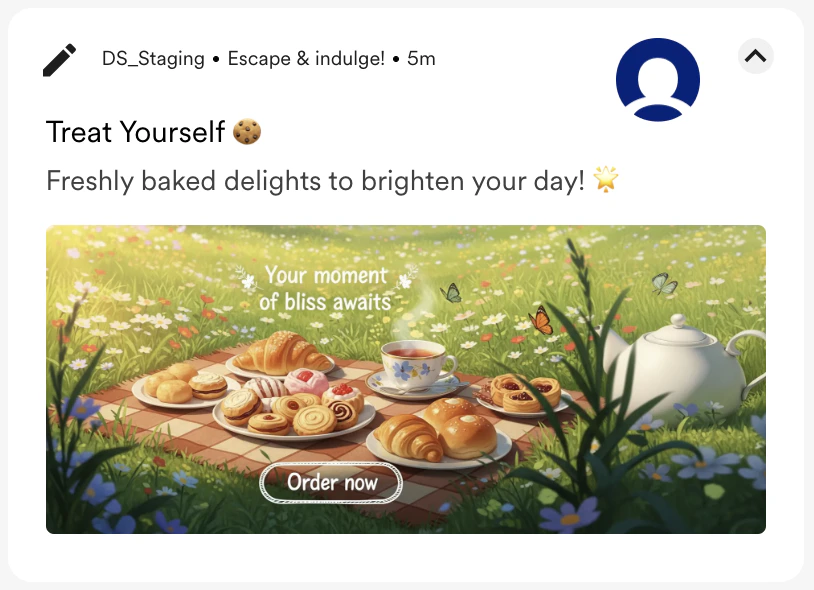 |
| A Y2K-inspired collage with a flip phone, Tamagotchi, and a model in a vibrant tracksuit. Bold, pixelated font. Add text for Banner: “The 2000s are calling,” And CTA: “Shop the throwback collection.” | 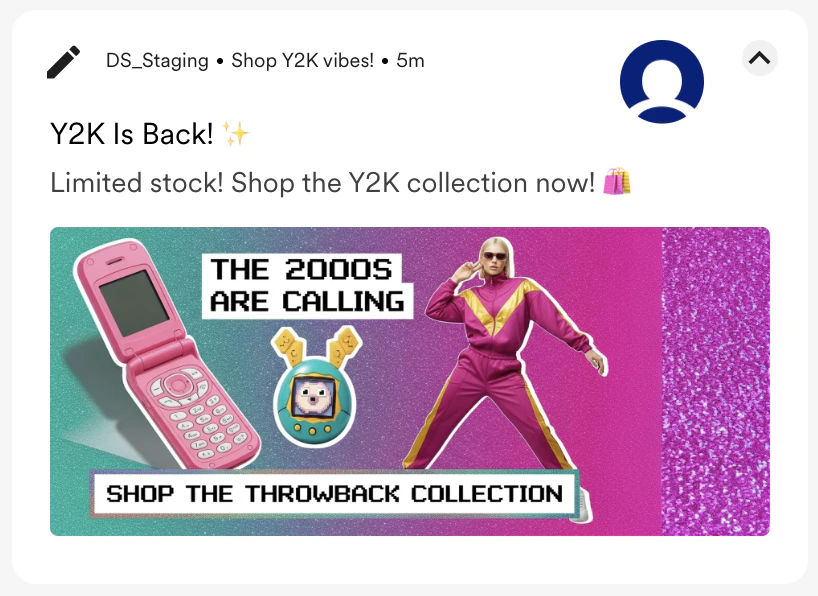 |
| A sun-drenched, rustic kitchen in the cottagecore style, with fresh flowers in a vase and a hand-written recipe book open. Add a clear CTA: “Discover your home!” | 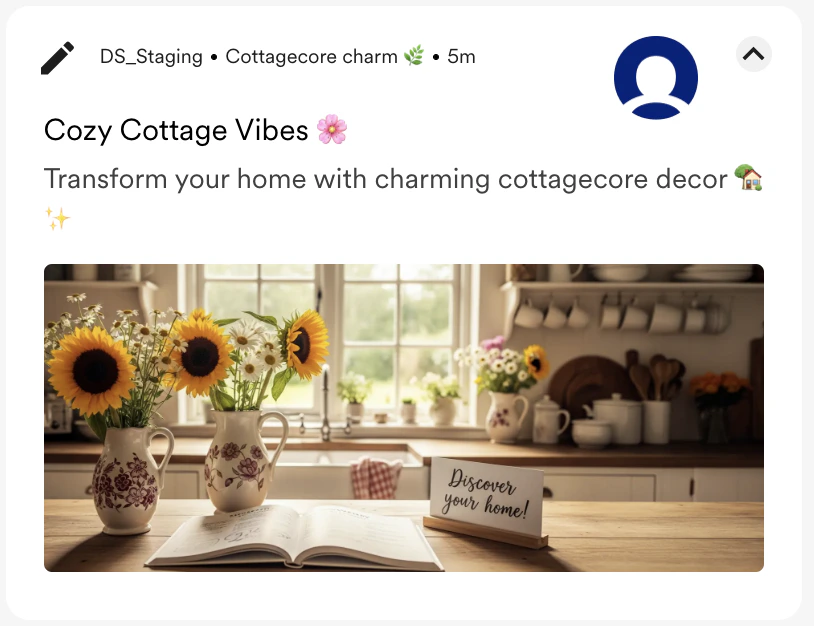 |
| A maximalist flat lay of bold, colorful makeup products on a leopard print background with scattered jewels. Add a prominent, clearly focused banner message: “Dare to be bold. Unleash your creativity. | 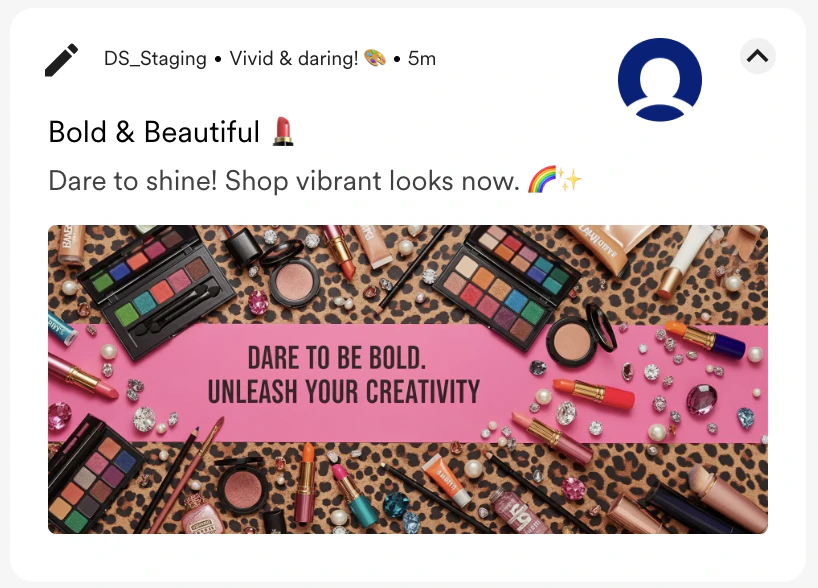 |
| A dynamic and chaotic battle scene from a mobile game, rendered in a maximalist style with explosive effects and vibrant characters. Add banner message: “Chaos awaits.” and CTA “Play now!” | 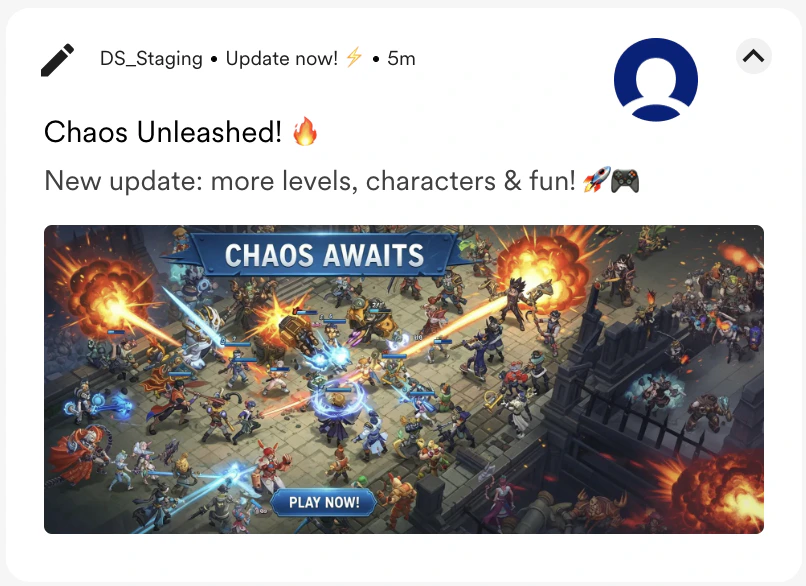 |
| 🎧 Just Press Play. Zone out and focus with our new curated lo-fi playlist. The perfect soundtrack for work, study, or just chilling out. Add a prominent banner CTA: “Just Press Play!” | 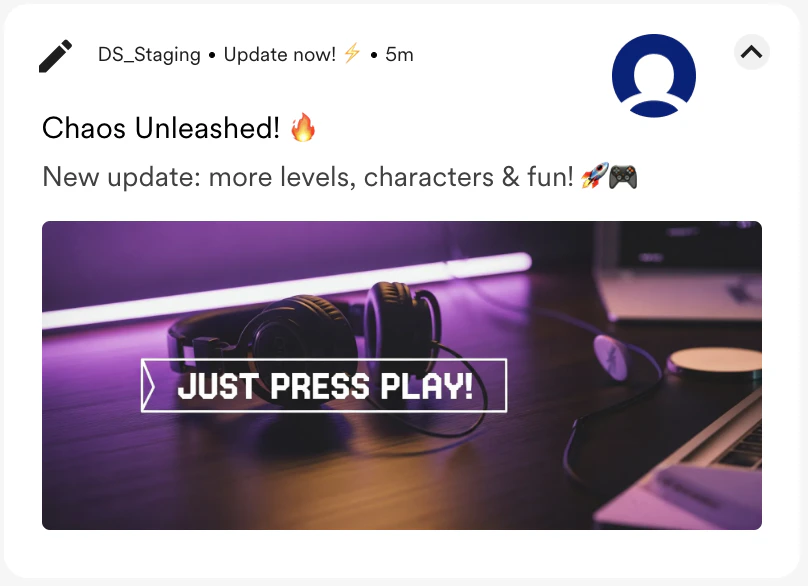 |
| An abstract, AI-generated image of a golden key unlocking a digital vault that releases a stream of glowing data. Add a prominent banner msg: “Unlock your financial potential,” and CTA “Learn more.” | 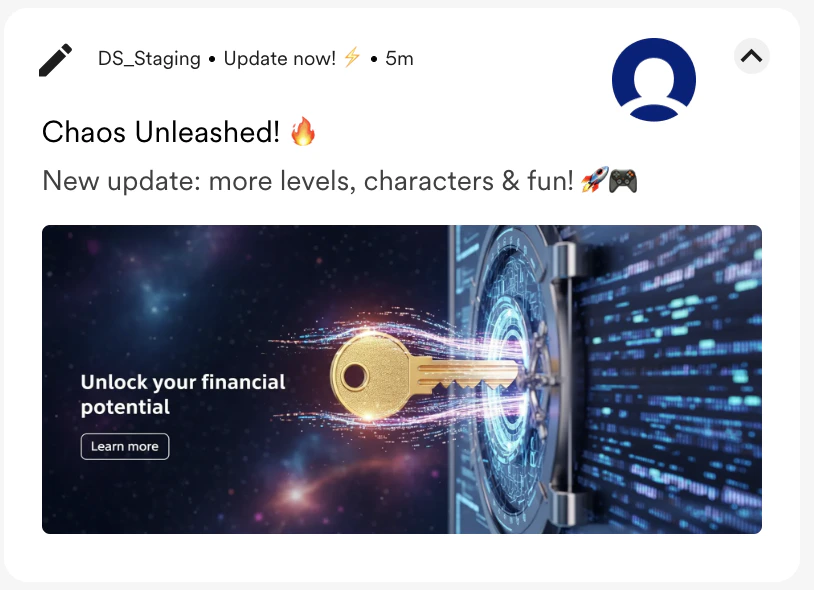 |
| A dynamic, high-energy shot of a person in sleek, colourful activewear, captured mid-run in a modern urban environment, followed by Kinetic light trails. Add a big banner: “Engineered for Every Move.” | 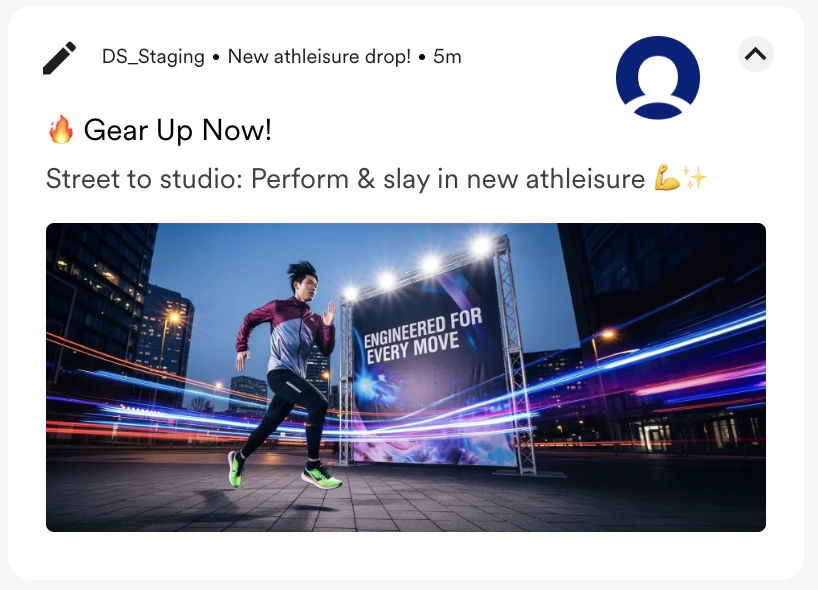 |
| A hyper-detailed, maximalist shot of a model in luxurious Indian ethnic wear. Focus on the rich texture of velvet and intricate gold embroidery. Add big prominent message: “You’re the celebration!!!” | 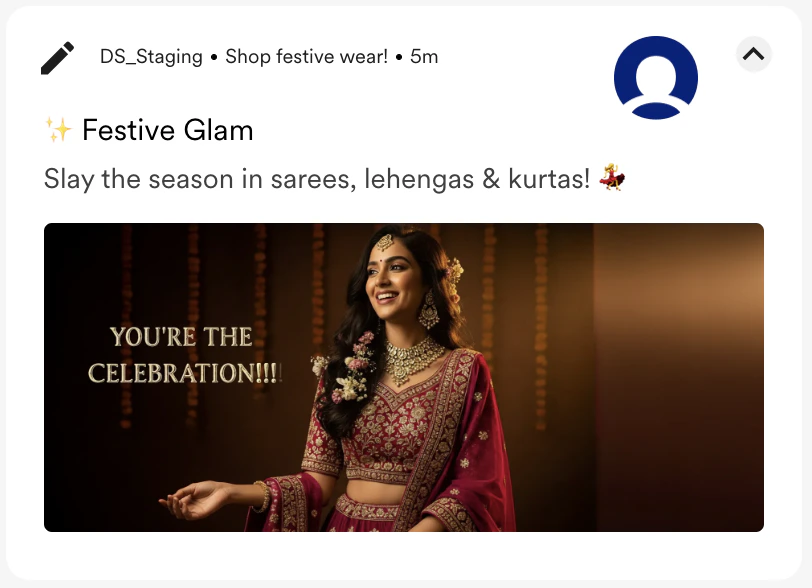 |
| A clean, 3D visualization of a sapling with glowing Rupee symbols for leaves, growing out of a mobile screen. Minimalist and tech-savvy aesthetics with a prominent banner: “Watch Your Savings Grow.” | 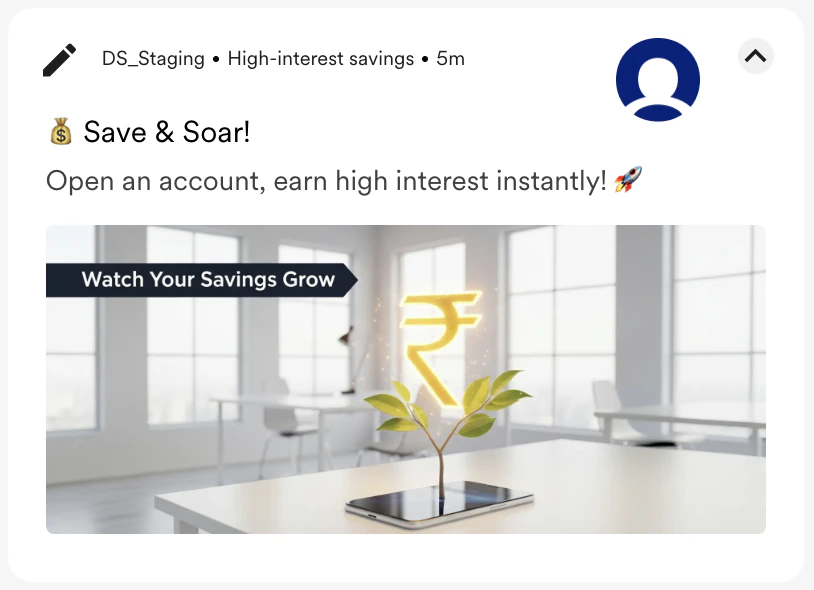 |
| A split-screen image. On one side, a breathtaking travel scene of a real Goan coast. The other shows a shield superimposed over a passport. Coherently placed big banner typography: “Worry-Free Wanderlust.” | 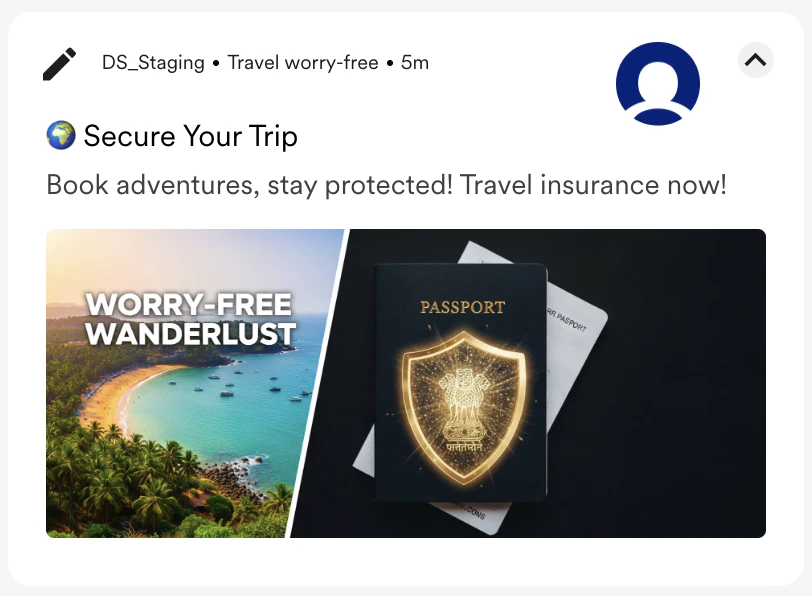 |
With Reference Image
The following table provides a reference to build a new banner around your specific product photo or brand asset:| Reference Image | Image Description | Generated Image |
|---|---|---|
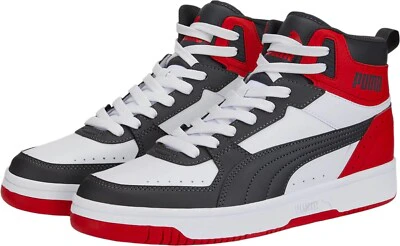 | A person wearing a futuristic “Sneaker”. 3D render, polished metallic finish, abstract background. Glowing neon banner: “Midnight Drop” | 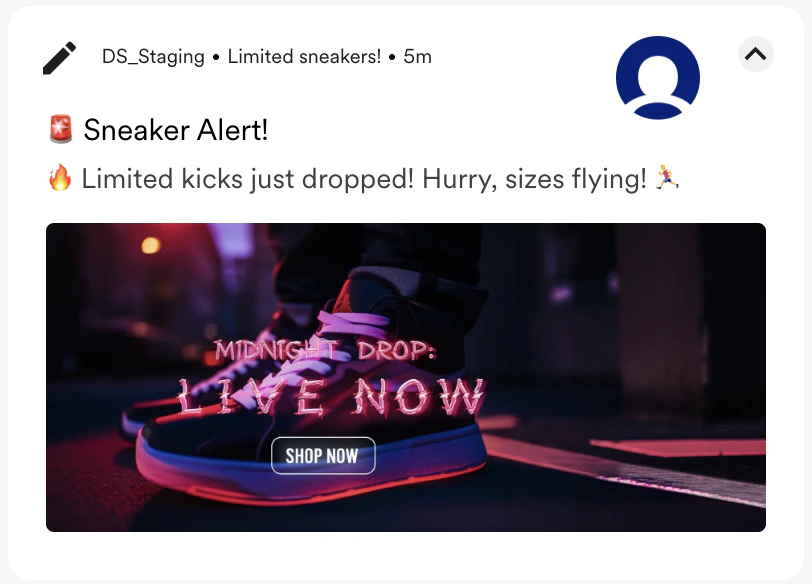 |
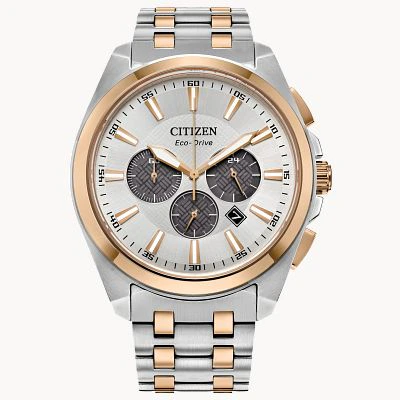 | A simple, elegant clock face of a “classic watch” with the text “Timeless.”. Minimalist graphic design, clean lines, duotone colours. | 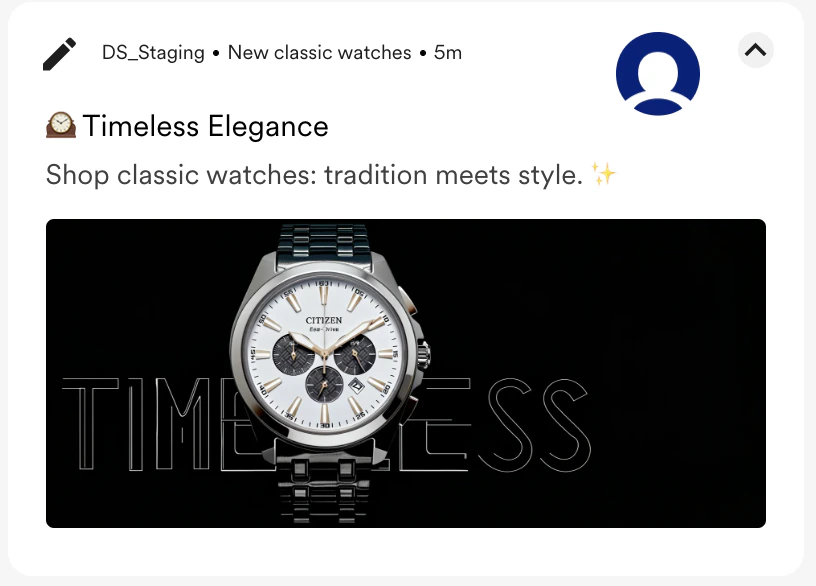 |
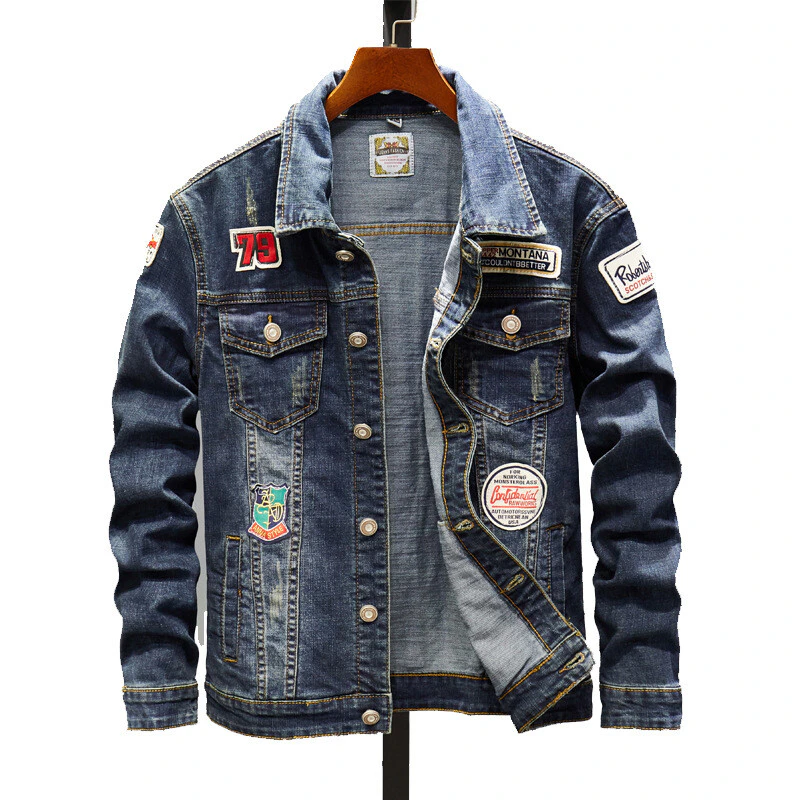 | A “denim jacket with patches”. 90s retro aesthetic, grainy film look. Banner in a vibrant, graffiti-style font: “RETRO REWIND.” | 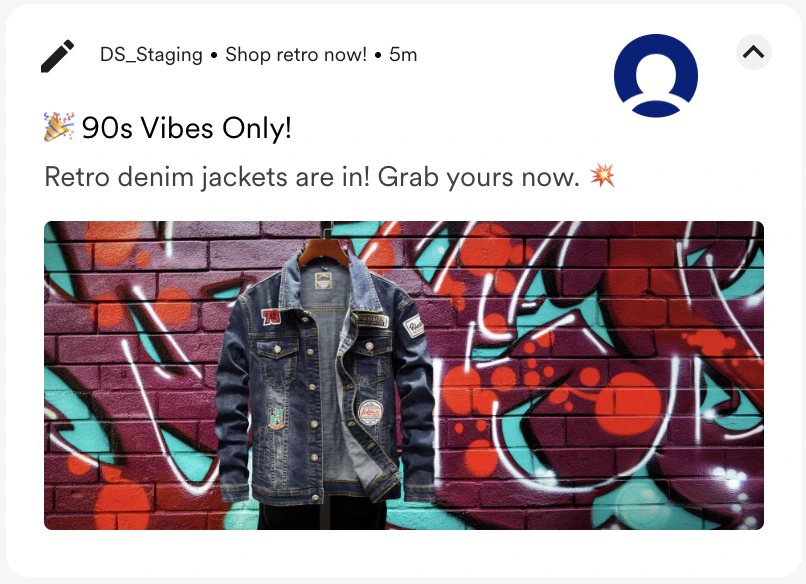 |
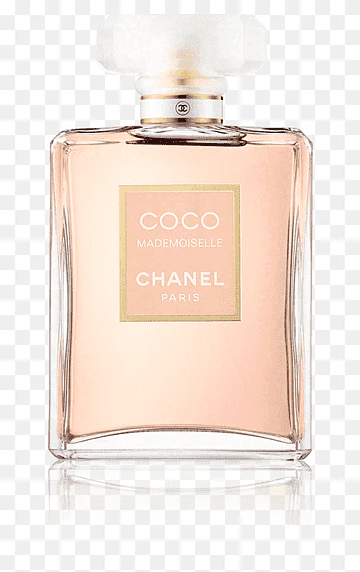 | A bottle of “COCO CHANEL Perfume” surrounded by flowers. Soft watercolor painting style. | 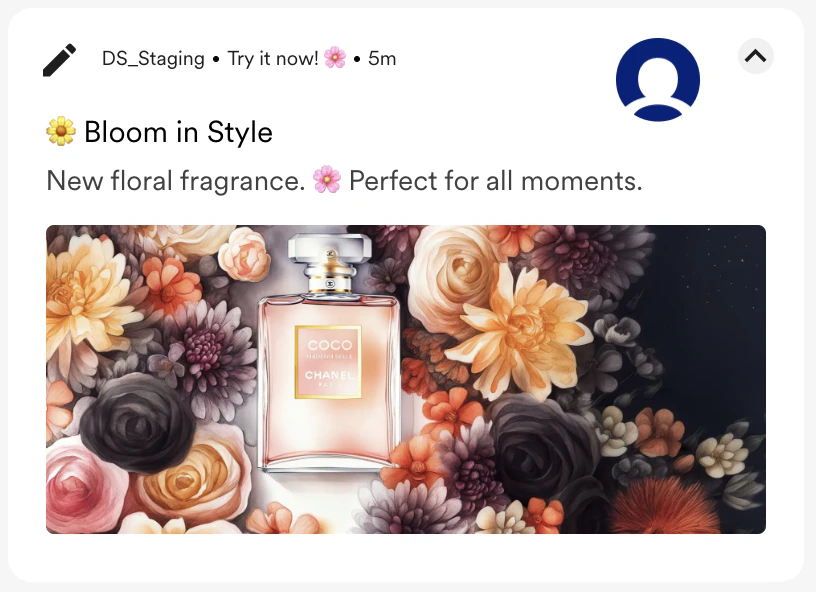 |
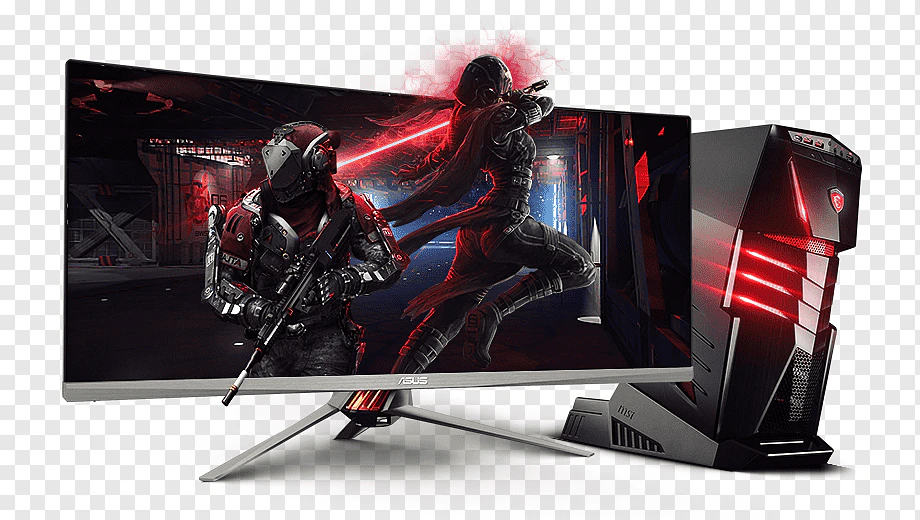 | A sleek “gaming laptop” in cyberpunk style, with neon lights reflecting on the chassis and a dark, futuristic city background. The glittering digital banner reads, “LEVEL UP.” | 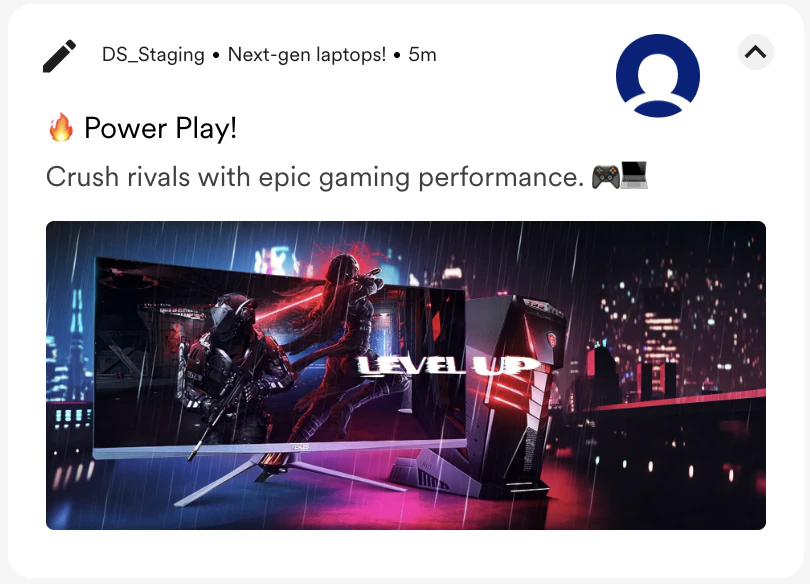 |
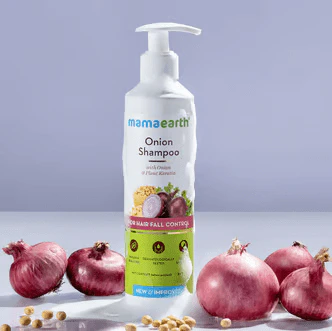 | A close-up shot of the “Mamaearth Onion Shampoo” image in a sunlit garden. | 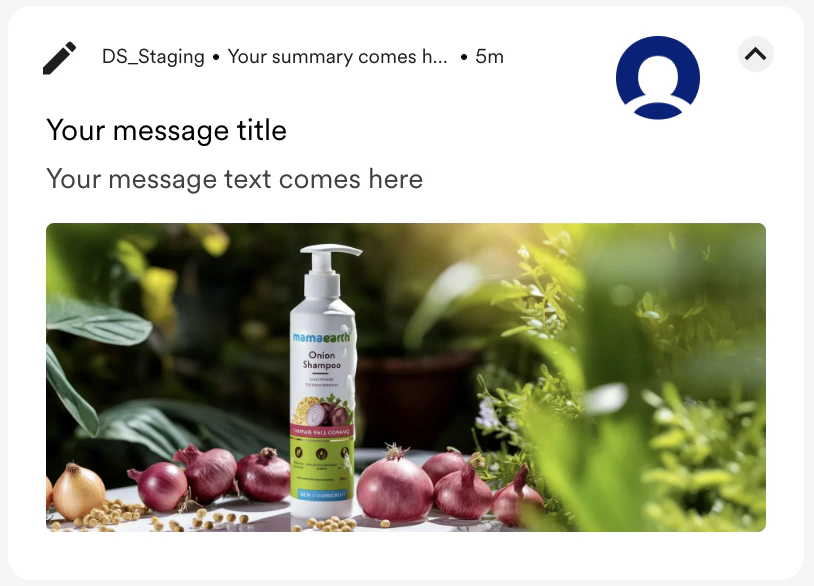 |
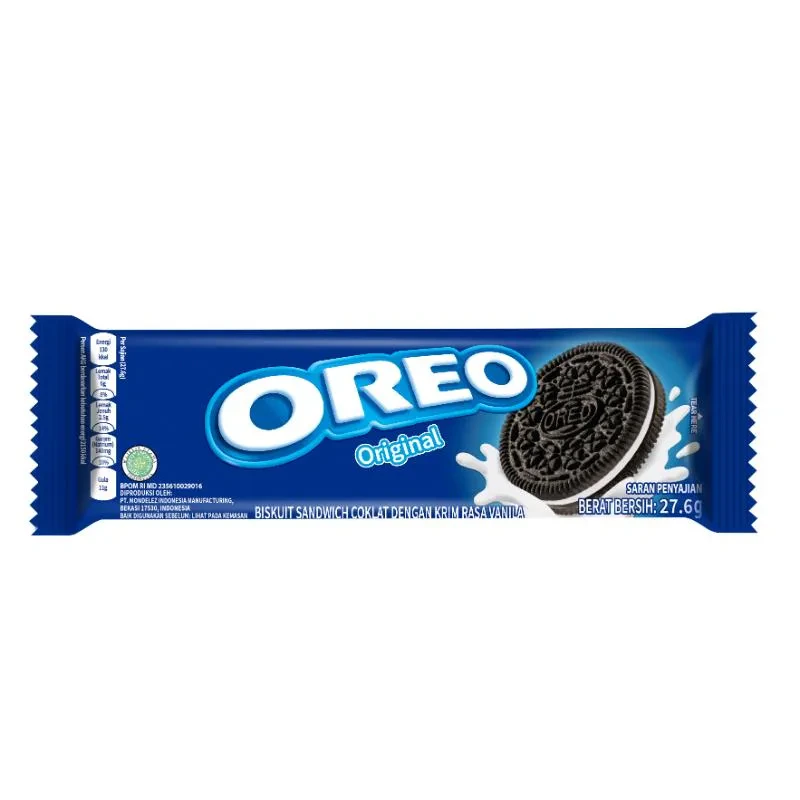 | Recreate the image with a Ghibli-style illustration. Show a cozy desk scene at night with a glowing glass of milk next to the Oreo pack, and one Oreo mid-dunk. Add a banner ”…O..O..Oreo” | 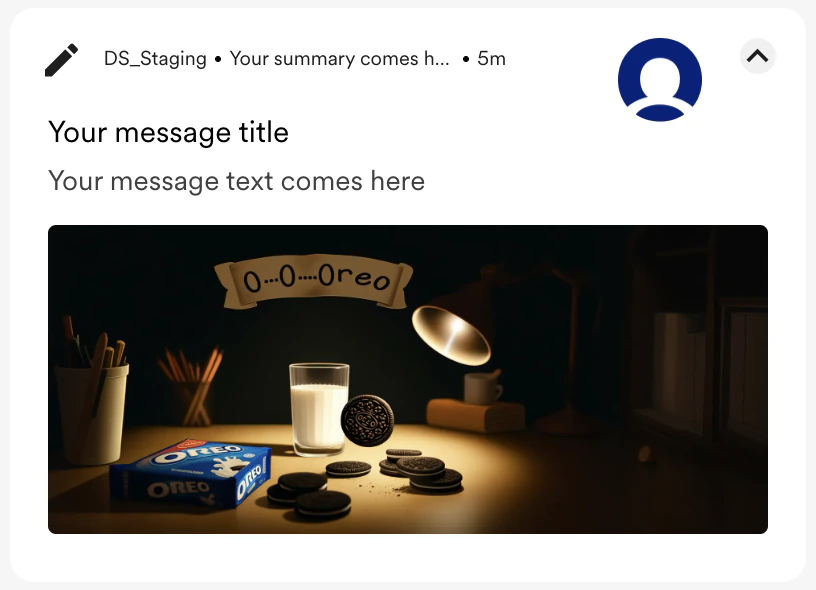 |
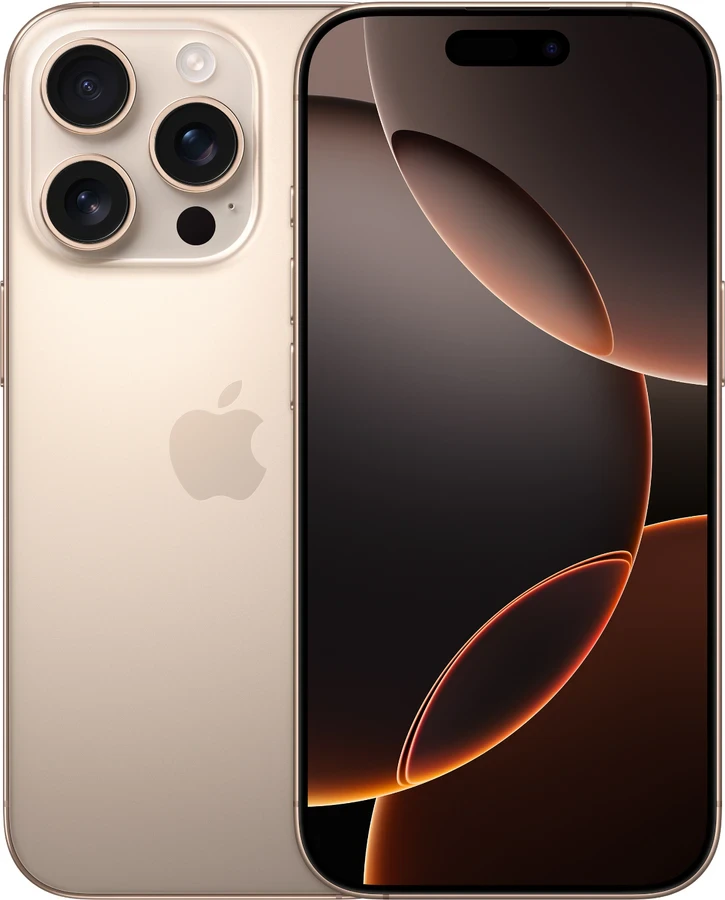 | A dramatic, hyper-realistic 3D render. A brand new, glowing “Dessert Titanium iPhone 16 Pro” is in sharp focus. | 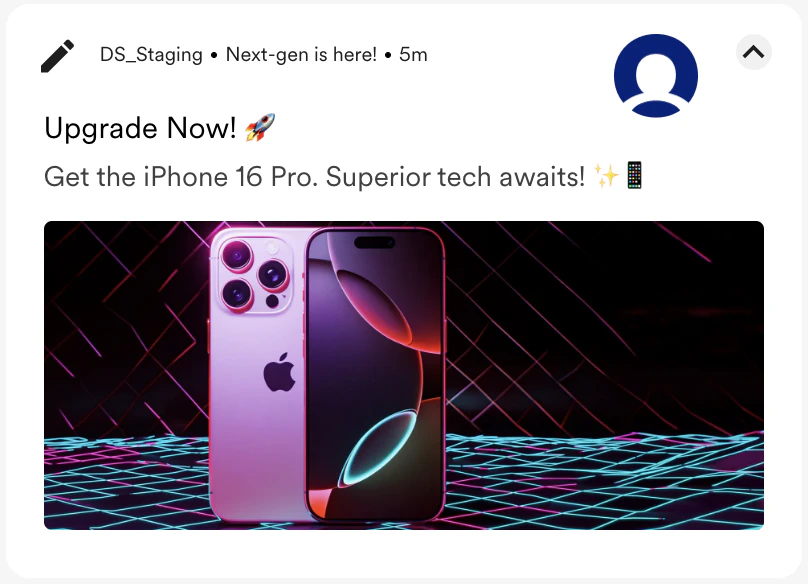 |
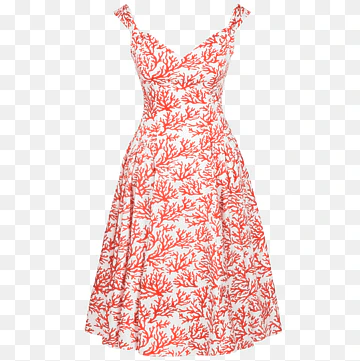 | A “Summer Dress” is exhibited in a high-fashion street with a sharp focus on it, with a discount tag “20% off!”. High-fashion, sharp focus. | 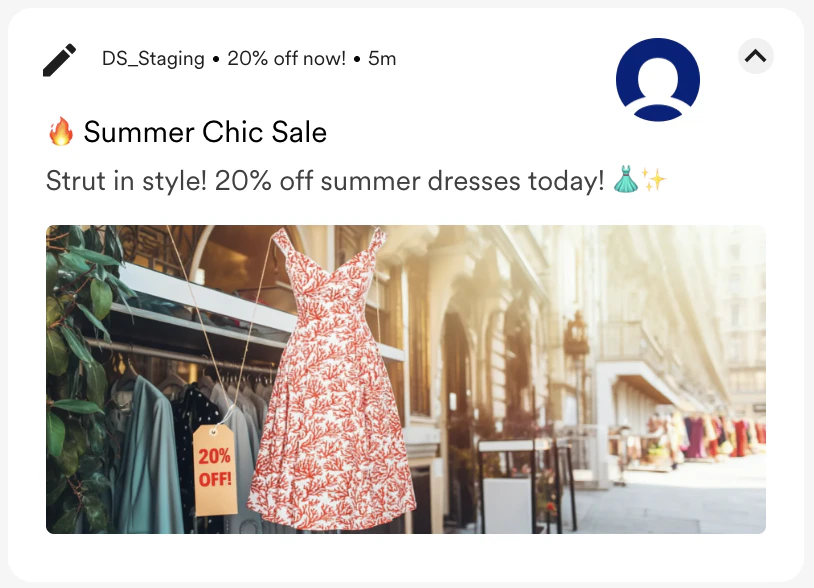 |
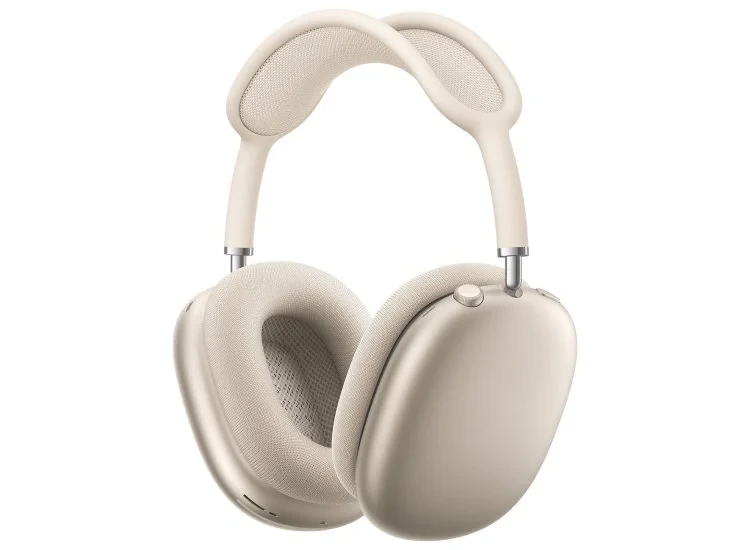 | A futuristic “Apple Headphones” is a 3D render with a polished metallic finish and an abstract background. The glowing neon banner reads, “Sound On. World Off.” | 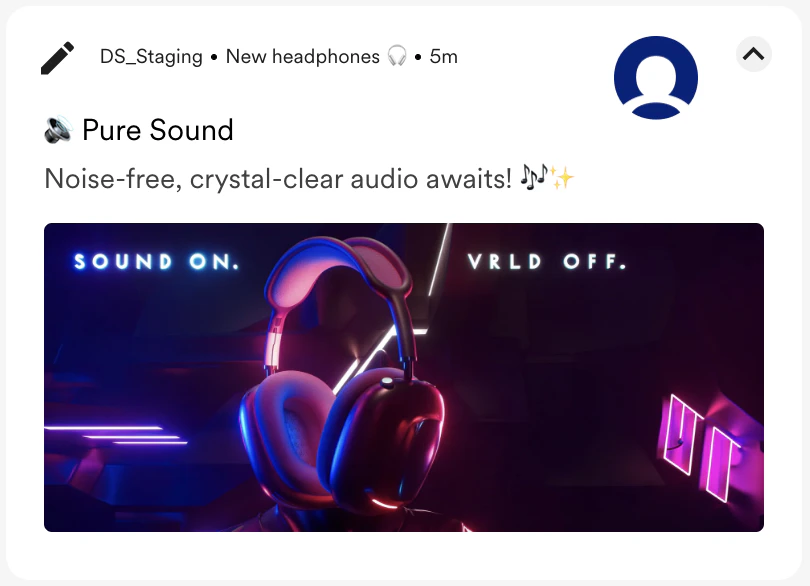 |