Default auto property
You can use the default auto property to define the selected element’s size and position. In this case, the browser calculates the size and position of the element depending on the device in use.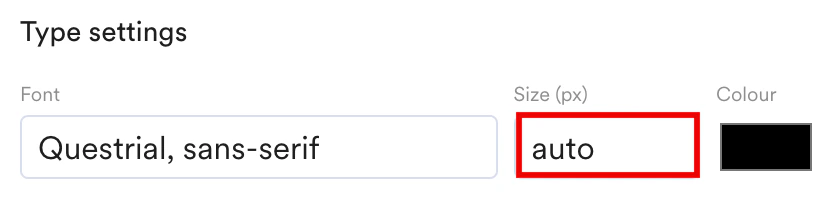
Switching modes
You may also switch to mobile or tablet mode to edit the elements on your application, making your websites more responsive and dynamic across different platforms.
- The Interact mode
 allows you to close any pop-ups that block the page and to view all the changes that have been made to the webpage using the visual editor.
Settings
Editor settings
This editor settings will allow you to configure how you want your webpage to be visible. Responsive design: The option allows you to select whether you want to keep the changes or the personalized experience for the current variation across all devices or just the current device.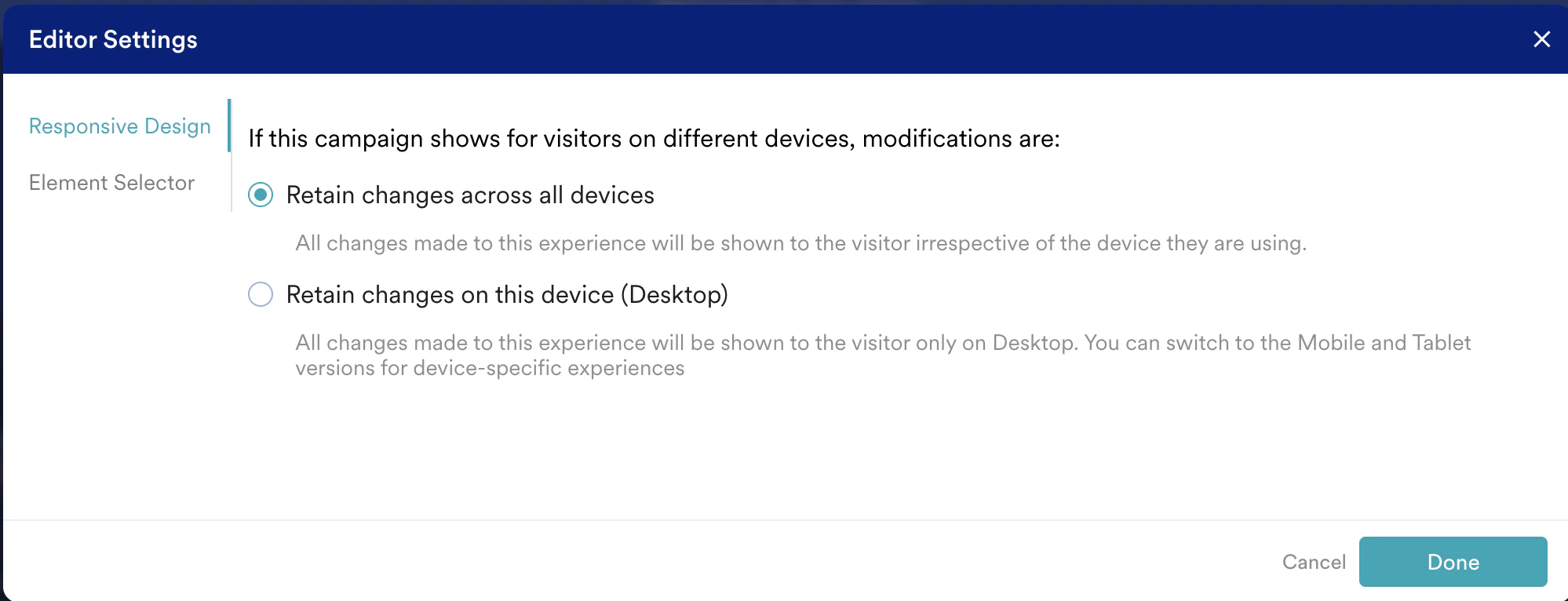
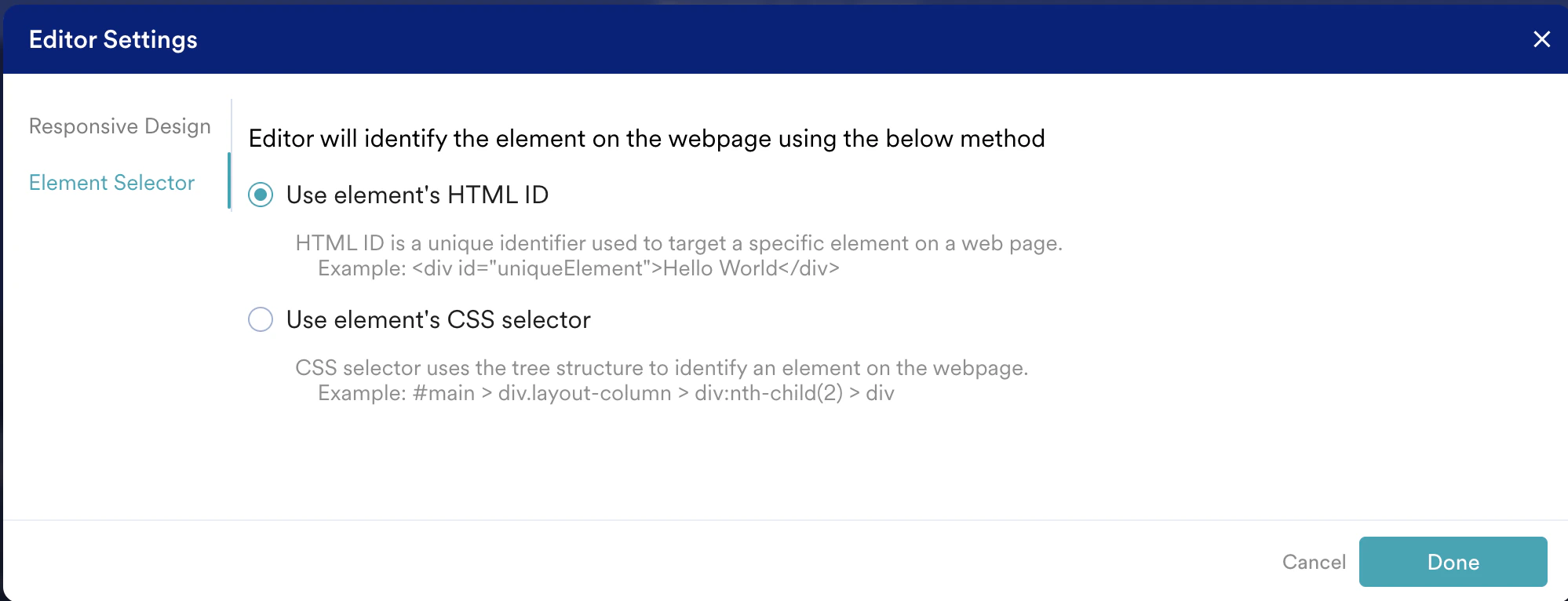
Use element’s HTML ID
An HTML element ID is a unique identifier used in website code to label a specific section or element on a web page. It helps to pinpoint and work with particular parts of a web page. Using the element’s HTML ID will show the HTML ID for the elements you select, as shown below.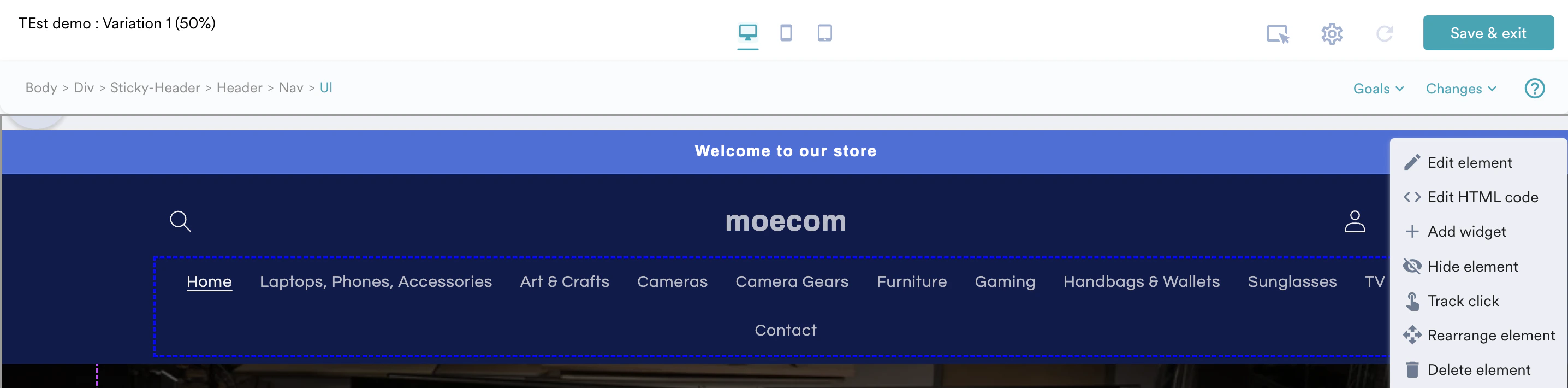
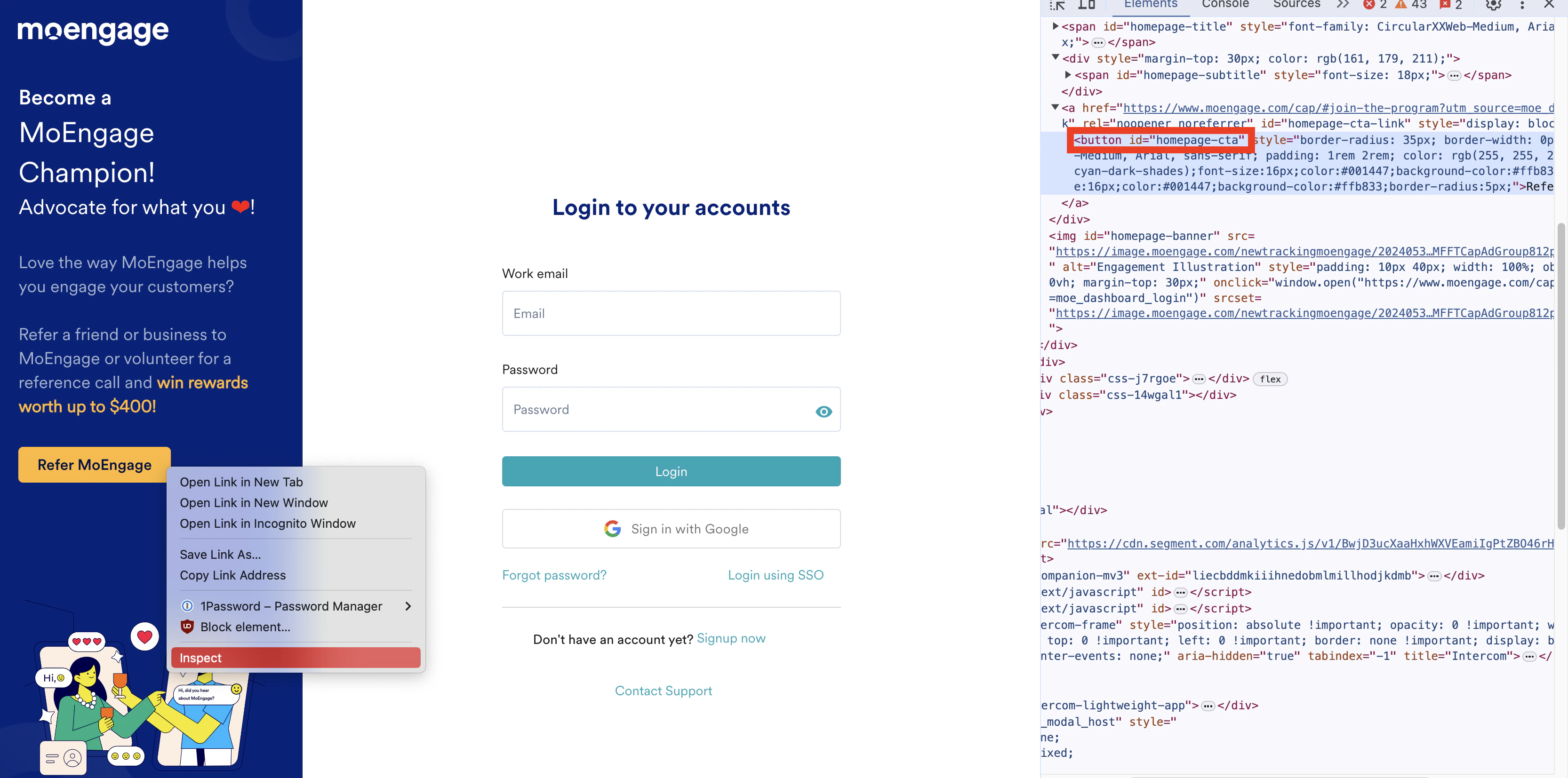
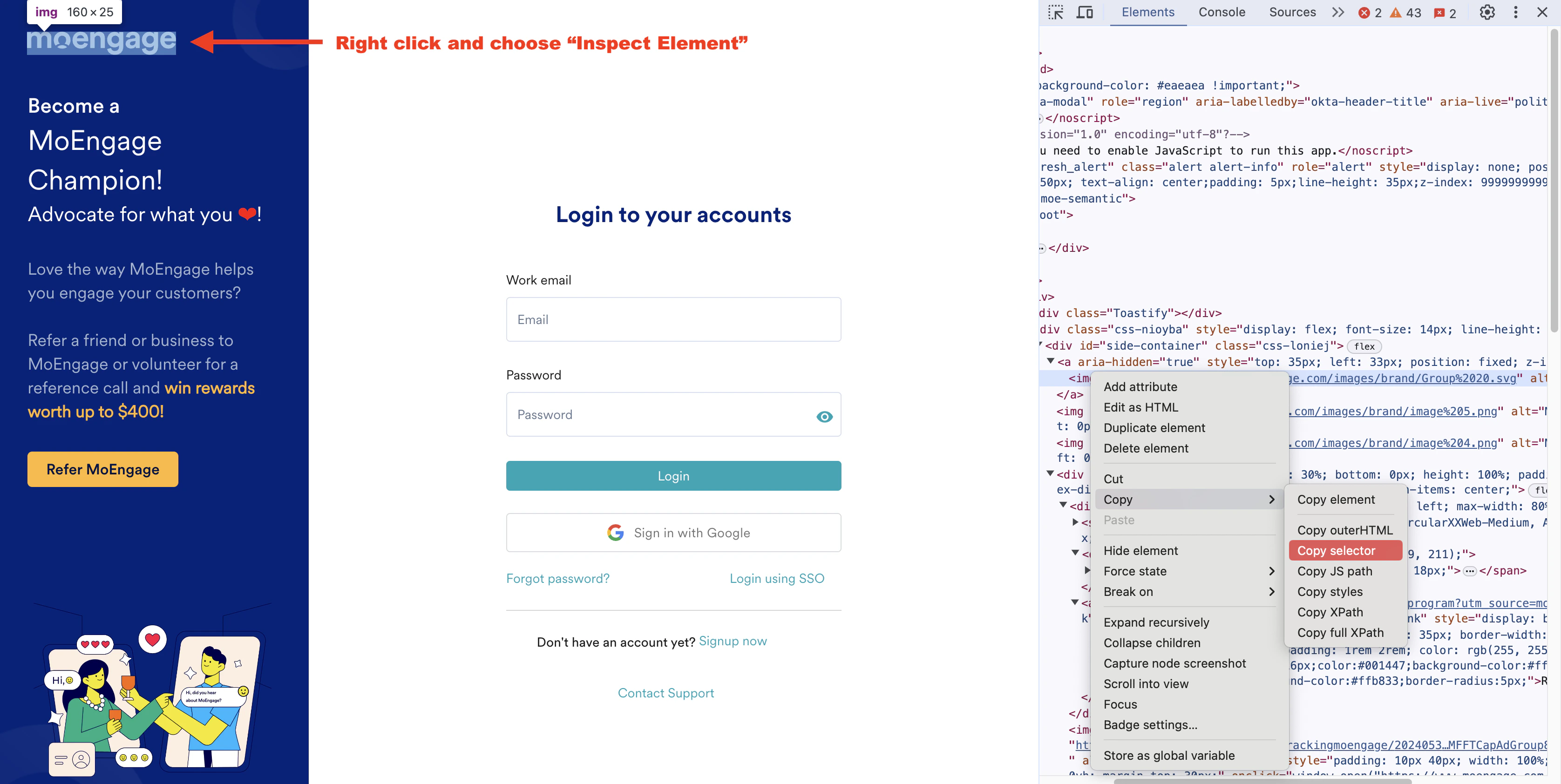
Webpages with elements having dynamic IDs
- A webpage can have elements with dynamic IDs. Dynamic IDs are IDs that change every time the page loads or as a result of user interaction or a script running on the page.
- For CSS styling and JavaScript manipulation, dynamic IDs can be challenging to work with because the identifiers are not consistent.
Reset
The Reset option enables you to delete all the changes were made to the current variation across all devices or a specific device.
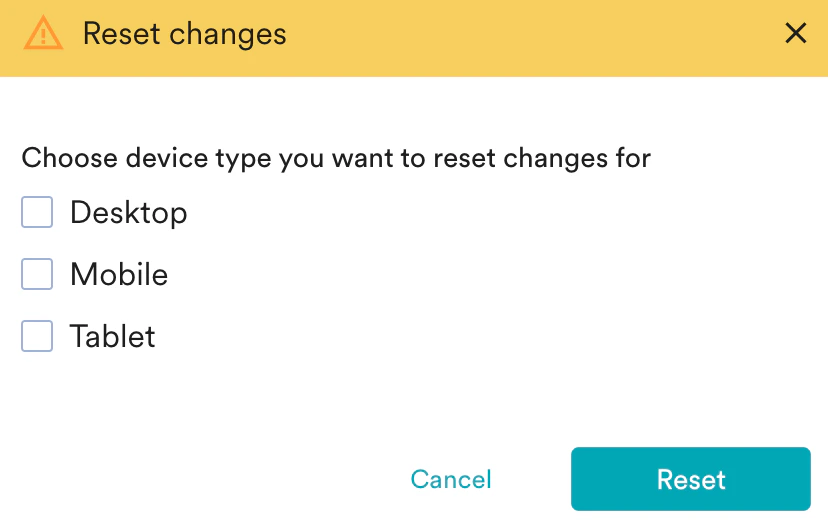
- While Reset enables you to delete all the changes done to the variation at once, Changes allows you to delete or edit the individual modifications done to each element in that variation.
All the changes made to each element in the selected variation will be logged in the Changes dropdown. You can click the Changes dropdown and select Delete icon to undo the modifications associated with that element. The GIF below shows an example of resetting the previously deleted Shop now button. As soon as you reset the change, the button reappears in its original position.