

Endpoints
The Email Subscription API consists of the following endpoints:- Bulk Resubscribe Users: Resubscribes users and optionally updates ESP suppression lists.
- Update User Email Opt-in Preferences: Updates overall opt-in status and category-specific preferences.
API Capabilities
Implementation Notes
update_esp is set to true, MoEngage automatically removes the email addresses from your SendGrid suppression list.Identity Management for Opt-in:- PII Tokenization: You must pass the
customer_id. MoEngage uses this to locate the user as the email ID is not stored. - PII Encryption: Pass either the
customer_idor the decryptedemail_id. If only the email ID is passed, all users associated with that email will be updated.
FAQs
Resubscription
What happens when the update_esp field is not sent in the request?
What happens when the update_esp field is not sent in the request?
Which attribute stores the user’s email address in MoEngage?
Which attribute stores the user’s email address in MoEngage?
What happens when there are multiple connectors enabled for an account?
What happens when there are multiple connectors enabled for an account?
What happens when an ESP other than SENDGRID is mentioned in the request?
What happens when an ESP other than SENDGRID is mentioned in the request?
What happens if a resubscription request is performed when the ESP is changed in the MoEngage Dashboard?
What happens if a resubscription request is performed when the ESP is changed in the MoEngage Dashboard?
What is the difference between resubscribing using the Data API and the Resubscribe Email API?
What is the difference between resubscribing using the Data API and the Resubscribe Email API?
Opt-in and Categories
If I track email ID across multiple user attributes, how will MoEngage identify the users to update the opt-in value when we pass the same through the Email Opt-in Management API?
If I track email ID across multiple user attributes, how will MoEngage identify the users to update the opt-in value when we pass the same through the Email Opt-in Management API?
What happens when both the email ID and the customer ID are passed?
What happens when both the email ID and the customer ID are passed?
What happens when there is more than one profile with the same Email ID? Does the Opt-in status carry forward to all such profiles?
What happens when there is more than one profile with the same Email ID? Does the Opt-in status carry forward to all such profiles?
What happens if categories sent in the API payload are disabled or not present in the workspace?
What happens if categories sent in the API payload are disabled or not present in the workspace?
Is it mandatory to track Opt-in preferences at a category level?
Is it mandatory to track Opt-in preferences at a category level?
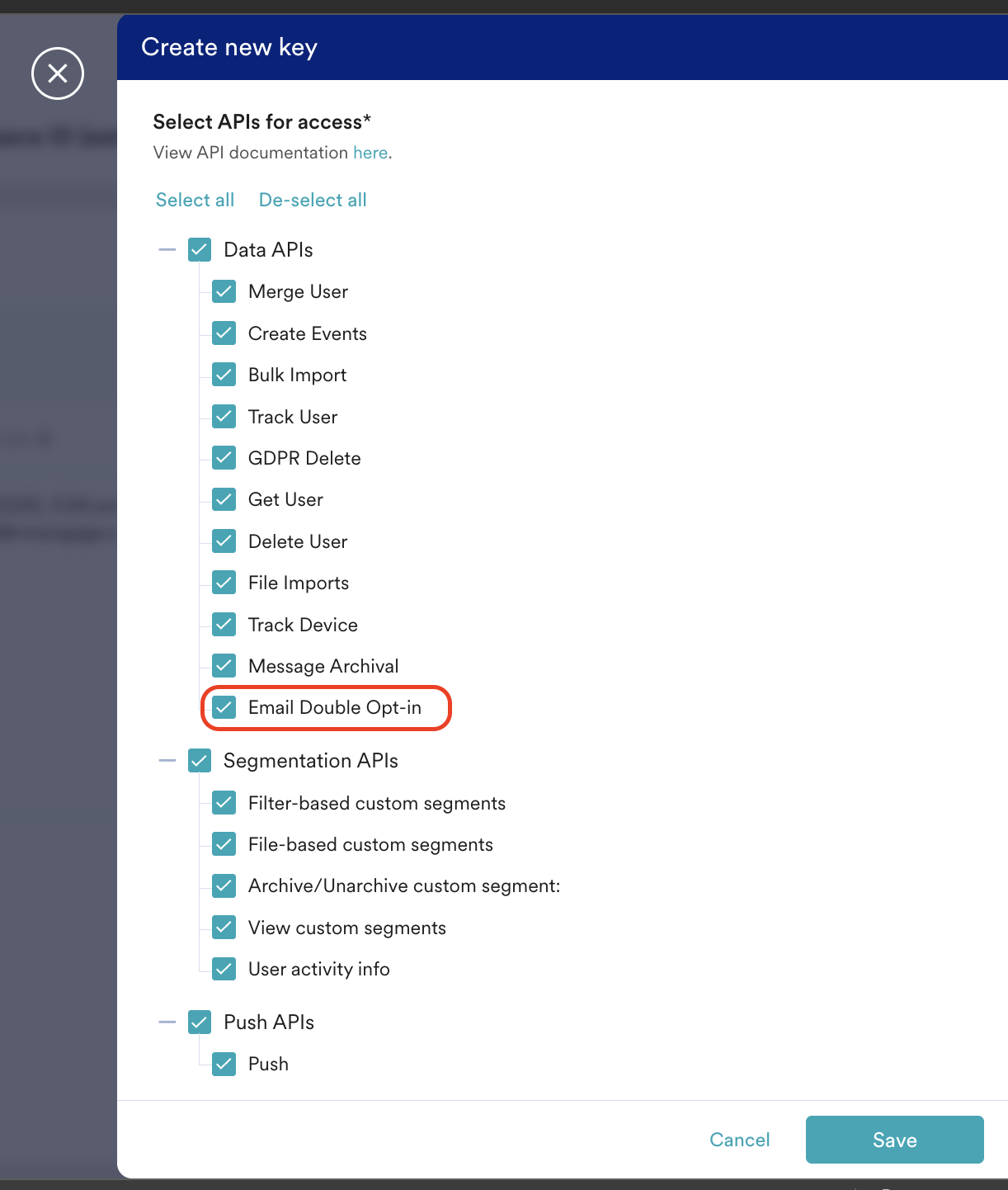
How does this API work with API key rotation?
How does this API work with API key rotation?
How can I segment users whose opt-in status has been updated?
How can I segment users whose opt-in status has been updated?
How do I update the opt-in status with PII Encryption or tokenization?
How do I update the opt-in status with PII Encryption or tokenization?
- If you use PII Tokenization for your emails, ensure you pass the user ID when calling the Email Opt-in Management API. MoEngage uses this user ID to locate the user and update their opt-in status. Passing the email ID is ineffective in this case, as MoEngage does not store it.
- If you use PII Encryption to send emails, ensure you pass either the user ID or the decrypted email ID. MoEngage uses this information to locate the associated user and update their opt-in status, or to update the opt-in status of all users having that email ID.