

Endpoints
The Email Template API (V1) is a collection of the following endpoints:- Create Email Template: Creates an email template.
- Update a Specific Email Template: Updates an email template specified by its Template ID.
- Bulk Create/Update Email Template: Creates and updates email templates in bulk.
- Get a Specific Email Template: Fetches an email template using its Template ID.
- Get all Email Templates: Fetches all the email templates in your MoEngage account.
FAQs
Create Email Template
How do I access templates created using this API on the MoEngage Dashboard?
How do I access templates created using this API on the MoEngage Dashboard?
You can access templates created using the Create Email Template API in the My Saved Templates tab during the second step of campaign creation in the MoEngage Dashboard, as illustrated in the image below: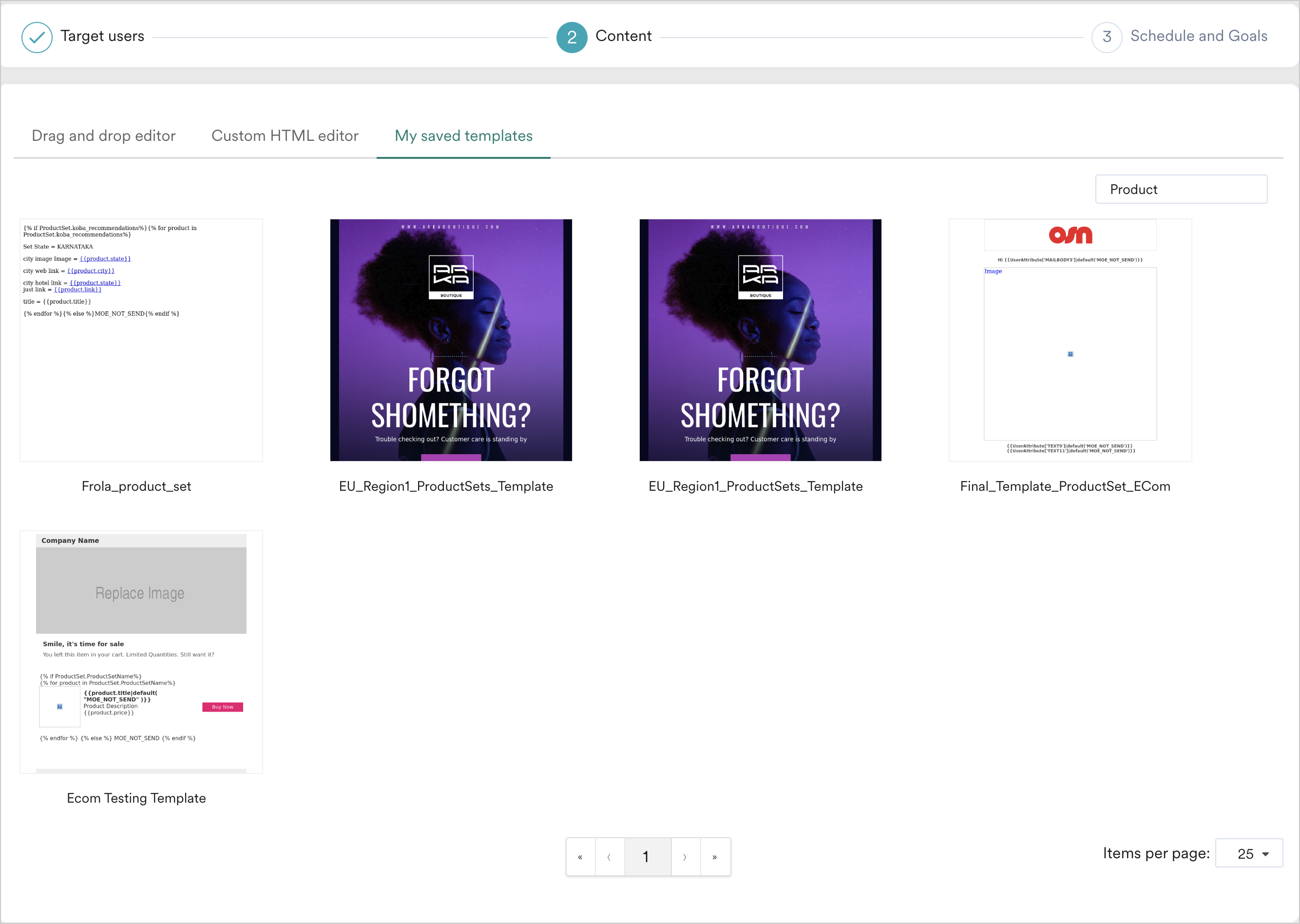
Update a Specific Email Template
If I pass don't pass a few fields in the request and the created template has them already, will they be retained post the update?
If I pass don't pass a few fields in the request and the created template has them already, will they be retained post the update?
The update request will overwrite the existing template with the template shared in the update request. If the update request does not have some of the fields that the created template had, the updated template will not have them too. For example, if you do not pass any attachments in the update request, the updated template will not have any attachments, even if it had attachments while it was created.
Bulk Create/Update Email Template
How is the create request differentiated from an update template request?
How is the create request differentiated from an update template request?
In the case of an update, the template to be updated is identified using its template id. It is mandatory to pass the id field in the required for an update template request. Otherwise, it will be treated as a create template request.
Get a Specific Email Template
What happens when you search for a deleted template?
What happens when you search for a deleted template?
The error description contains the following message in such a case: “Template for given template id is archived”.