

Endpoints
The Email Template API (V2) is a collection of the following endpoints:- Create Email Template API: Creates an email template.
- Update Email Template API: Updates an email template specified by its Template ID.
- Search Email Template API: Fetches an email template using its Template ID or other filters like template name, template version, and so on. It can also list all the email templates created in MoEngage using the Create Email Template API.
FAQs
Create Email Template API
How do I access templates created using this API on the MoEngage Dashboard??
How do I access templates created using this API on the MoEngage Dashboard??
You can access templates created using the Create Email Template API in the Imported API Templates tab in the second step of campaign creation in the MoEngage Dashboard, as illustrated in the image below: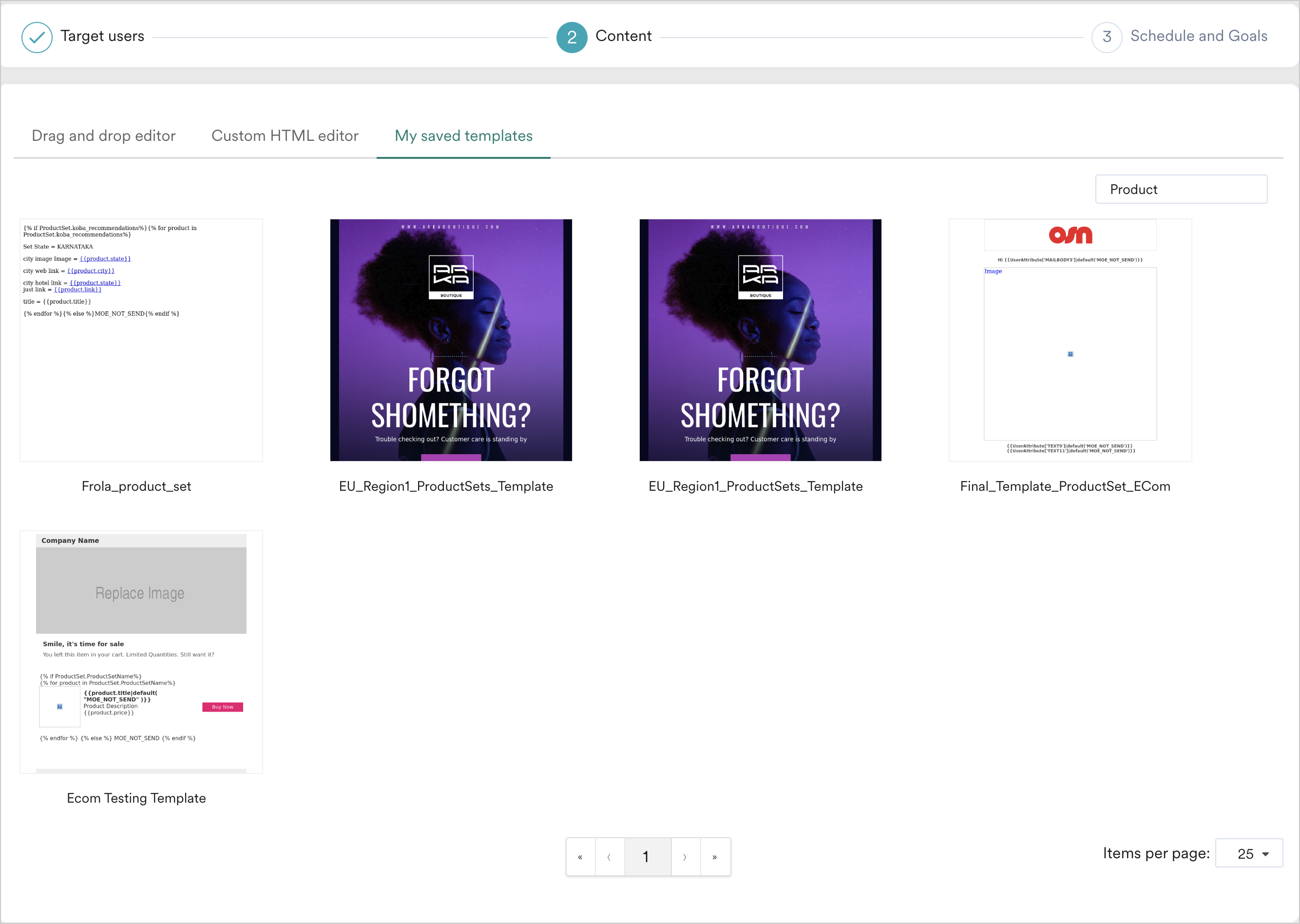
Can I create multiple templates with the same name?
Can I create multiple templates with the same name?
Yes, you can create multiple templates with the same name, provided they have different versions.