

Sender Configuration
To configure a Sender from Airtel IQ on the MoEngage Dashboard, do the following:- Go to Settings->WhatsApp->Sender Configuration.
- Choose Airtel IQ from the left menu and click on + Sender.
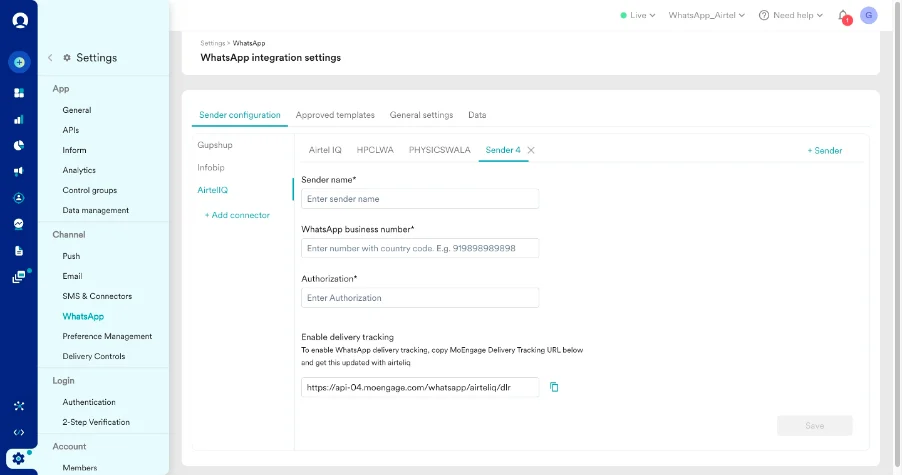
- Add the following details:
Delivery Tracking
To track the delivery of your WhatsApp Messages inside MoEngage, you would need to copy the MoEngage Delivery Tracking URL, share it with Airtel IQ, and get it updated on their side. You should be able to see the URL as shown below: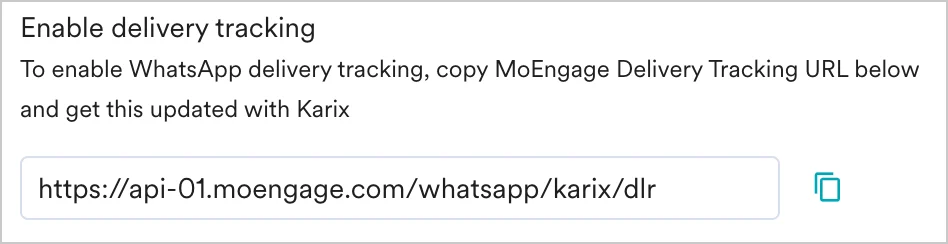
The URL is a sample URL. Copy the exact URL from your MoEngage Dashboard before you share it with the Airtel IQ team.
Steps to add Delivery Tracking URL
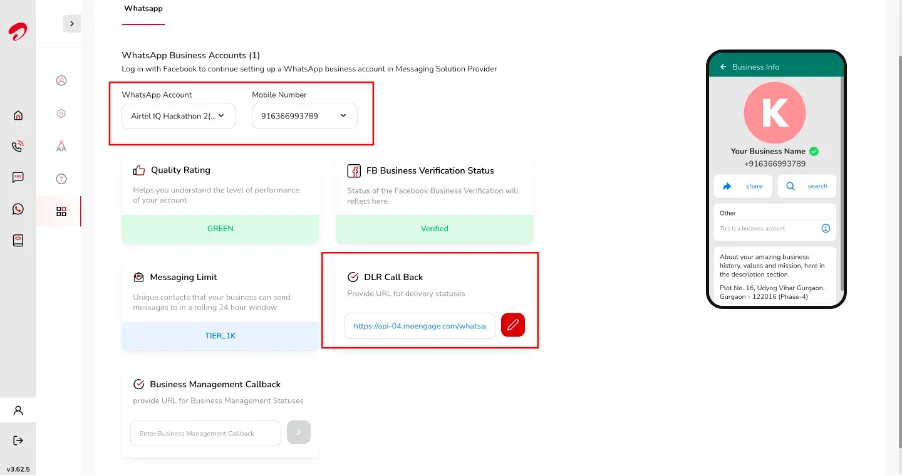
- Login to your Airtel IQ account and go to My Account -> Channel Setting
- Select the WABA Account.
- Select the Mobile Number for which DLR Call Back needs to be updated.
- Update the Moengage Webhook in the DLR Call Back and save.
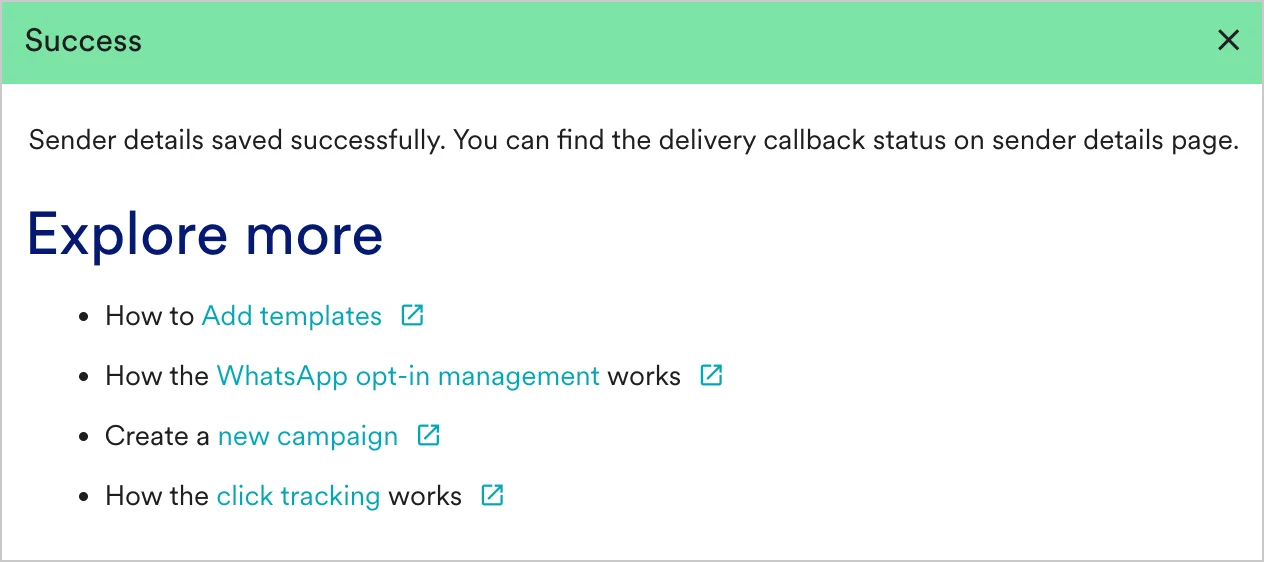
- You should have pre-approved templates with Airtel IQ to create a WhatsApp campaign for a Airtel IQ Sender in MoEngage. You can create templates in Airtel IQ by selecting the Template Management option in the left menu in Airtel IQ Template Management.
- You can create the same template verbatim in MoEngage. For more information, refer to Add Templates.