

Sender Configuration
To configure a Sender from Interakt on the MoEngage Dashboard, do the following:- Go to Settings->WhatsApp->Sender Configuration.
- Choose Interakt from the left menu and click on + Sender
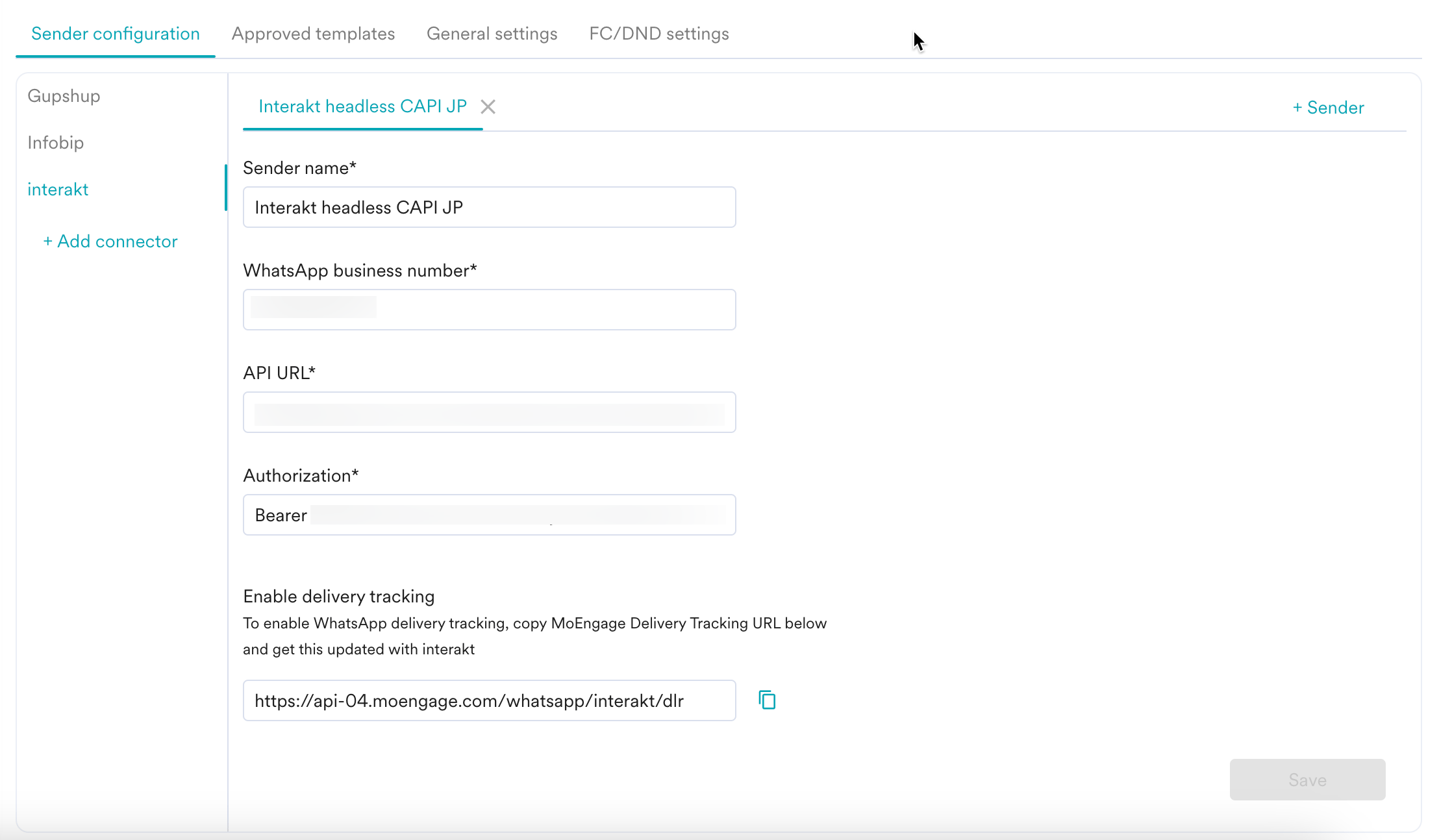
- Add the following details:
| Field Name | Description |
|---|---|
| Sender name | This field denotes the name you want to provide to the Sender profile. This would be available in the Sender so that you can recognize this easily while using it to create a campaign inside MoEngage. The Sender Name should be between 5-50 characters. This is a mandatory field. |
| WhatsApp business number | This field denotes the phone number registered with WhatsApp (directly or via Interakt) using which you want to send out WhatsApp Messages to your users. This is the same business number that you have boarded on the Interakt platform. This is a mandatory field and is also referred to as the WABA number. 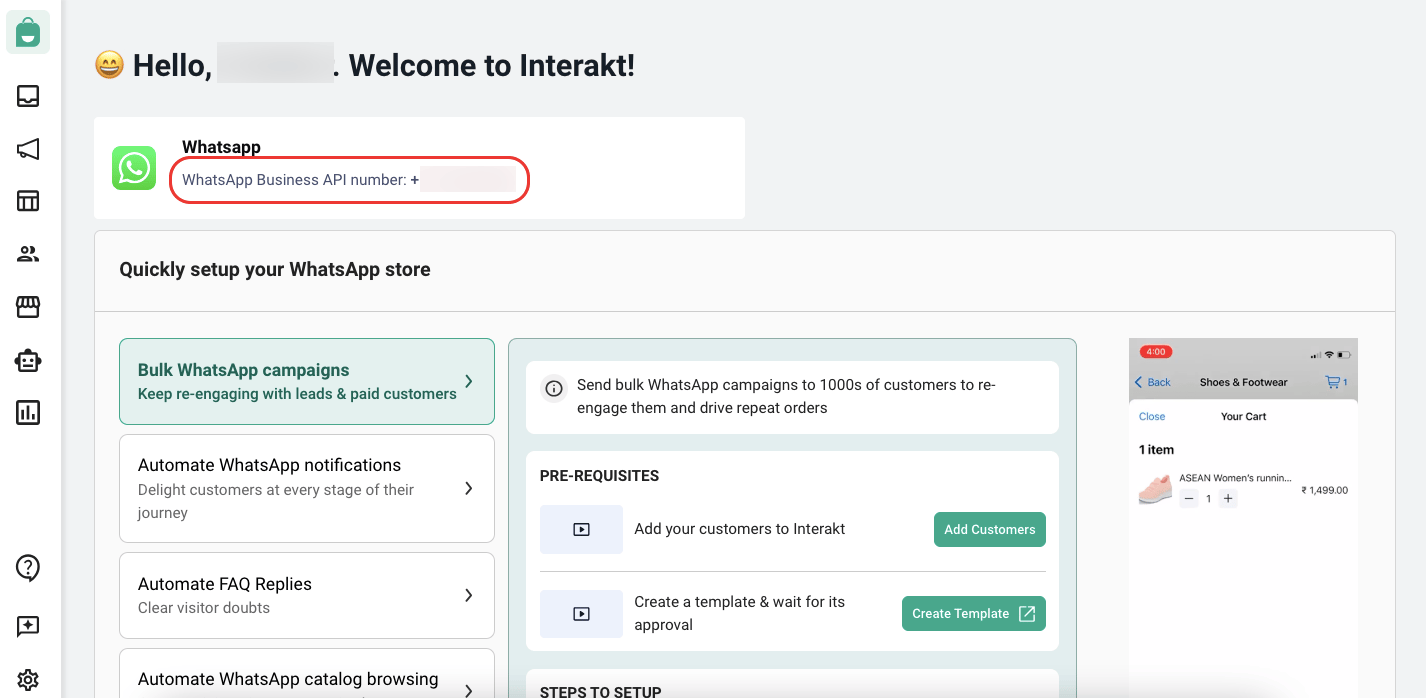 |
| API key | Contact the Interakt support team with the following details or send an email to [email protected]:
|
Delivery Tracking
To track the delivery of your WhatsApp Messages inside MoEngage, you would need to copy MoEngage Delivery Tracking URL and share it with Interakt and get it updated on their side. You should be able to see the URL as shown below: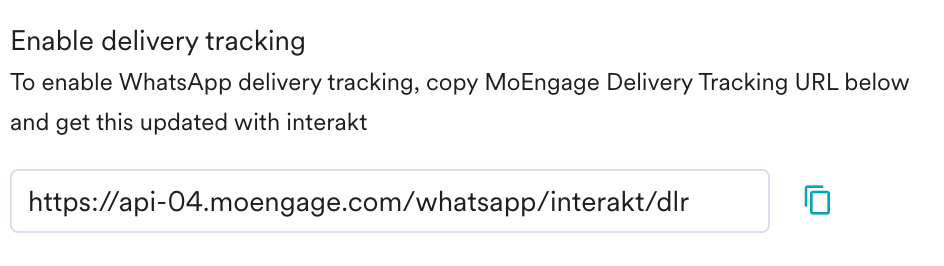
The URL is a sample URL. Copy the exact URL from your MoEngage Dashboard before you share it with the Interakt team.
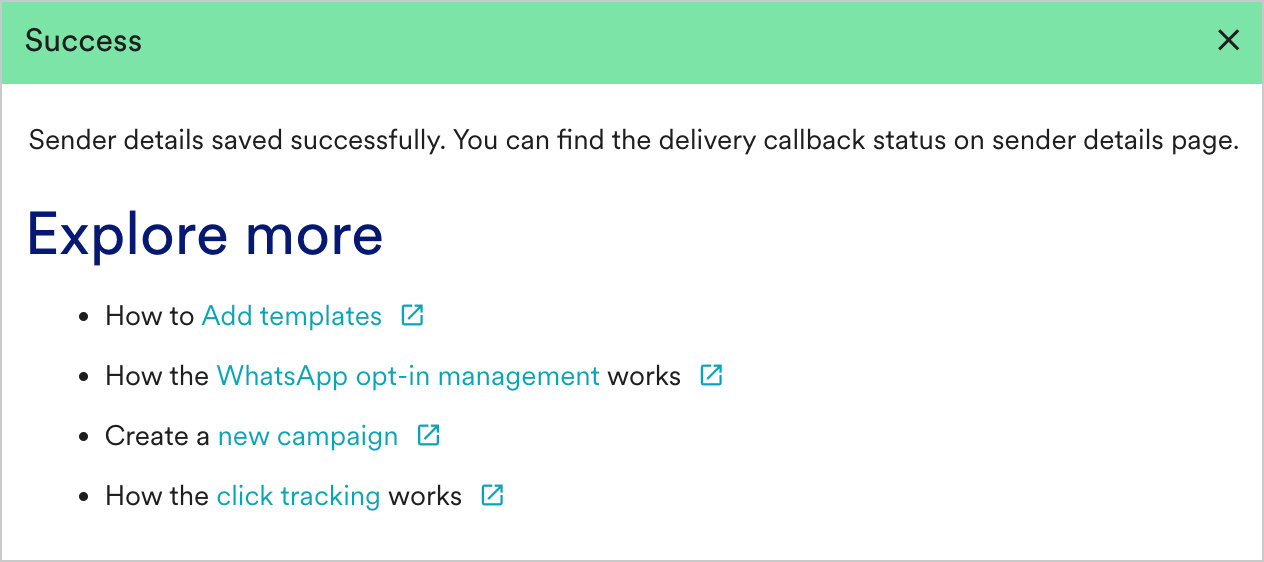
- You should have pre-approved templates with Interakt to create a WhatsApp campaign for an Interakt Sender in MoEngage. You can create templates from the Interakt platform by selecting the Template Management option in the left menu in Interakt Template Management.
- You can create the same template verbatim in MoEngage. For more information, refer to Add Templates.