

Behavior & Segmentation Users
To analyze users on Behavior Page, select Plot For as Total Users. This option shows unique users for the selected granularity in the line/area chart or overall unique users in the bar chart.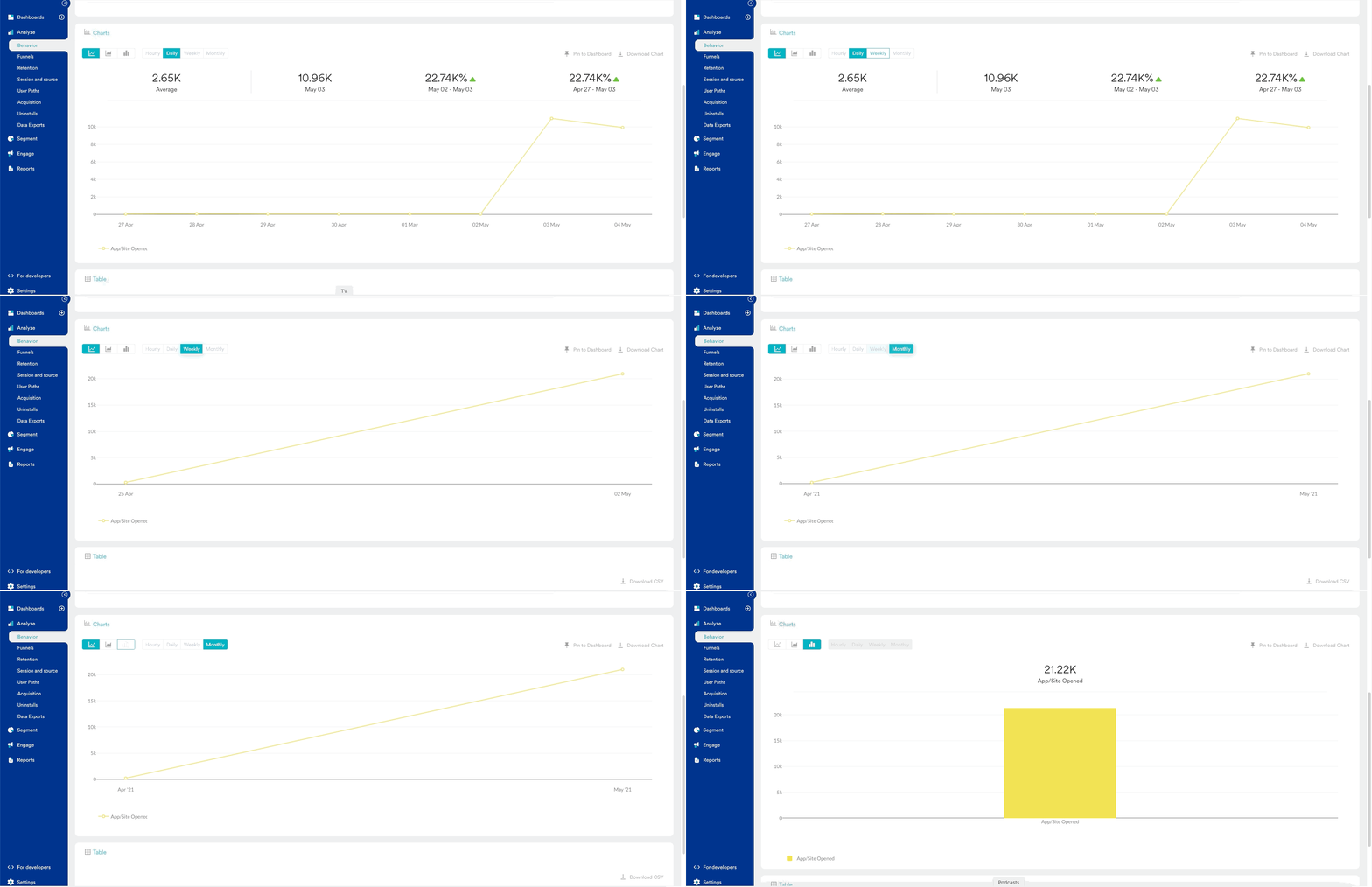
User Merging
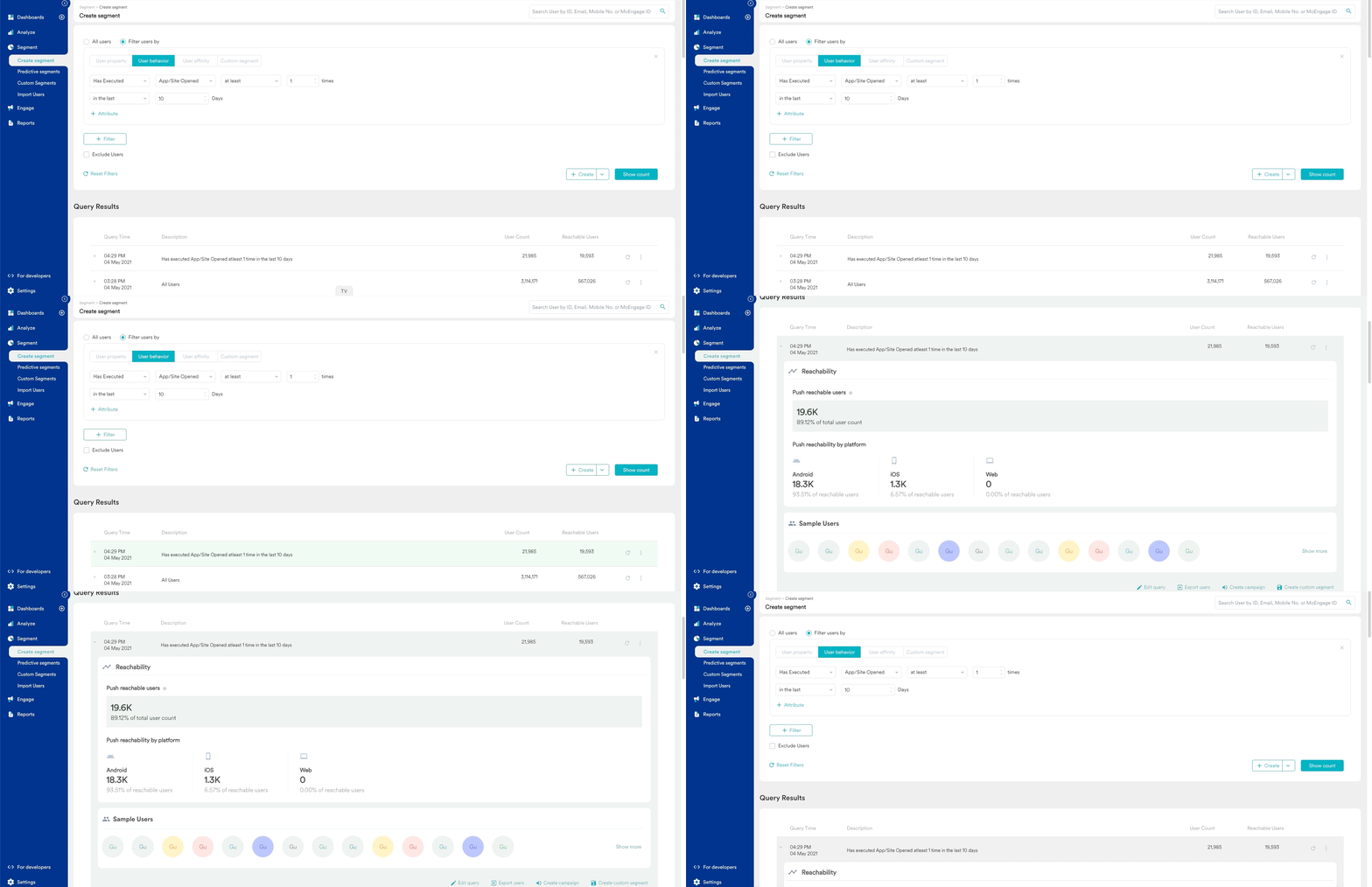
A few times these two user counts from the segmentation page and behavior page do not match. This may happen due to user merging. In MoEngage engagement Module, the user who is coming from different devices is merged when the user logs in. User Merging is explained in detail here. The user merging is available in MoEngage Analytics Module as well. However, it is not enabled by default. Hence there are some leftover anonymous users present in the system. A normal person may have 2 kinds of events in analytics when the user was anonymous and when the user was logged in and hence identified as two different users. To overcome this scenario, you can enable user merging. This will help you to merge the anonymous user IDs with registered user IDs and show those uses as One. To enable user merging follow the path: Settings -> General Settings -> Analytics Settings -> Enable User Merging