Problem
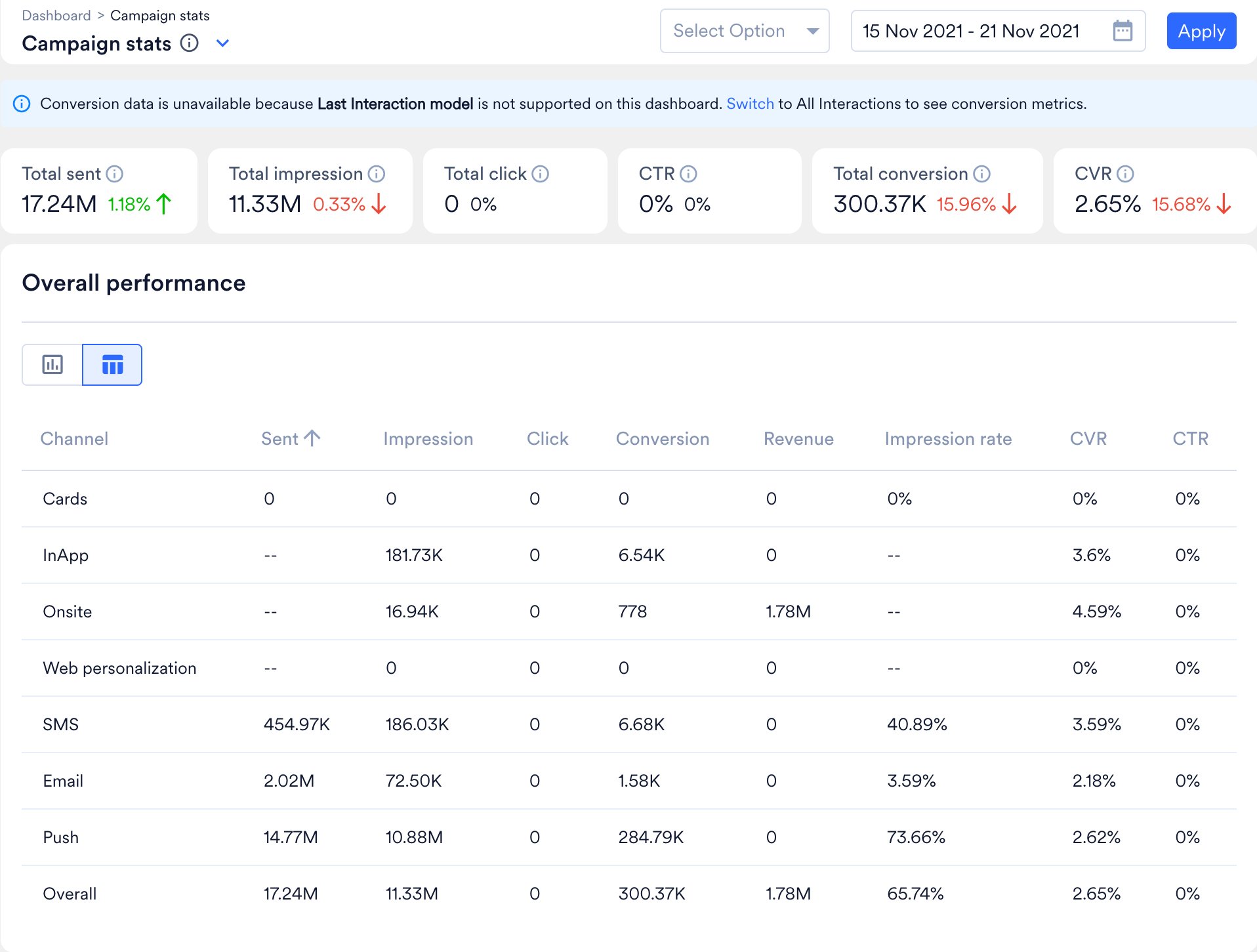
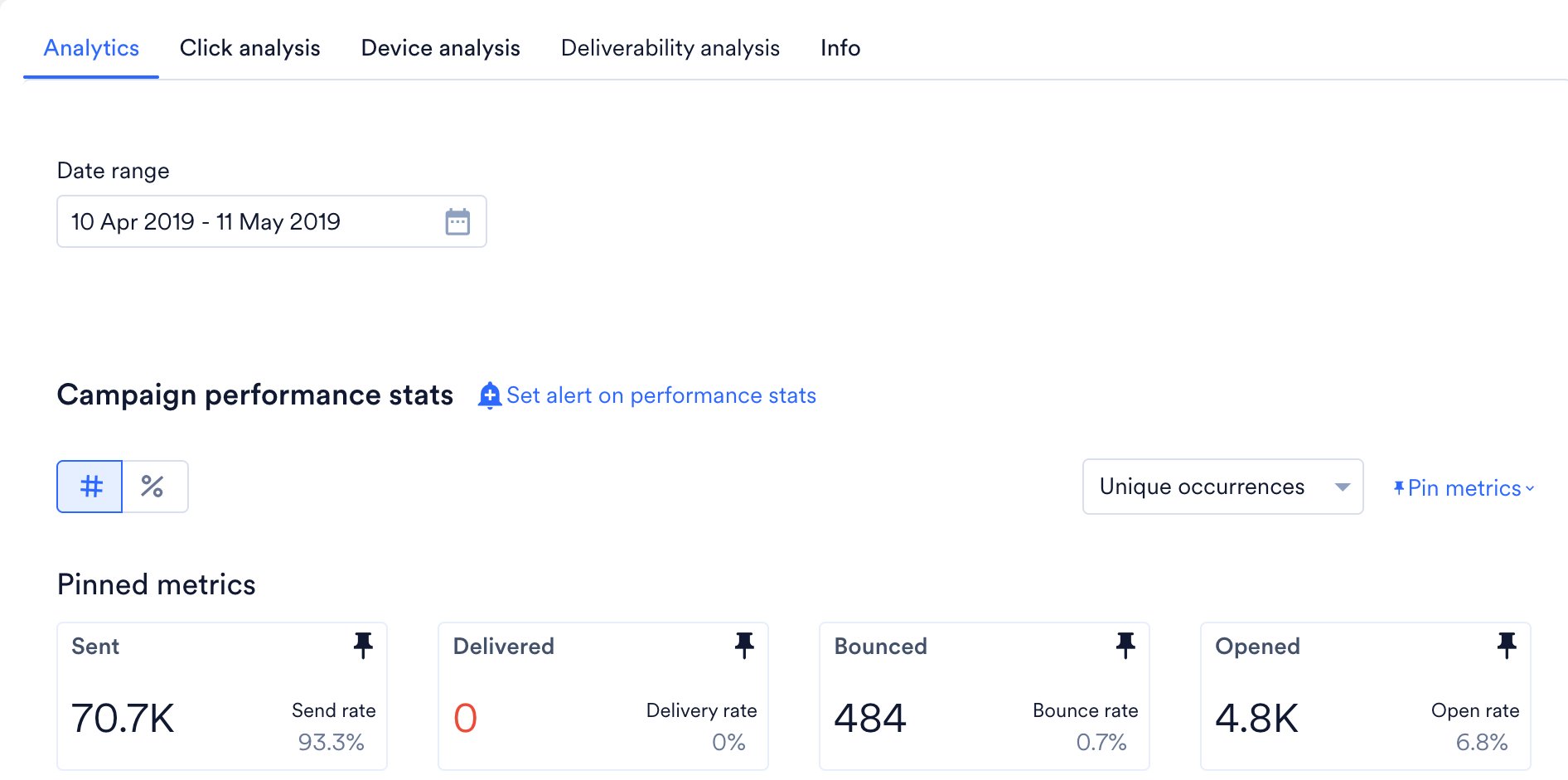
Differences in engagement metrics, such as open and click rates, are observed between the Campaign Stats dashboard and the Campaign Analytics page in MoEngage.Cause
The differences in engagement metrics, such as open and click rates, between Campaign Stats and Campaign Analytics occur due to differences in their analytical logic. While both features are part of the same platform, they present similar data in distinct ways to meet specific analysis requirements.Solution
To understand and resolve this difference, review the following points:- Query duration
- The campaign dashboard displays data for a specific time range, such as the past seven days.
- Events and metrics outside this time range are not included.
- Clicked campaign redirect
- When you click a campaign, the system redirects you to the Campaign Analytics page.
- This page has its own Date range filter, which is set separately from the time range on the dashboard.
- Data calculation
- Consolidated Campaign stats on the dashboard calculate metrics based only on events within the selected time range.
- Events that occurred outside of the specified time range are excluded.
- Events outside the selected time range
- A campaign could be initiated and include events outside the selected time range.
- This can result in discrepancies, such as a lower sent count but a higher opened or clicked count, which can increase the click-through rate (CTR) or conversion rate (CVR).
- Expected behavior
- This behavior is expected. Each page counts only the events within its own time range. To compare the counts, set the same date range on both pages.
InformationThe Campaign stats dashboard aggregates metrics across campaigns for the selected time range, while the Campaign Analytics page shows one campaign’s metrics for the date range selected on that page.