

What is to be Validated?
To make sure Push notifications are working properly on the device.How to validate?
- Push Token Generation
- On your profile page, the Android push icon has to be green.
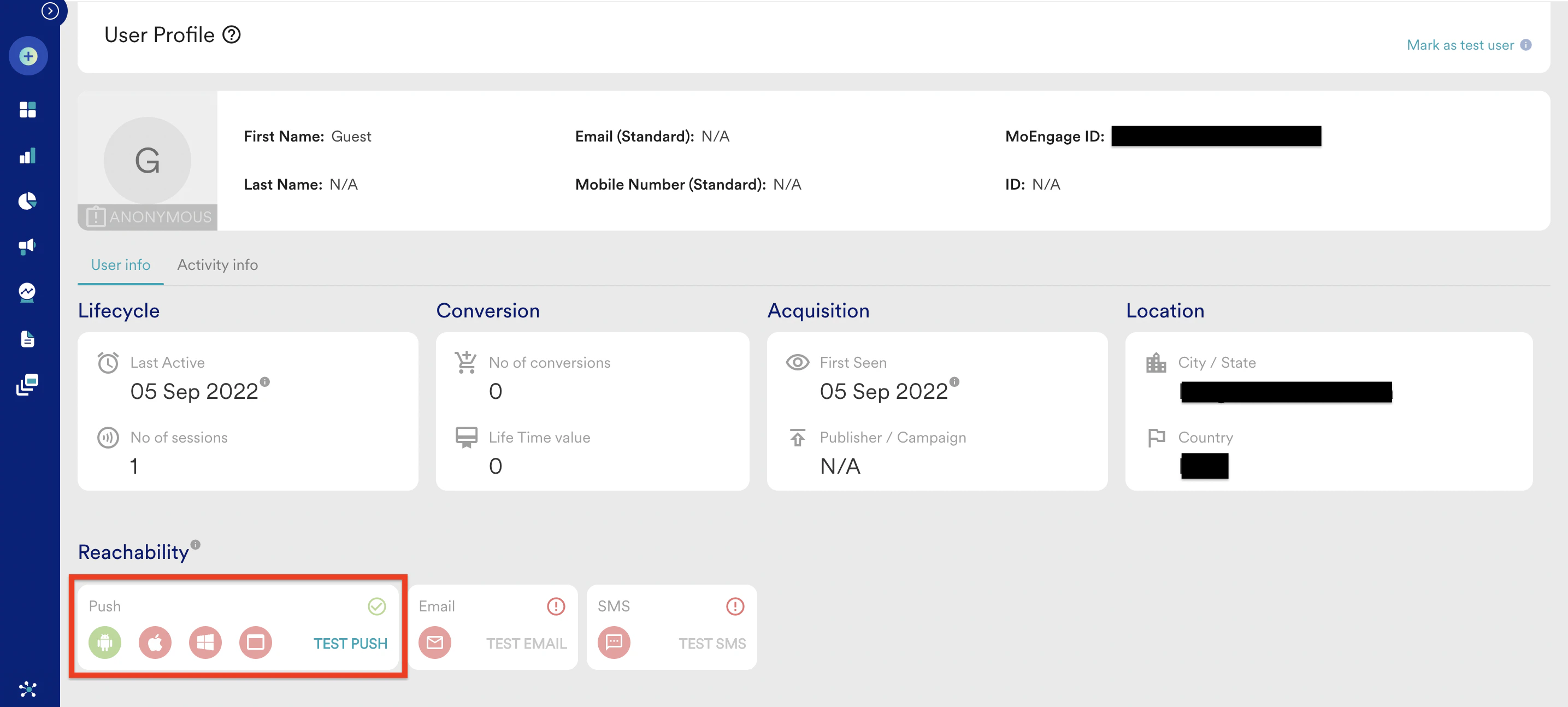
- Push notification received on the device
- Create a general Push campaign on the Dashboard for your device
- Test the notification from the test option at the 2nd stage of creation.
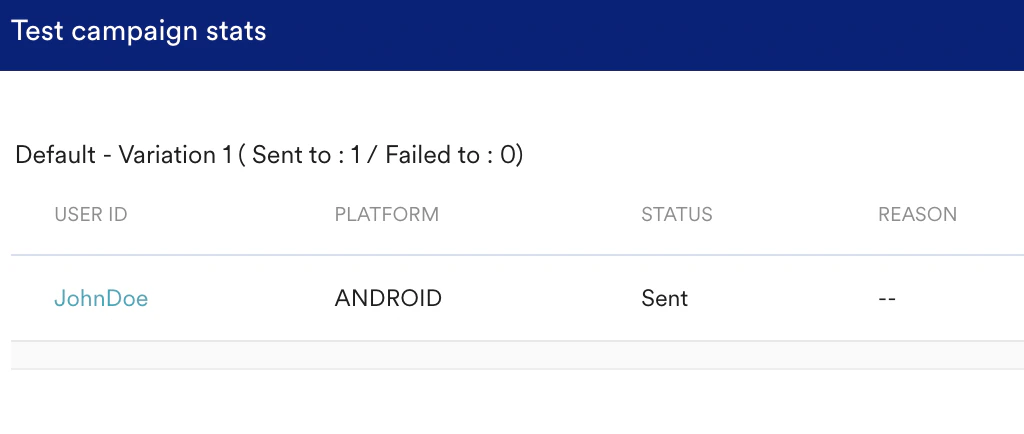
- If you get a successful response, create the campaign. If failed, check for the failure reasons.
- Check for the two icons to be visible on the push notification on your device
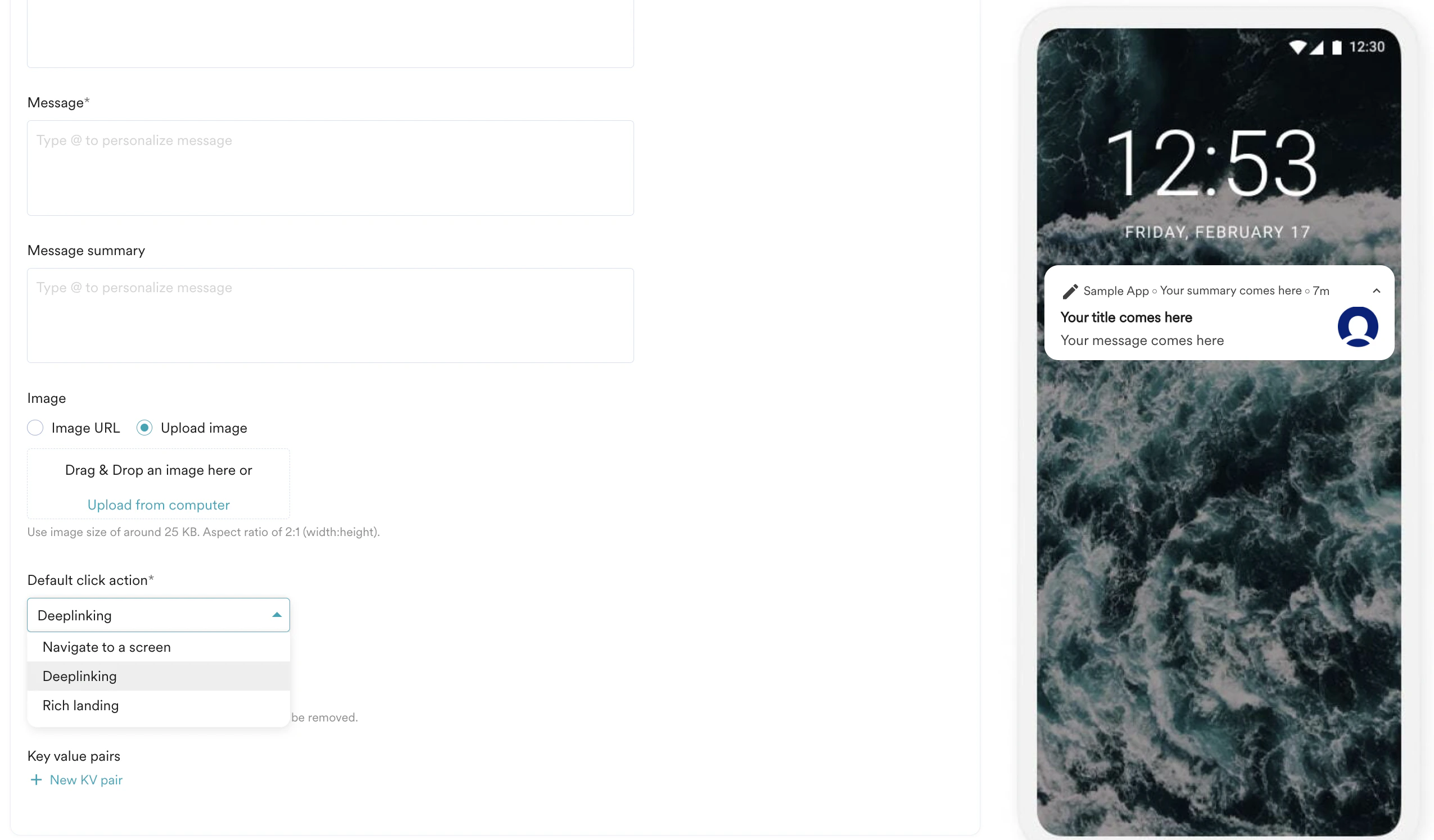
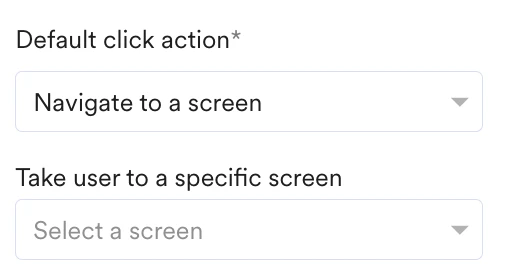
- Notification Redirection
- Navigate to a screen
- Deeplinking
- Rich landing
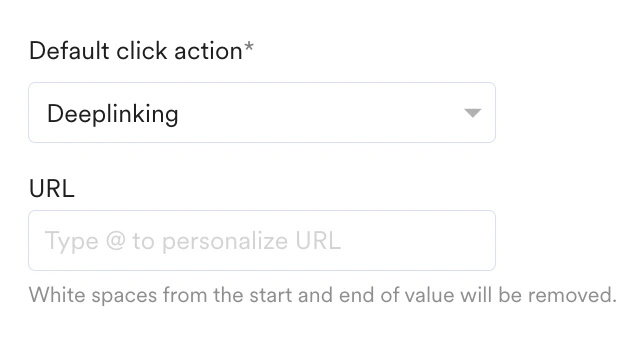
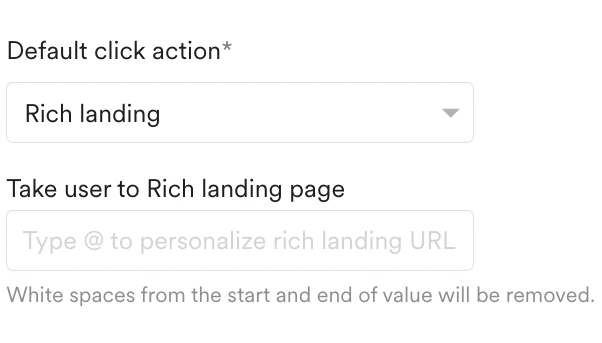
- Notification stats
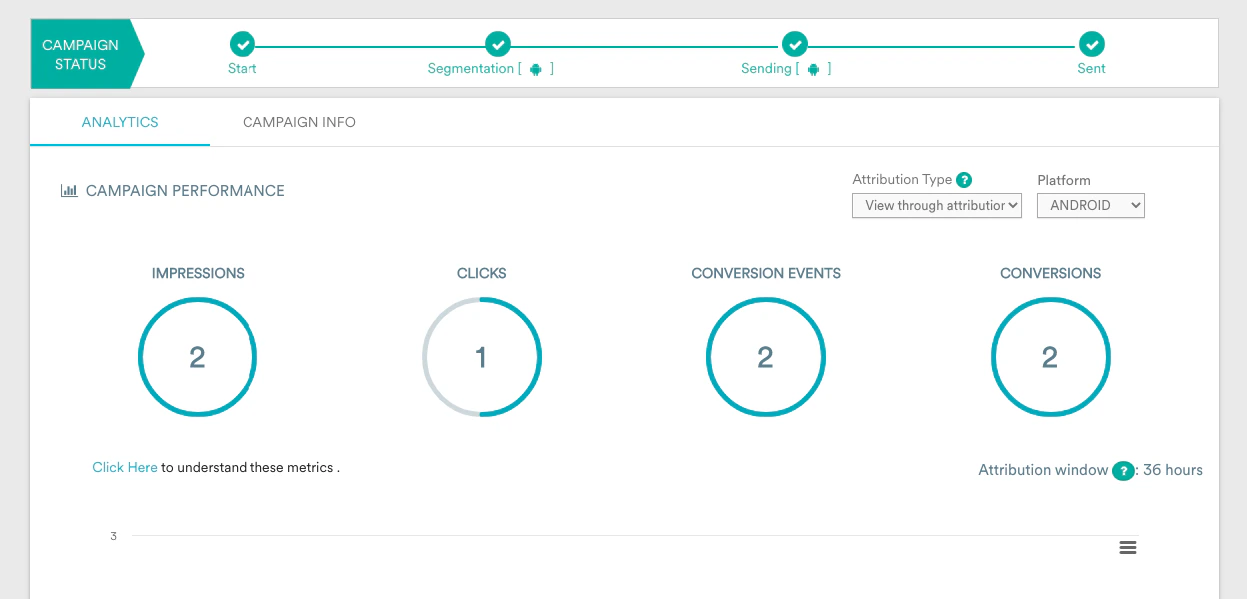
- Once the campaign is sent out, the campaign stats should show the impressions and clicks.
Summary of Success Criteria
- Push token has to be generated for the users
- Notification should be displayed correctly including the small and large icons
- The redirection(3 different types) should work as expected
- The Impressions and clicks have to be captured.
- In case of rich notifications(if present), check for the image rendering, notification sound, buttons, and their redirections, etc.
Potential Issues and Solutions
- If tokens are not generated correctly, the reachable user base will be less than the actual users. To fix the Token issue, please check the Android docs.
- Incorrect Redirection will lead to confusion/miss in opportunities
- If the clicks and impressions are not recorded, we cannot understand the impact of the campaign. To fix the Impression or click tracking-related issue, please check the Android docs.