

SDK Installation
Installation using CocoaPods (Plugin Version 5.0.0 and above)
Starting from cordova-ios version 4.3.0 and cordova-cli version 6.4.0, CocoaPod support is provided to bundle any iOS framework. Therefore, we have updated our plugin too to support this from version 5.0.0. Cocoapods is a dependency manager for iOS projects and makes integration easier. If you don’t have cocoapods installed, you can do it by executing the following command in your terminal:Add script to remove Unwanted Architectures
Do this if not already done: Select App Target and go to Build Phase and add a Run Script step to your build steps, set it to use /bin/sh and enter the following script: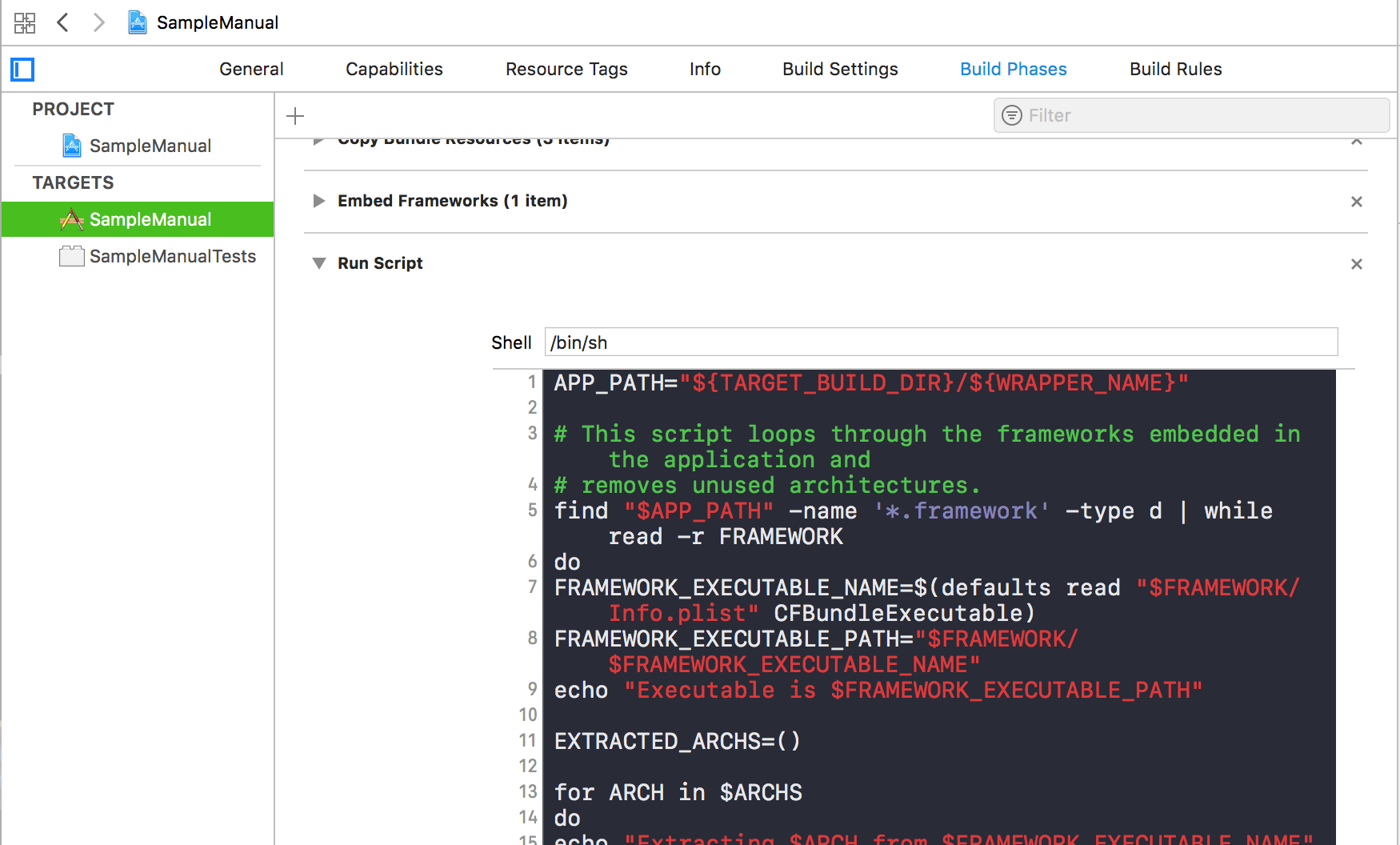
For Plugin version 3.2.0 and below:Open your project in Xcode, select your project. Go to Build Settings -> Linker -> Other Linker Flags and add -ObjC flag