

Adding Dependency
To add MoEngage’s Android SDK to your application, <project-path>/platforms/android/app and create... a file with the name build-extras.gradle. If you already have this file in your project, you need not create another one.
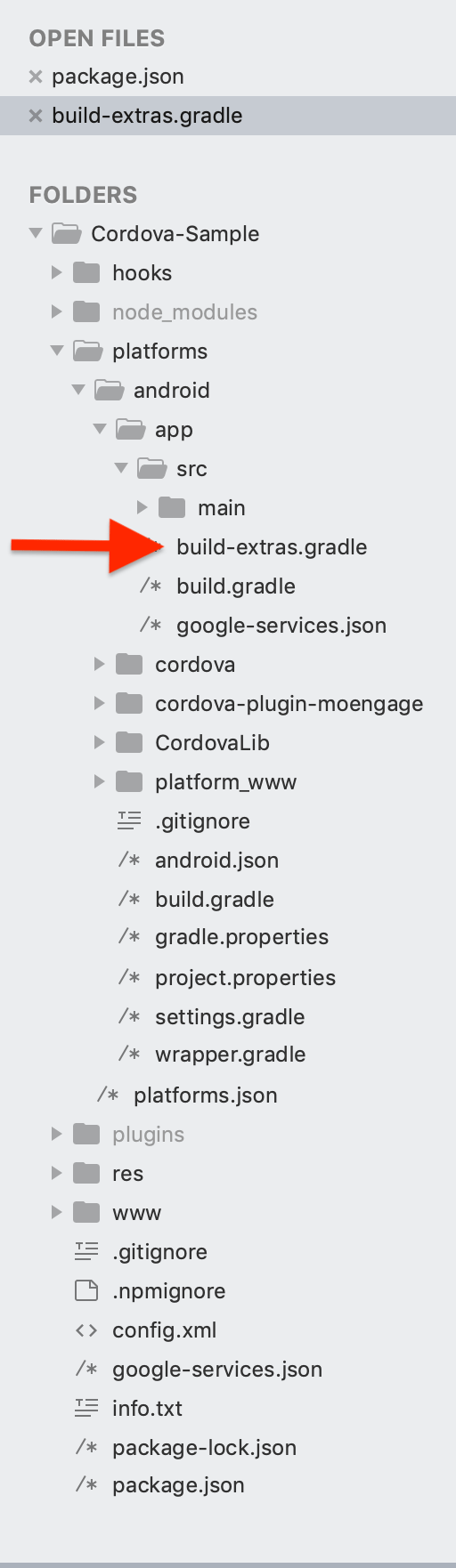
Option 1: Using BOM (Recommended)
 Use the Bill of Materials (BOM) to automatically manage compatible versions of the SDK modules.
** with the latest BOM version.. For more info on integration using BOM, refer here.
Option 2: Manual Integration
Once the file is created, add the MoEngage SDK dependency to it.You can add the firebase messaging dependency also to this file itself if your file does not already have firebase messaging added.