Connect your IDE to the MoEngage docs MCP server for accurate, context-aware SDK guidance inside your development environment. Your assistant searches this documentation directly, helping you move through the integration with confidence.
The MoEngage Unity package requires Unity 6.4 (Hub version 6000.4.1f1) or above.
Review the SDK Deprecation Policy for supported SDK versions and deprecation timelines before integrating.
Build Environment Requirements
Ensure your build environment meets the following minimum requirements before integrating the SDK.External Dependency Manager
The plugin uses the External Dependency Manager by Google for Unity (EDM4U) (formerly Play Services Resolver / Jar Resolver). Make sure to include it in your project before proceeding with the SDK Integration.Add MoEngage Package
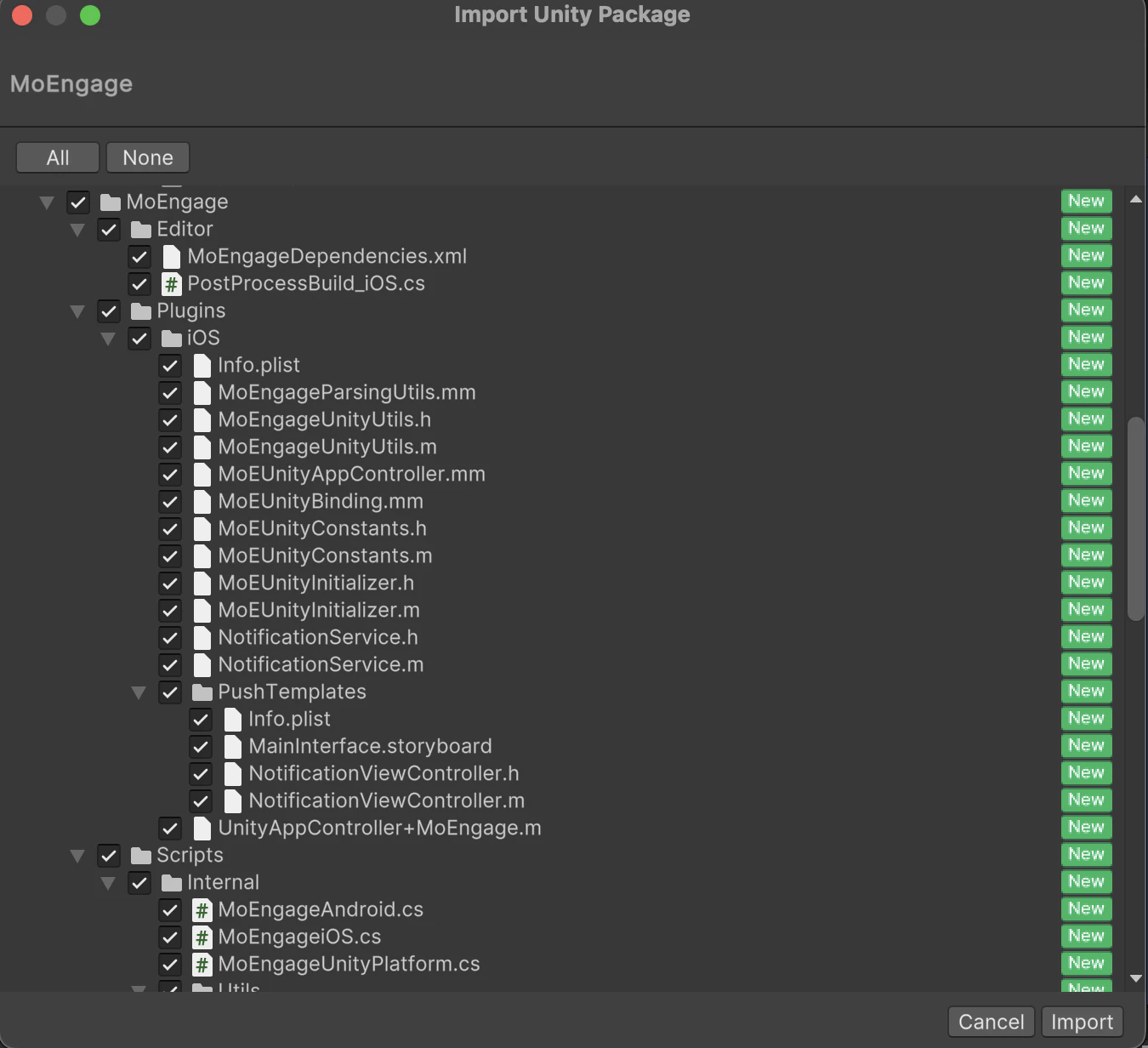
To integrate the MoEngage Unity SDK, first, download the Unity packages from here. Then go to Unity Editor, navigate toAssets > Import Package > Custom Package , and import the MoEngage.unitypackage. Select all the files as shown below and click Import: