Test how your MoEngage in-app messages look on real devices before launch. Use the Test Campaign feature to preview templates on your chosen device.
You should test campaign messages to ensure they appear as expected on various devices. Message previews in the MoEngage Dashboard might not always match how they look on an actual device because of the many different devices available. The Test Campaign feature helps you test In-App messages on the devices you choose.
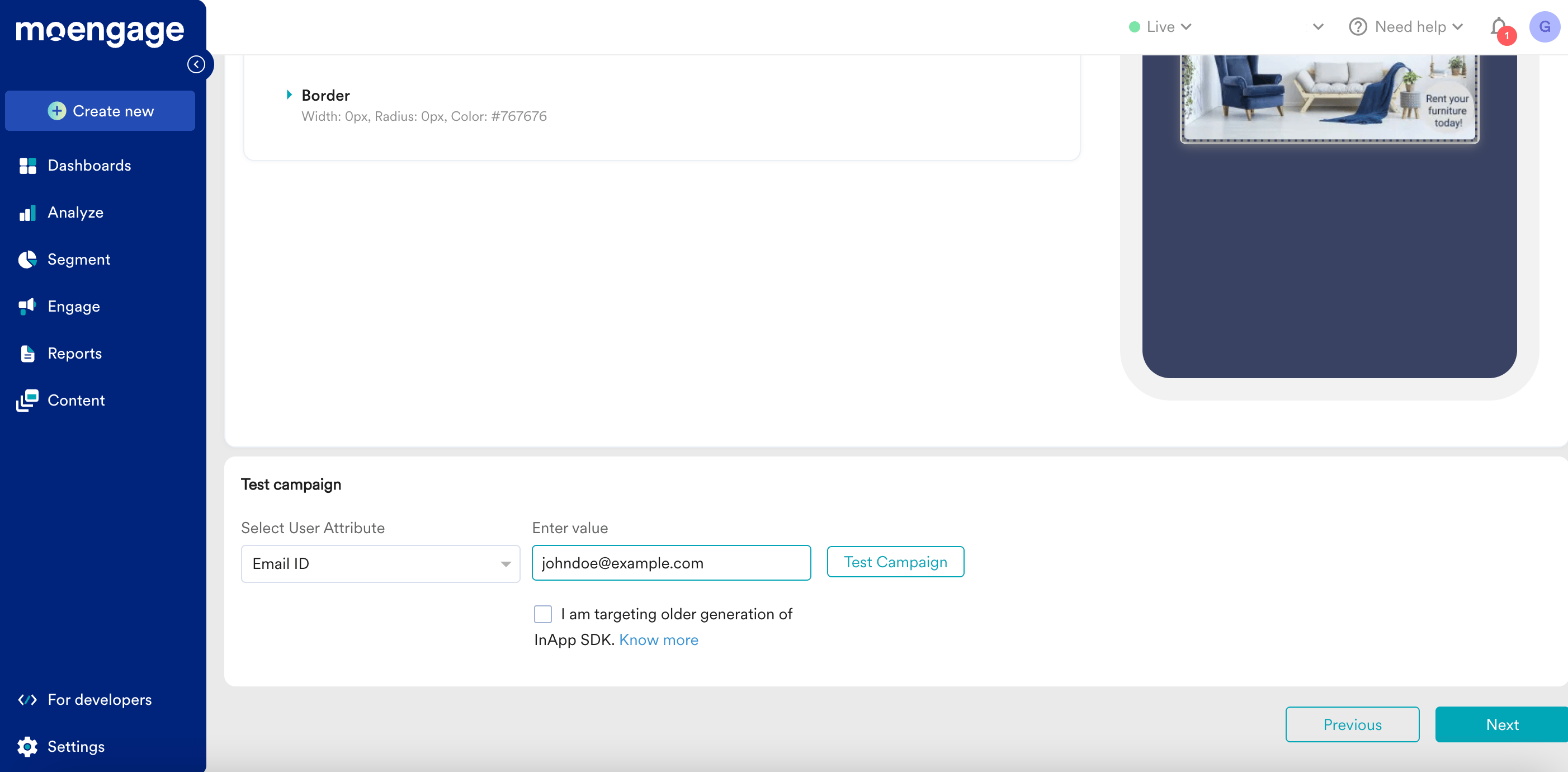
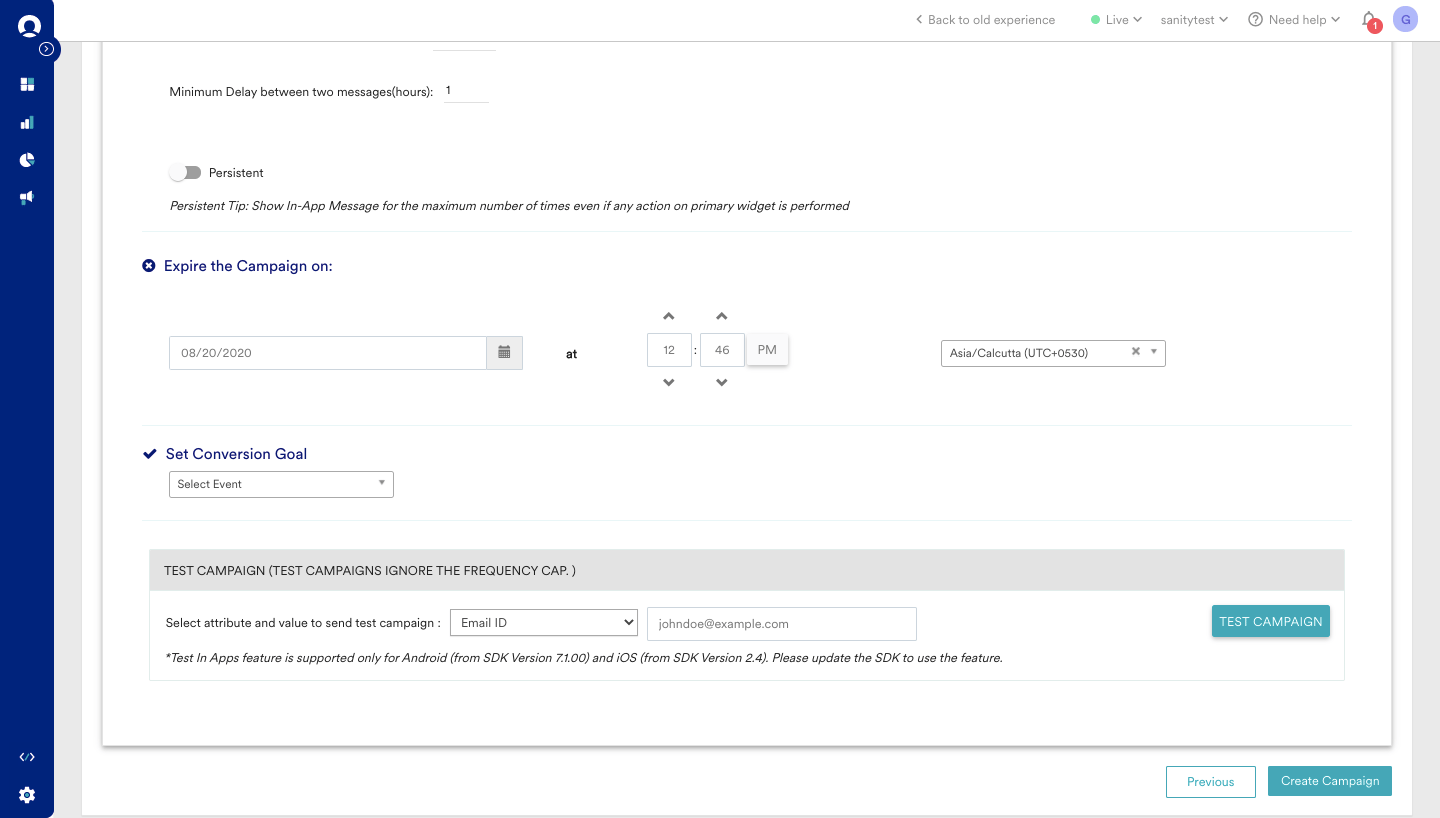
For In-App Nativ Version 2, the Test Campaign feature is available on the last step of campaign creation, before you publish the campaign. This applies to both general and event-triggered In-App messages.
The Test Campaign feature lets you see your In-App messages on your app and test key functions like animations and on-click actions.To receive an In-App message on your device before activating the campaign for your live users:
Navigate to the Preview in-app section during campaign creation.
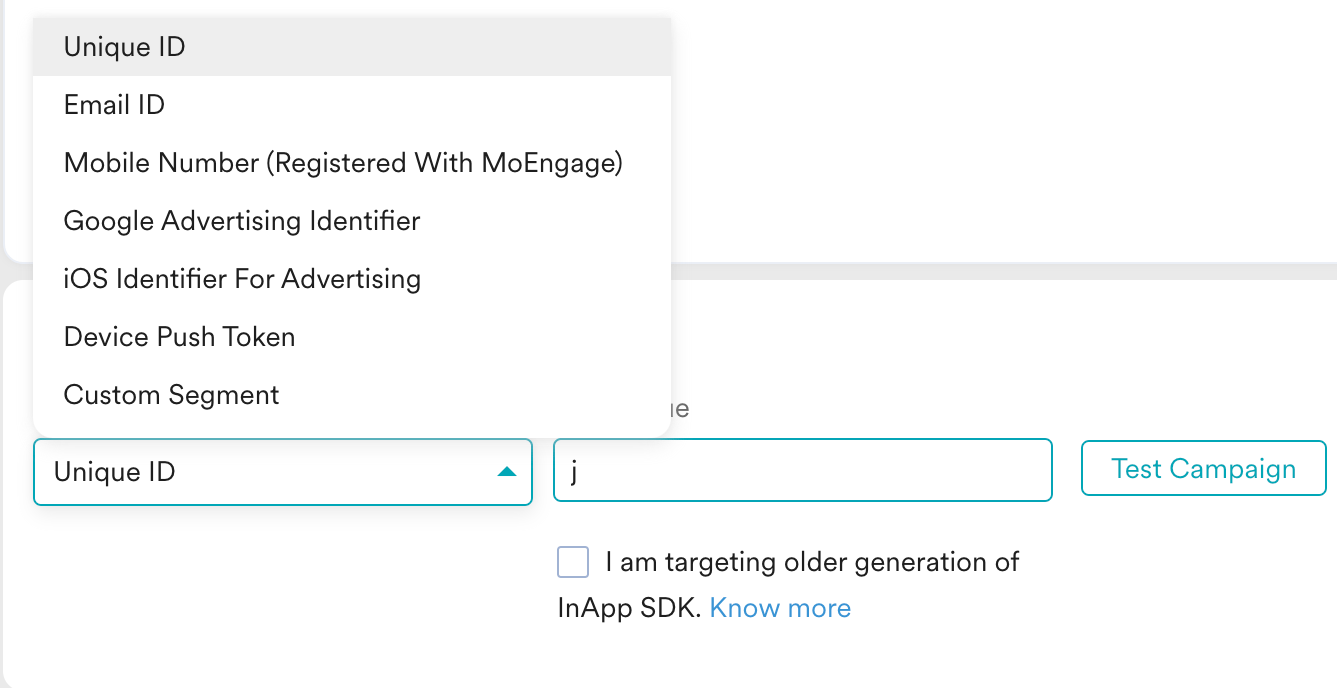
Select an attribute to identify your test user, as shown below.
You can identify users by any device identifier (for example, Google Advertising ID, IDFA, or push ID) or any user identifier (for example, ID, Email ID, or Mobile Number).
Ensure that you set the properties for your user in MoEngage before you use them for a test campaign.
When MoEngage attempts to send the test campaign:
If MoEngage cannot identify the user with the selected attribute and value, the following error message appears:
If MoEngage successfully identifies the user, the following confirmation message appears:
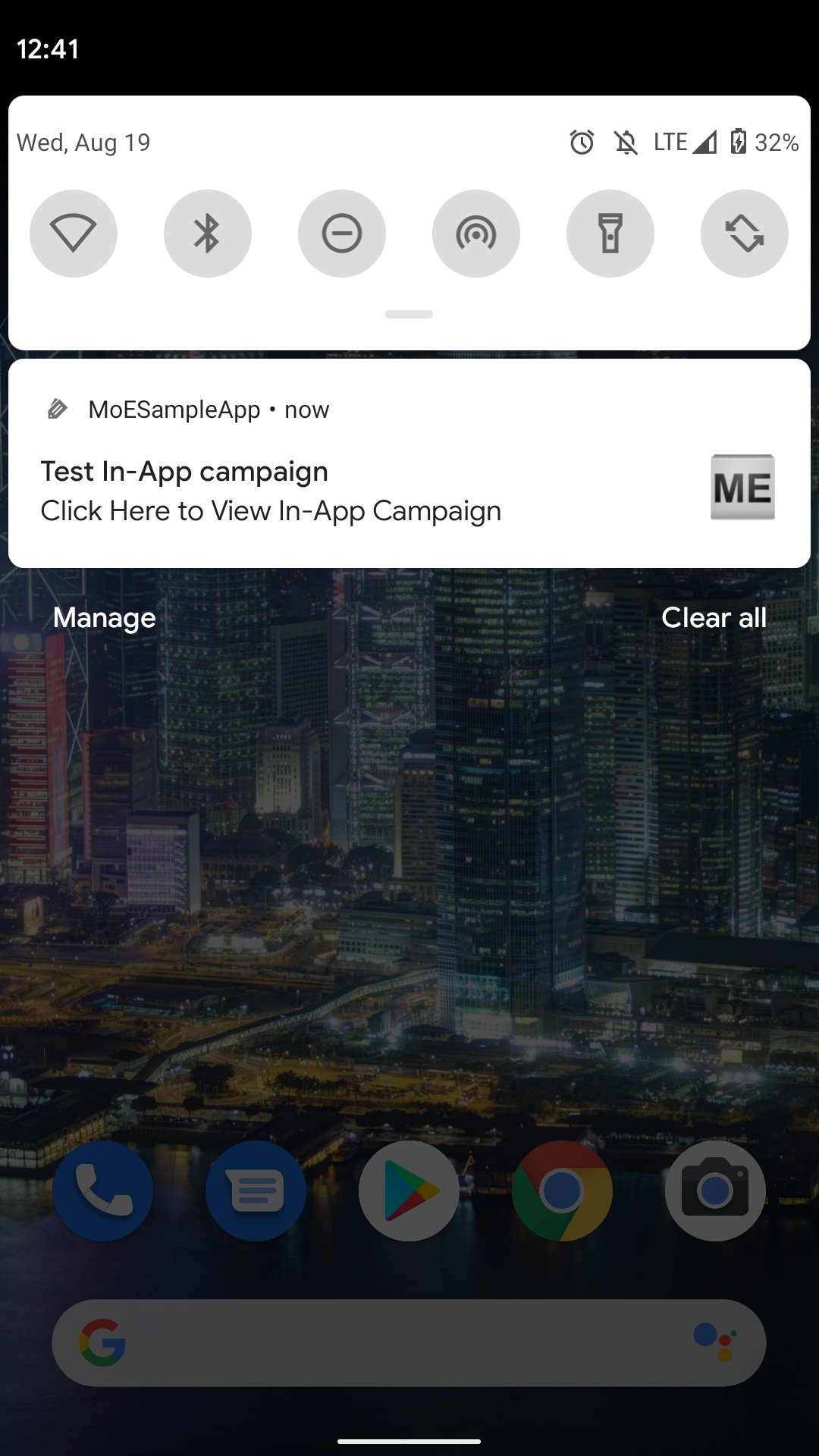
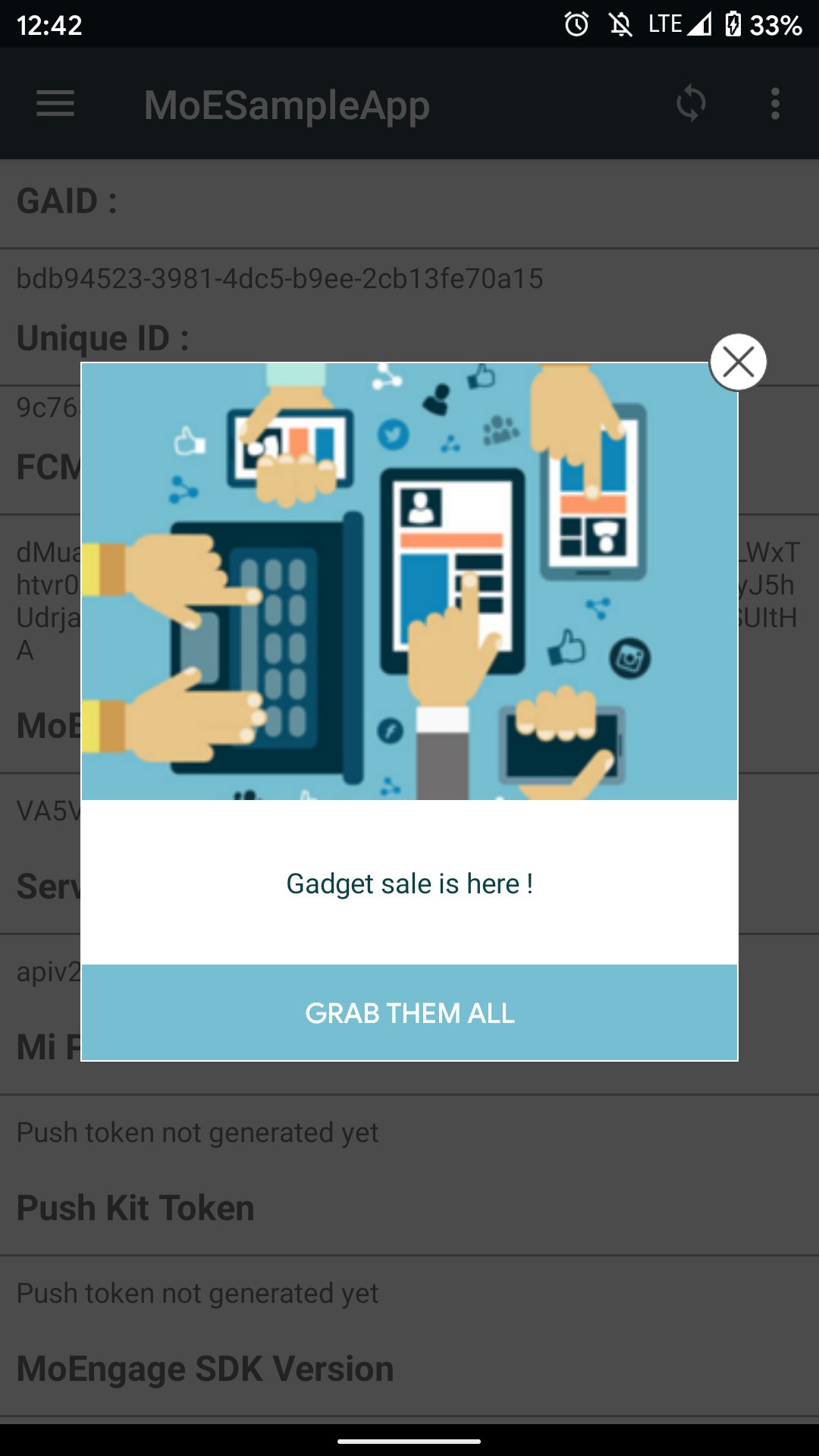
After MoEngage successfully sends the test campaign to your user, you receive a push notification on your device, as shown below:Tap this push notification to open your app and see the In-App message, as shown below. It can take up to 15 seconds for the message to appear through a test campaign. Live campaigns do not have this delay.
MoEngage sends this push notification only for test campaigns. Your live campaign users see the In-App message directly after they meet the campaign criteria and perform the trigger action.
Test campaigns ignore frequency capping and display controls. They help you test only the look and feel of the message.
If you use In-App Nativ Version 2 (older version), you might experience intermittent issues where the In-App message does not appear in your app after you tap the push notification. This known issue occurs due to custom redirection that you implemented within your app. To fix this, update your SDK to the current version so you can use the Test Campaign feature seamlessly.
With In-App Nativ Version 3, if you target older In-App SDK versions (Android SDK earlier than 10.0.0 and iOS SDK earlier than 6.0.0), select the checkbox for this option as shown below:
This ensures that your test campaigns work on your older SDKs. However, MoEngage recommends updating your MoEngage SDK to the latest version. For more information on the In-App SDK, refer to In-App NATIV.