

Problem
A timeout error (504 error response) occurs when attempting to set up a new Simple Storage Service (S3) import.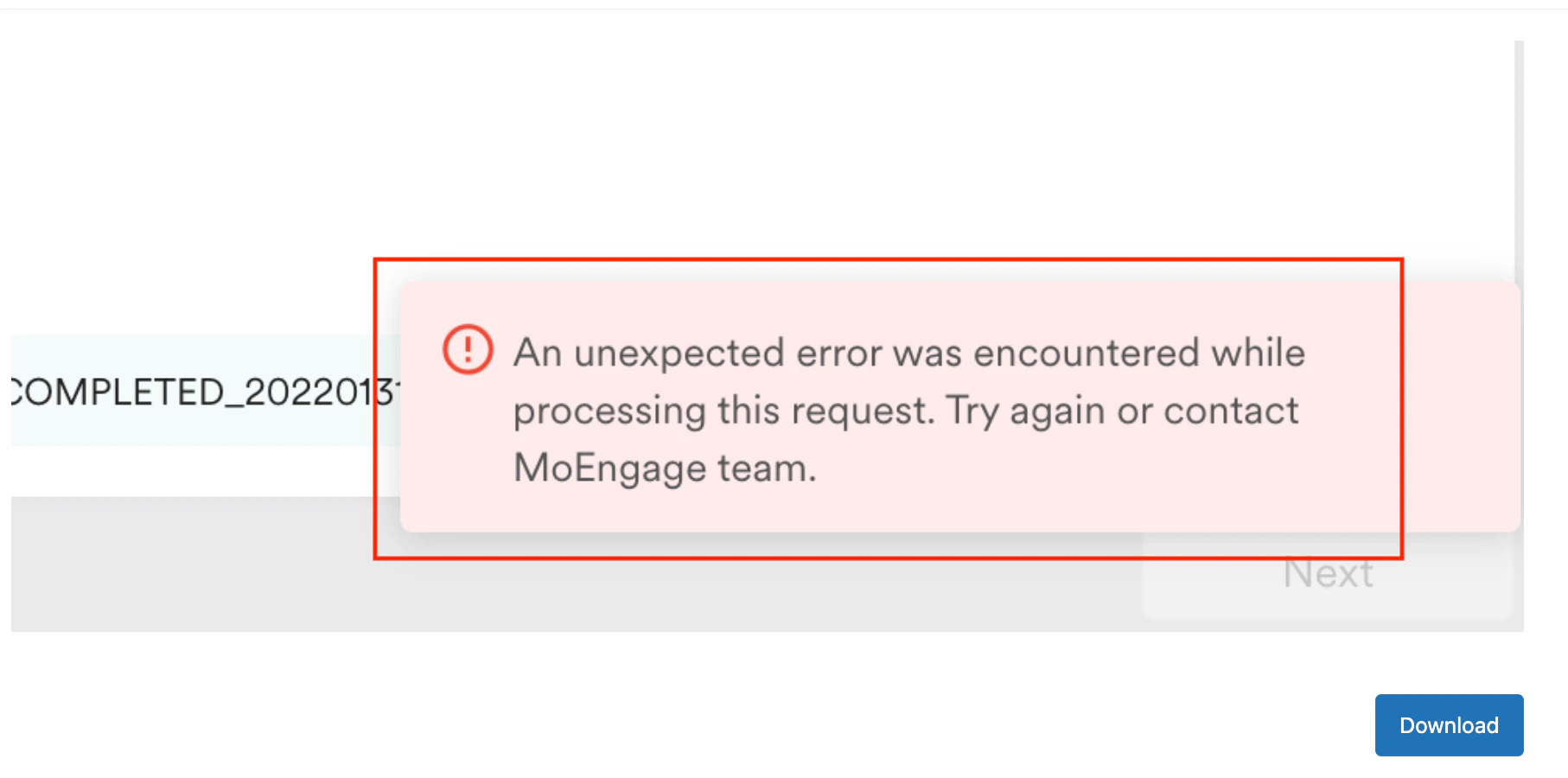
Cause
The error occurs because the specified folder contains too many files, which exceeds your system’s processing capacity.Solution
Perform the following steps:- Check the number of files:
- Verify the total number of files in the folder causing the issue.
- Organize files into separate folders:
- Segregate files into different folders based on their purpose, such as event or user imports.
- Create a new folder:
- Add only the necessary files to the new folder as a workaround.
- Remove files after import:
- After the files have been imported successfully, remove them from the folder to prevent future issues.
The maximum timeout limit is 5 minutes.