

Early AccessAI Campaign Decisioning is available only for Push. To enable it for your workspace, contact your MoEngage Customer Success Manager (CSM) or the Support team.
- Label Category: A theme, such as Message Tone.
- Label: A value within a category, such as Playful.
- Label category
- Labels
Structure and Rules
Content Labels work in the following way:- The hierarchy has only one level. Label Categories contain Labels, with no sub-levels.
- You can create up to 25 label categories.
- Each category can contain up to 20 labels.
- You can create up to 120 labels across all categories.
- Each label belongs to only one category.
- Each label has a weight between -100 and +100. The default value is 0.
- Content Labels are separate from campaign tags and are not shared.
- Incentives
- Message Tone
- User Motivation
- Platform Benefits
Create a Label Category
Perform the following steps to create a Label Category.- On the left navigation menu in the MoEngage dashboard, go to Settings > Advanced settings > Content Labels.
-
Click the Label category tab.
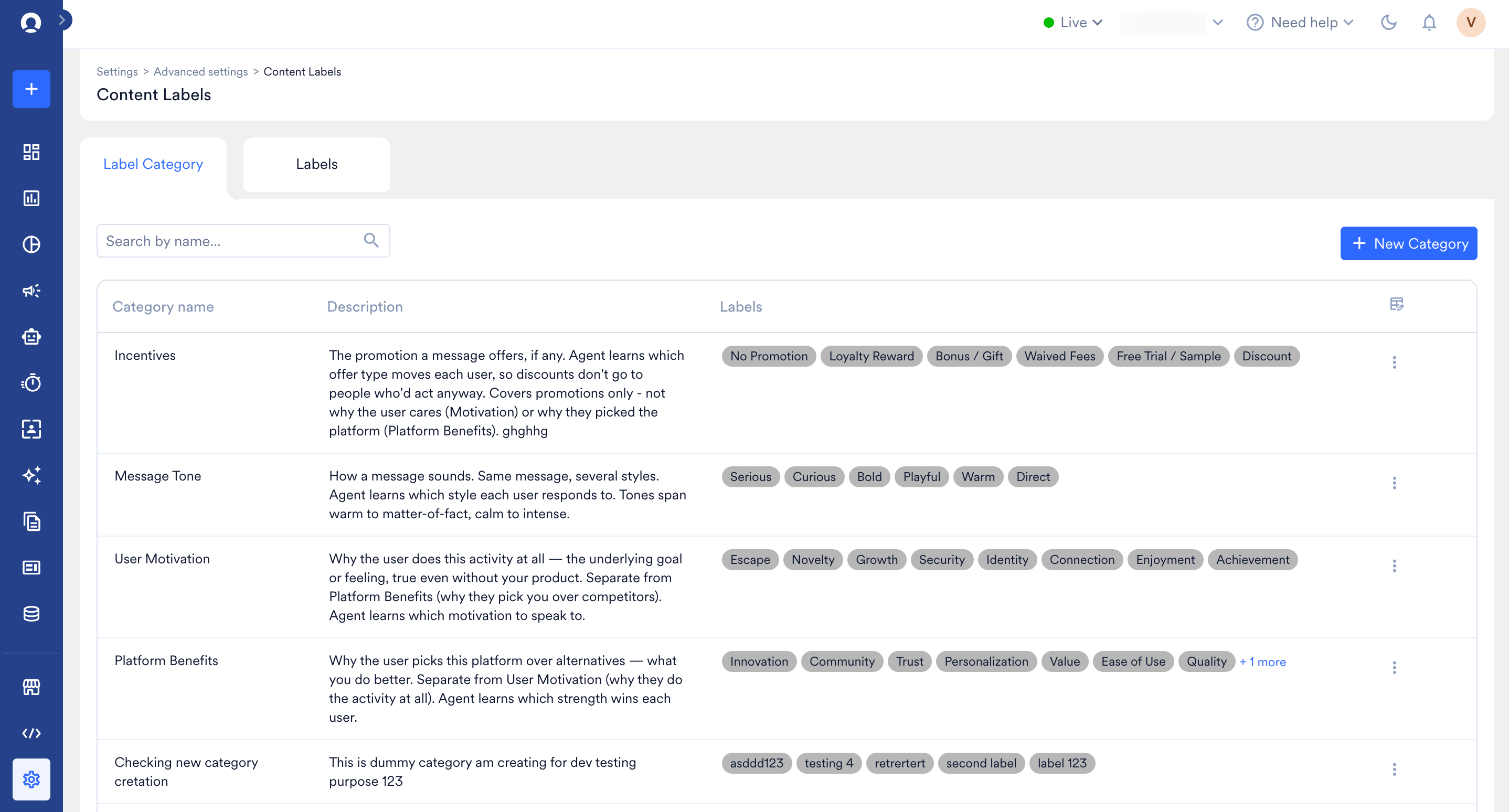
- Click + New Category.
-
In the Create new category dialog box, enter the category name (required, up to 50 characters) and category description (up to 500 characters).
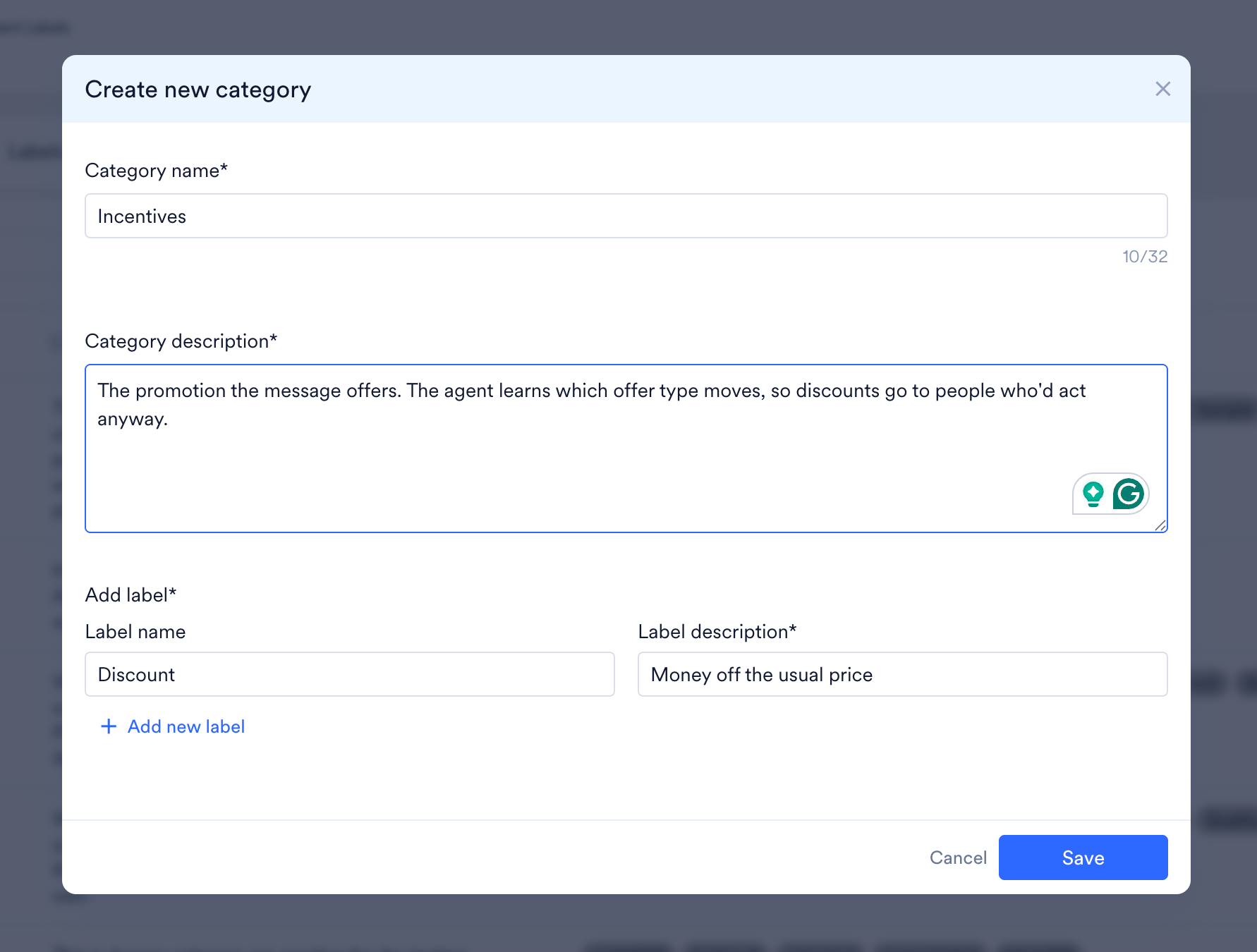
- In the Add label section, enter the Label name and Label description for each label.
- To add more labels, click + Add new label.
- Click Save.
Labels and label descriptions help the model assign the most suitable label and send the best variant to the end user.
Create a Label
Perform the following steps to create a Label.- On the left navigation menu in the MoEngage dashboard, go to Settings > Advanced settings > Content Labels.
-
Click the Labels tab.
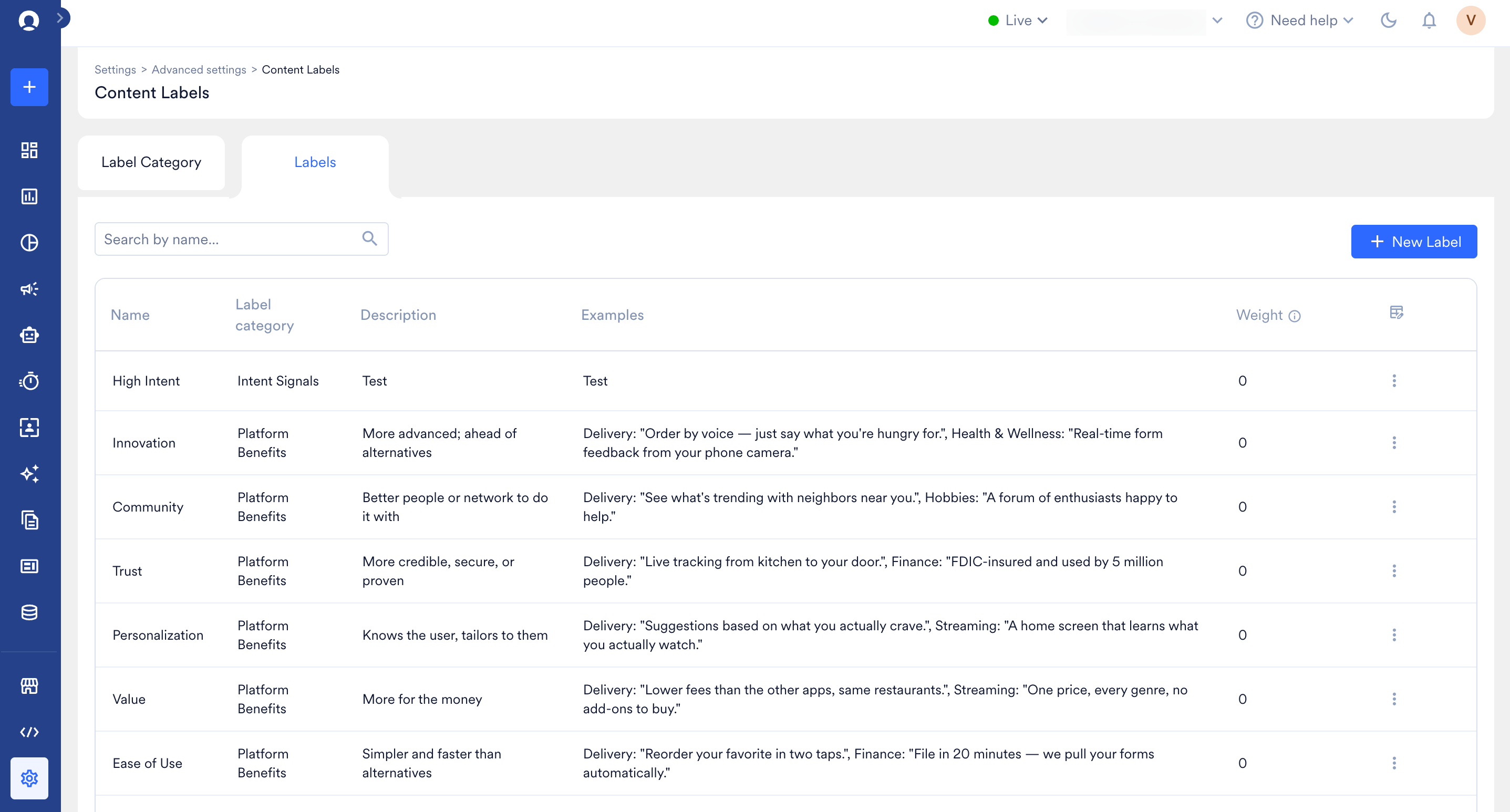
- Click + New Label.
-
In the Create new label dialog box, enter the label name (required, up to 50 characters), category, label description (up to 500 characters), examples (up to 500 characters), and label weight. Use the slider to set a value from Low (-100) through Neutral (0) to High (100).
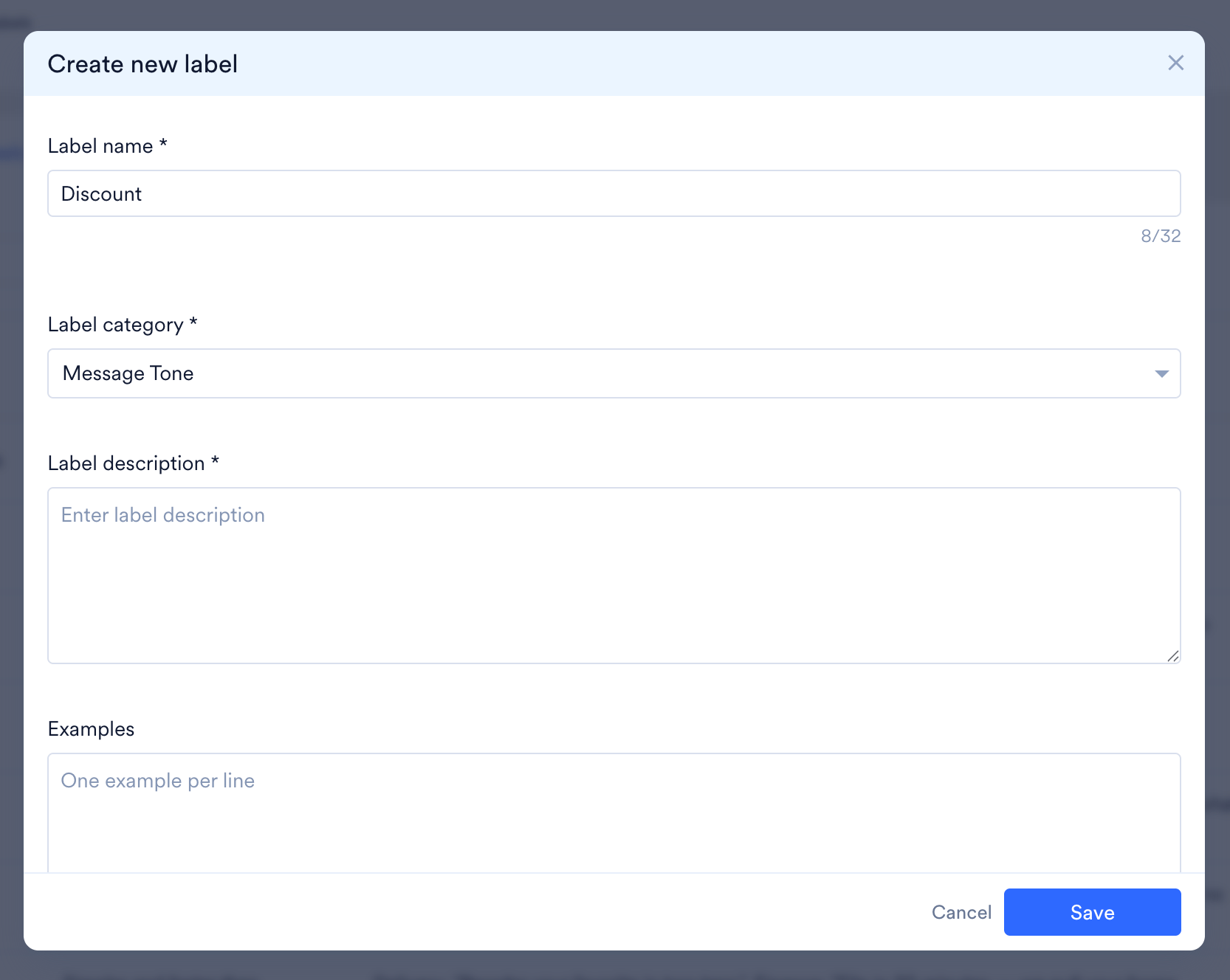
- Click Save.
View and Manage Content Labels
You can edit some Content label fields, but others cannot be changed.For periodic campaigns, changes to a label’s weight, description, or examples take effect from the next run onward.