

Steps to Configure WhatsApp
The following are the steps to configure the WhatsApp channel:- Configure your sender profile
- Add templates that are already approved by WhatsApp
- Update WhatsApp opt-in on MoEngage
- Configure delivery control settings
- Whitelist IPs
Configure your Sender Profile
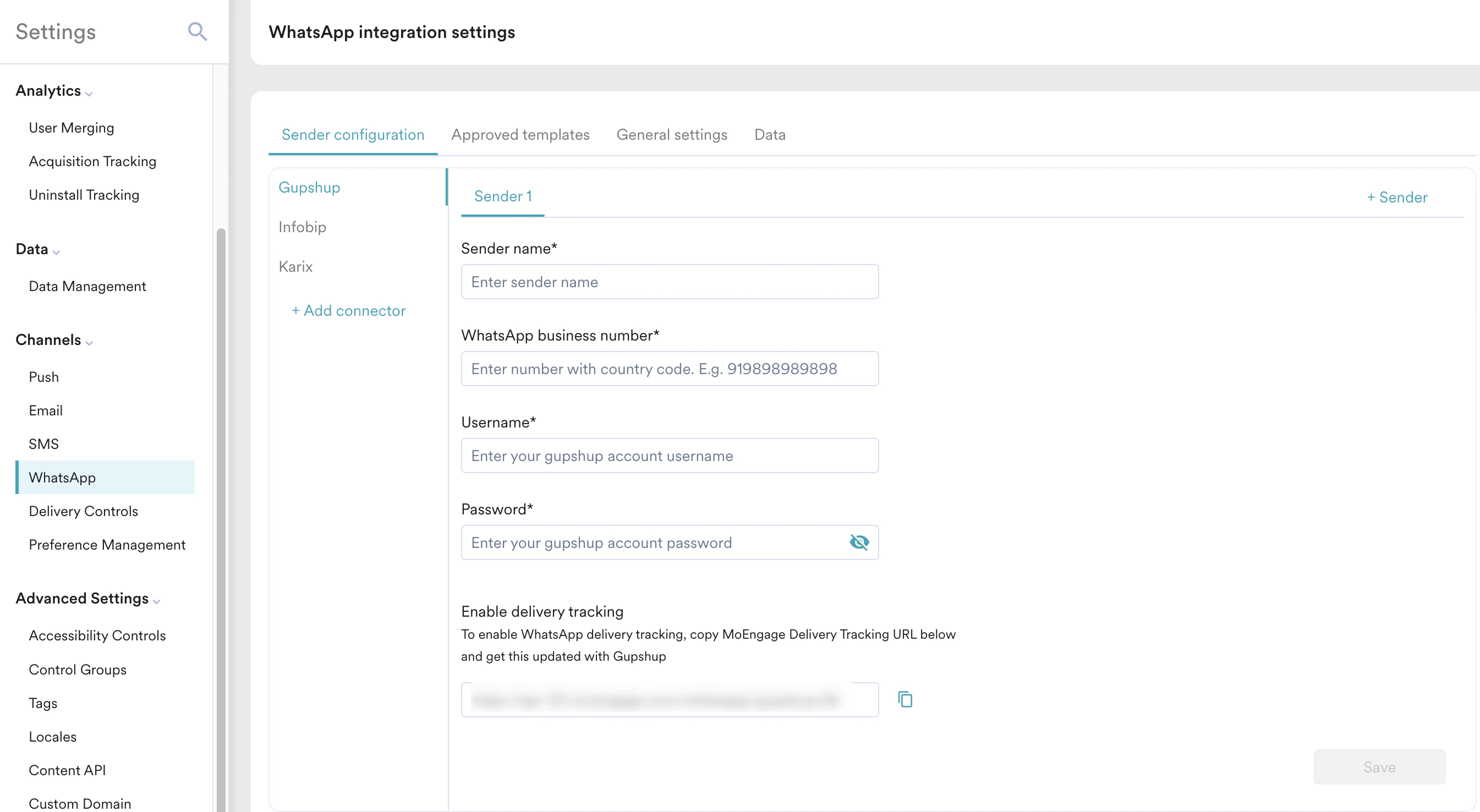
- On the Sender configuration tab, click + Add connector.
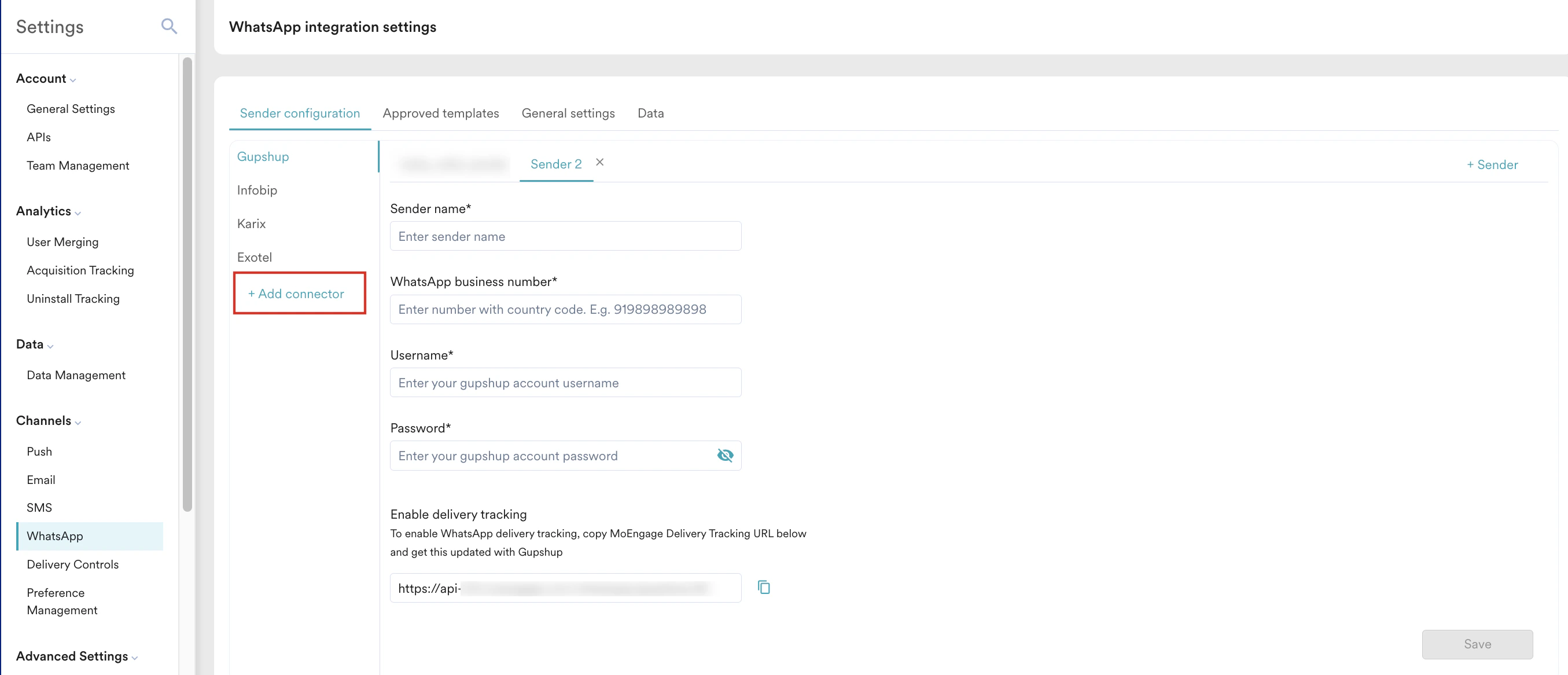
- On the WhatsApp connector dialog box, choose the connector from the dropdown. The Choose a connector dropdown lists all the connectors that MoEngage supports.
- After adding the connector, select the connector. Sender 1 is auto-populated; click + Sender against it to add more senders for that connector.
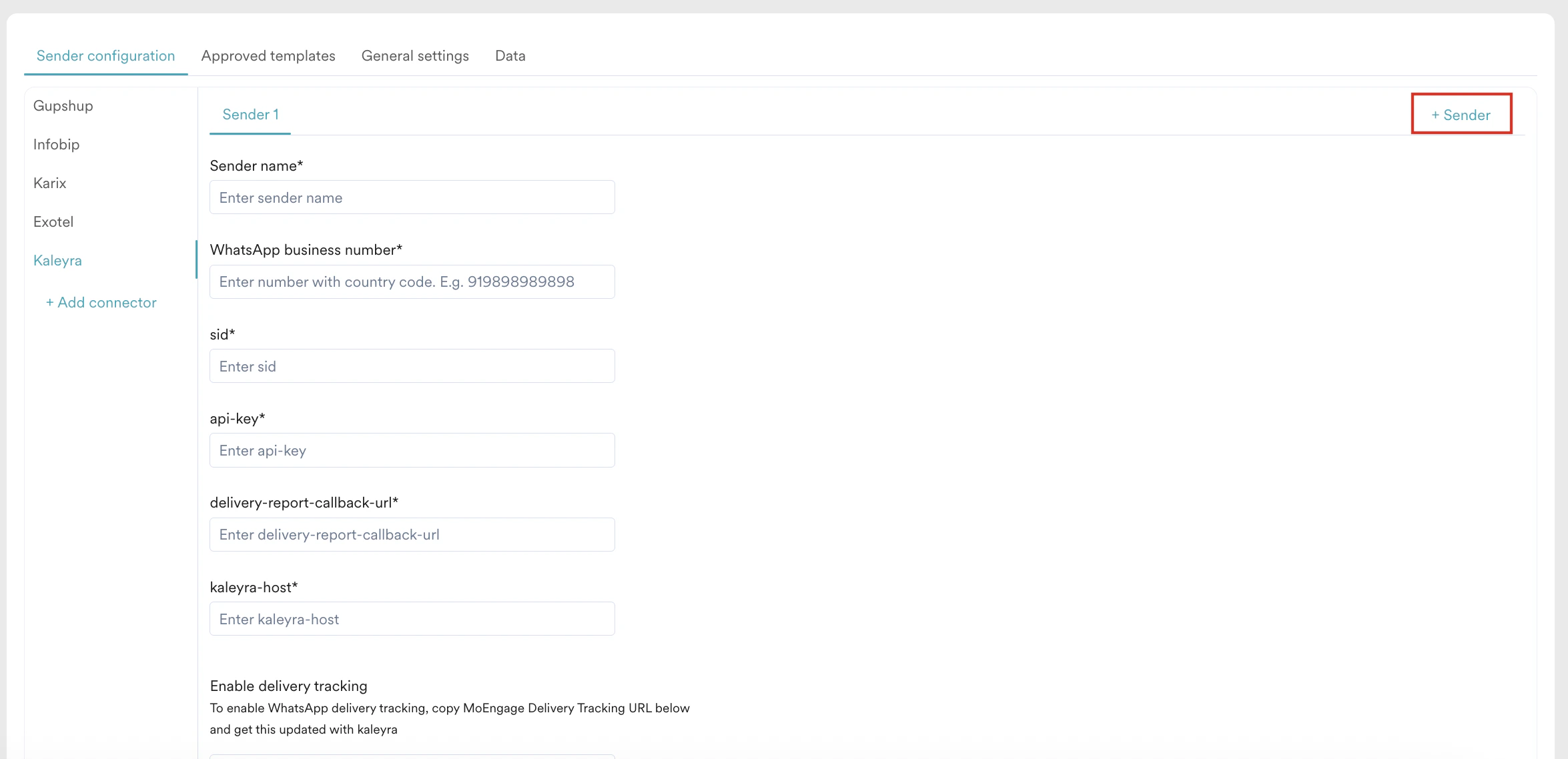
- Add the sender details based on the selected connector. To complete the sender configuration, refer to the respective WhatsApp provider articles.
- Click Save.
Add WhatsApp Templates
WhatsApp templates facilitate streamlined communication by helping businesses curate predefined, personalized messages. You can send WhatsApp Messages using MoEngage and use the templates that are already approved or whitelisted (directly or by the WhatsApp Service Provider or BSP) by WhatsApp in the MoEngage Platform. All the approved templates are listed in the Approved templates tab of WhatsApp settings. For information on template approval and configuring the template details in MoEngage, refer to WhatsApp Templates.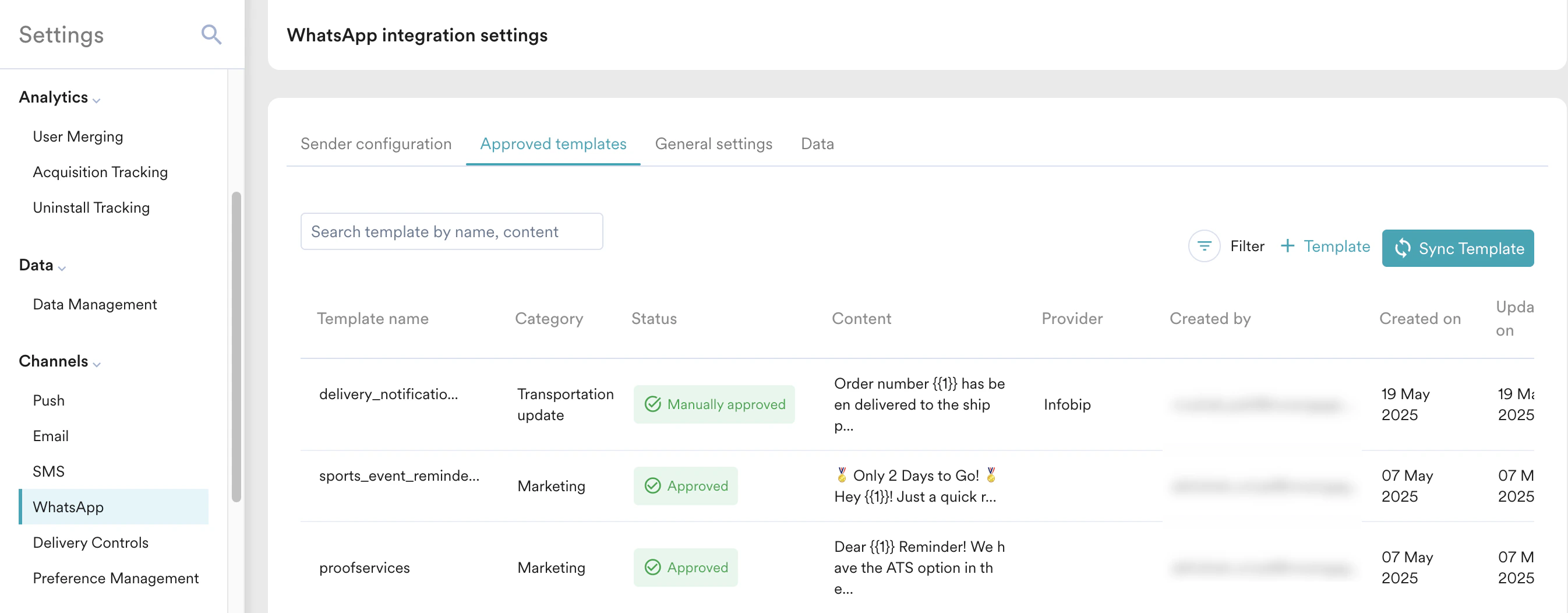
Update WhatsApp Opt-in on MoEngage
It is recommended to update the opt-in status in MoEngage. You can configure the fields that store WhatsApp numbers, WhatsApp Opt-in statuses, and WhatsApp Lead & Message of end users in the general settings tab. You can access the General settings tab using this path: Settings > Channels > WhatsApp > General settings..png?fit=max&auto=format&n=RgBTZI_0c8BIv-AG&q=85&s=d98df5cf73404bdf435d2b730dd9fc4a)
- Use the following fields to select the attribute that stores WhatsApp mobile number and opt-in status:
- Configuring mobile number format guarantees that all mobile numbers are correctly passed to WhatsApp providers, which is essential for successful message delivery. To configure the mobile number format for the application, click the Set the mobile number format link. You are taken to the Mobile number management page. For more information, refer to Mobile Number Standardization. If you run into delivery failures caused by incorrectly formatted mobile numbers, refer to Common Errors in WhatsApp Campaigns.
- To configure the WhatsApp Lead & Message using the following toggles:
You cannot turn on the following toggles if PII tokenized sending is enabled for you.
- Click Save to save the configurations.