

This feature is part of the Streams paid add-on. To check what’s available for your plan, refer to Plans and Pricing. To enable it for your account, contact your MoEngage Customer Success Manager (CSM) or the Support team.
Introduction
With the integration, MoEngage will forward all campaign data that we are generating to mParticle. The data points sent to mParticle from MoEngage are available here -> Campaign Interaction Events.Integration
Steps
Step 1: Setup MoEngage feed as an input on mParticle
- On the Mparticle dashboard, click on the Connections >> Feed >> Input feed.
- Select MoEngage as custom input feed.
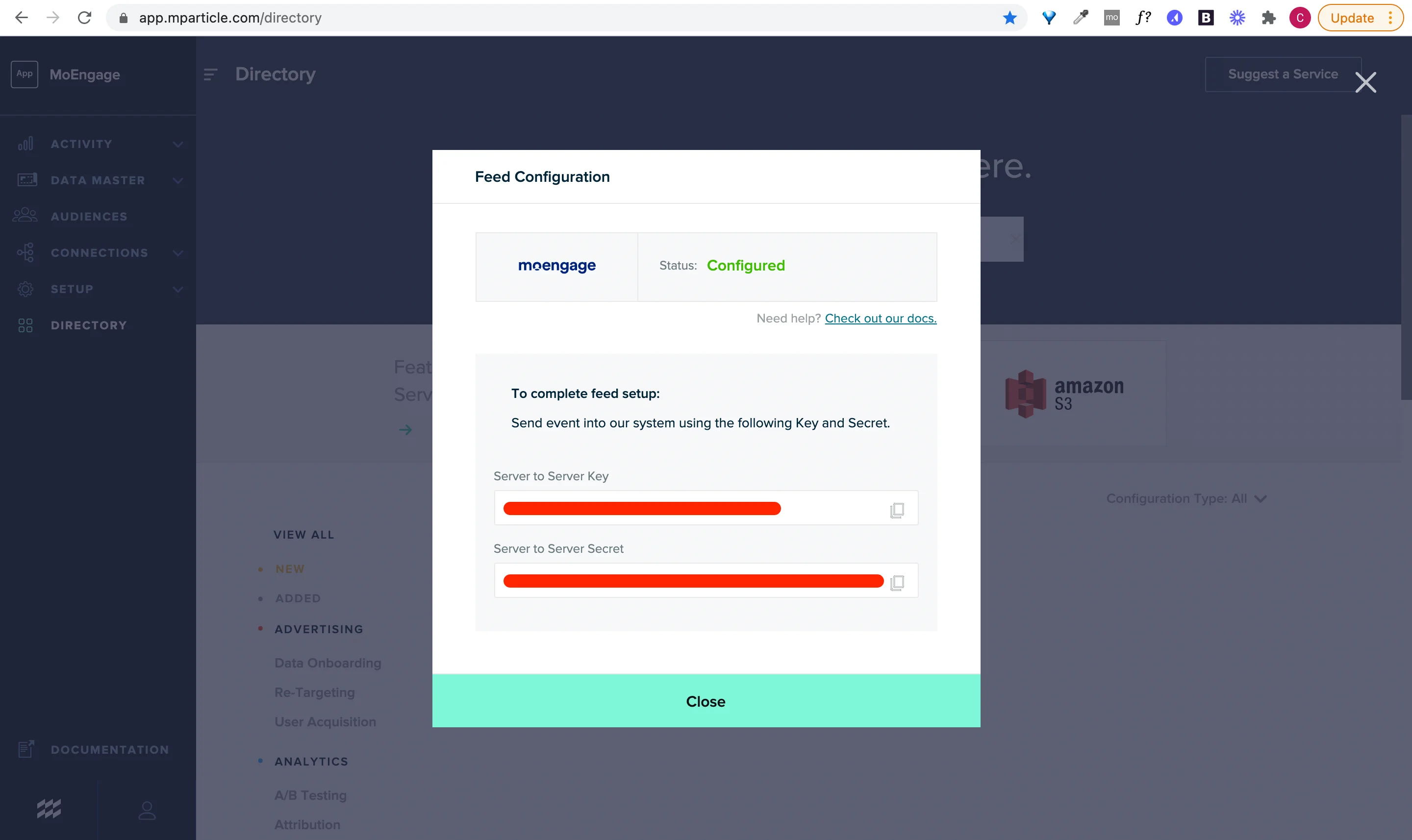
Step 2- Setup mParticle streams on MoEngage
On your MoEngage Dashboard- Navigate to App Marketplace ,
- Search for mParticle and go to the Integrate tab.
- Click on + Add Integration button to add a new integration.
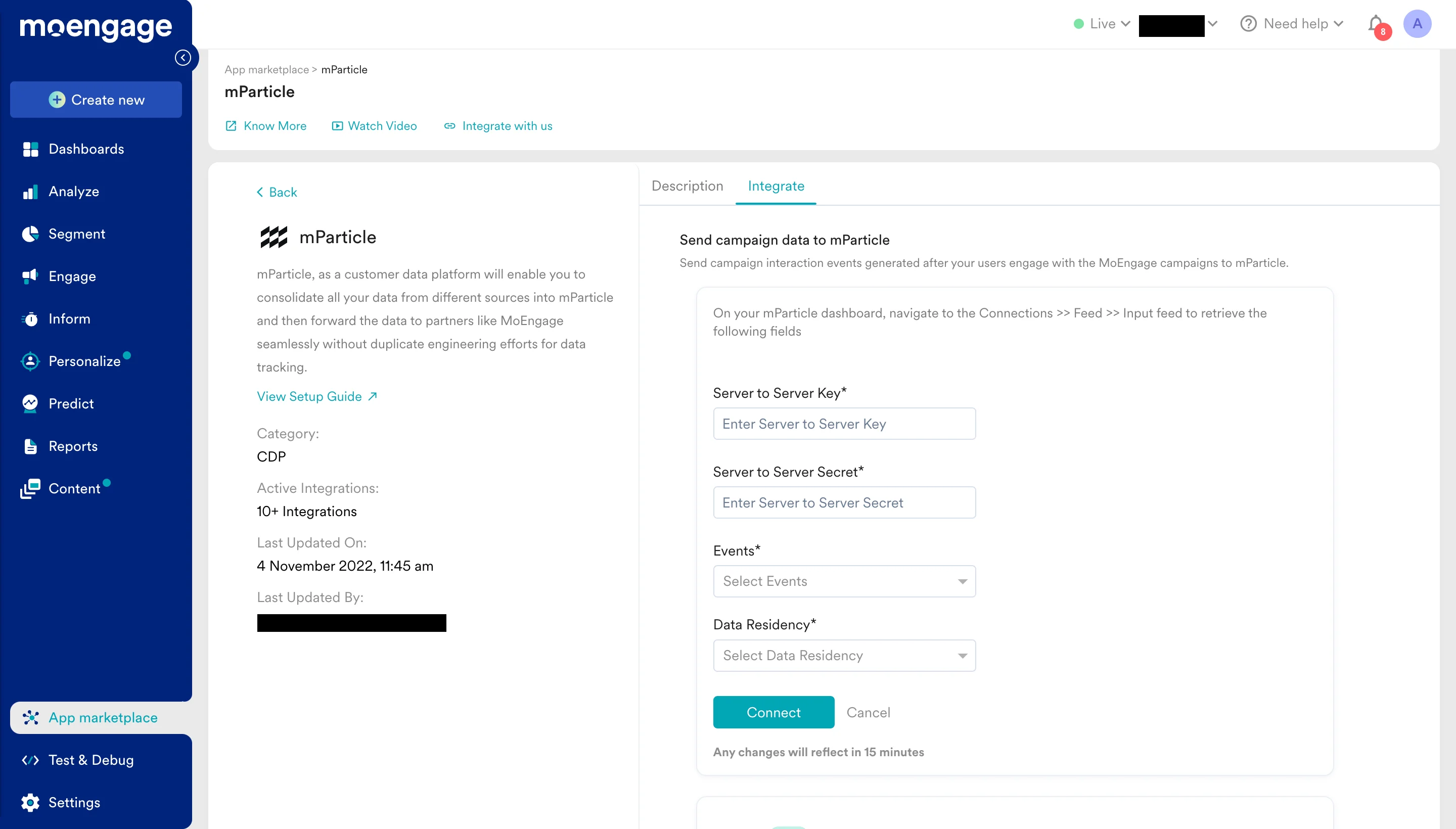
- Fill up the details and click Connect.
Once you have enabled the data export integration from MoEngage, you should start seeing the campaign events in mParticle.
Limitations
The mParticle Integration only takes care of sending events to MoEngage from mParticle. To leverage MoEngage capabilities like push notifications, in-apps would require some additional integration which is listed in the below table -
Please note that for MoEngage services like Push Notifications, In-App Messaging and other channels to work, you will need to integrate the MoEngage SDK. You can refer MoEngage developer documentation here.
Frequently Asked Questions
How soon will I start getting the data?
How soon will I start getting the data?
It typically takes up to 30 minutes for the automated data exports to be set up for your account and for you to start seeing data there.
Can I export additional events at a later time?
Can I export additional events at a later time?
Yes, if you need to export new events at a later time, you can always edit your configuration on the App Marketplace and get the new events added to your exports.
Can I export historical data using Automated Data Exports?
Can I export historical data using Automated Data Exports?
As of now, you cannot export historical data using Automated Data Exports. Once configured, you will start seeing data for each event from the time you enabled your exports.
Is there any pricing involved for Automated Data Exports?
Is there any pricing involved for Automated Data Exports?
If your billing plan does not cover this already and you need to get this enabled at a later time, you would need to work with your Customer Success Manager to get this included in your billing plan. Based on the amount of data that MoEngage will place in your Data warehouse/Partner/API on a monthly basis, this could lead to additional charges.