



Merlin AI CUSTOM AGENTS
Keep Your Marketing Running 24/7
Build agents for your marketing workflow that can run in background and help you get work done faster.
Build Agents Your Way
Pick a template or build from scratch – no code required.
Give Agent its Tools
Tell agents what they can do like analyzing funnels, creating
campaigns, discovering segments and more to achieve your goals.
Start With a Template
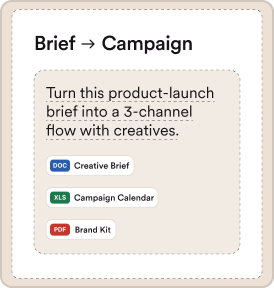
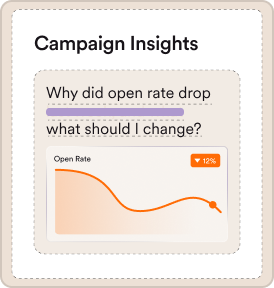
Build faster by choosing from templates like Brief to Campaign, Campaign Analyst and more
 Kickstart Using Templates

Create Custom Agent


Email Campaign

Tools

Trigger

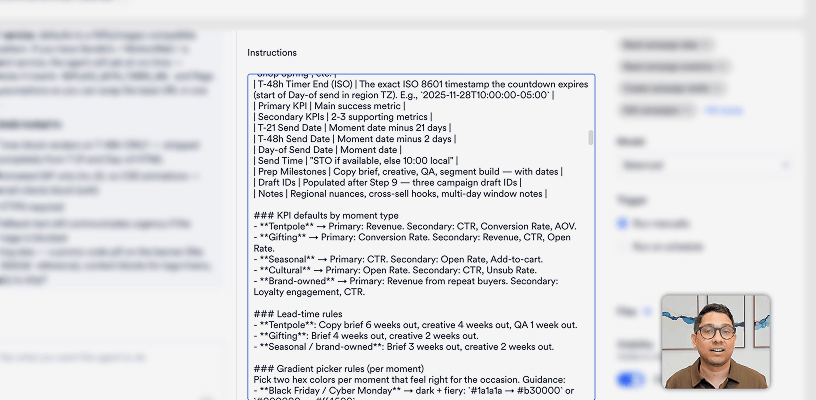
 Email Practices_26.pdf

Instructions
Build Your Own
Start from scratch with our AI guided assistant for more flexible control on what your agent can do
Create from Scratch
Create Custom Agent
Hi I'm Merlin AI

Describe what you want
Brief to Campaign Creator

Analyzing your request...
I’d love to help you build a Brief to Campaign Creator agent! Let me ask a few quick things to tailor it right.
1 of 3
Which channels should this agent be able to create drafts for?
Select at least 1, up to 5.
Q1. Which channels should this agent be able to create drafts for?
A. Email, Push Notifications
Q2. How will marketers usually provide the brief?
A. Both — chat or file
Q3. Should the agent also suggest the target audience/segment?
A. Yes — look up existing segments and recommend one
Brief to Campaign
Tools
Trigger
 Campaign Examples.csv
Instructions
Everything You Need to Build an Agent in One Platform
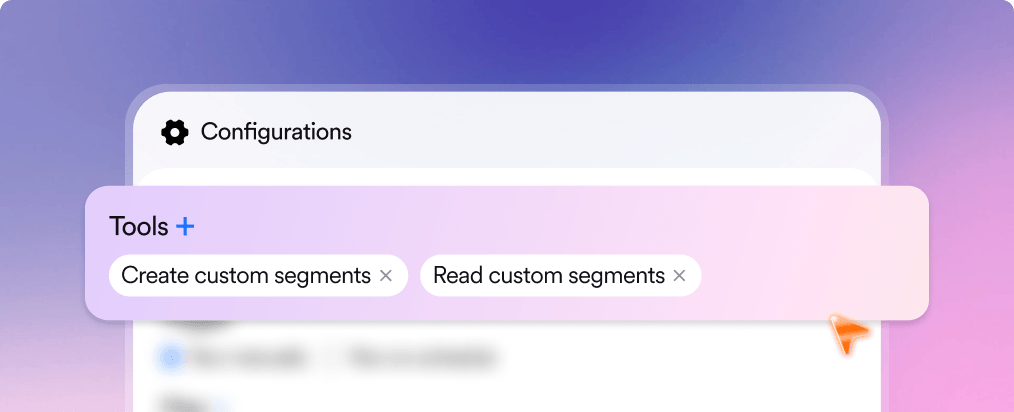
Give Your Agent Its Tools
Tell agents what they can do like analyzing funnels, creating
campaigns, discovering segments and more to achieve your goals.
Configurations
Tools +
Connectors +
Trigger
Files +
Visibility
Tools & Connectors
Clear all
Tools
Connectors
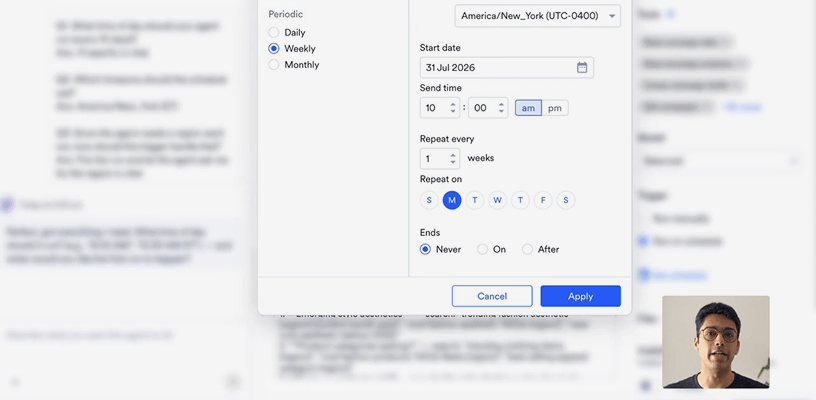
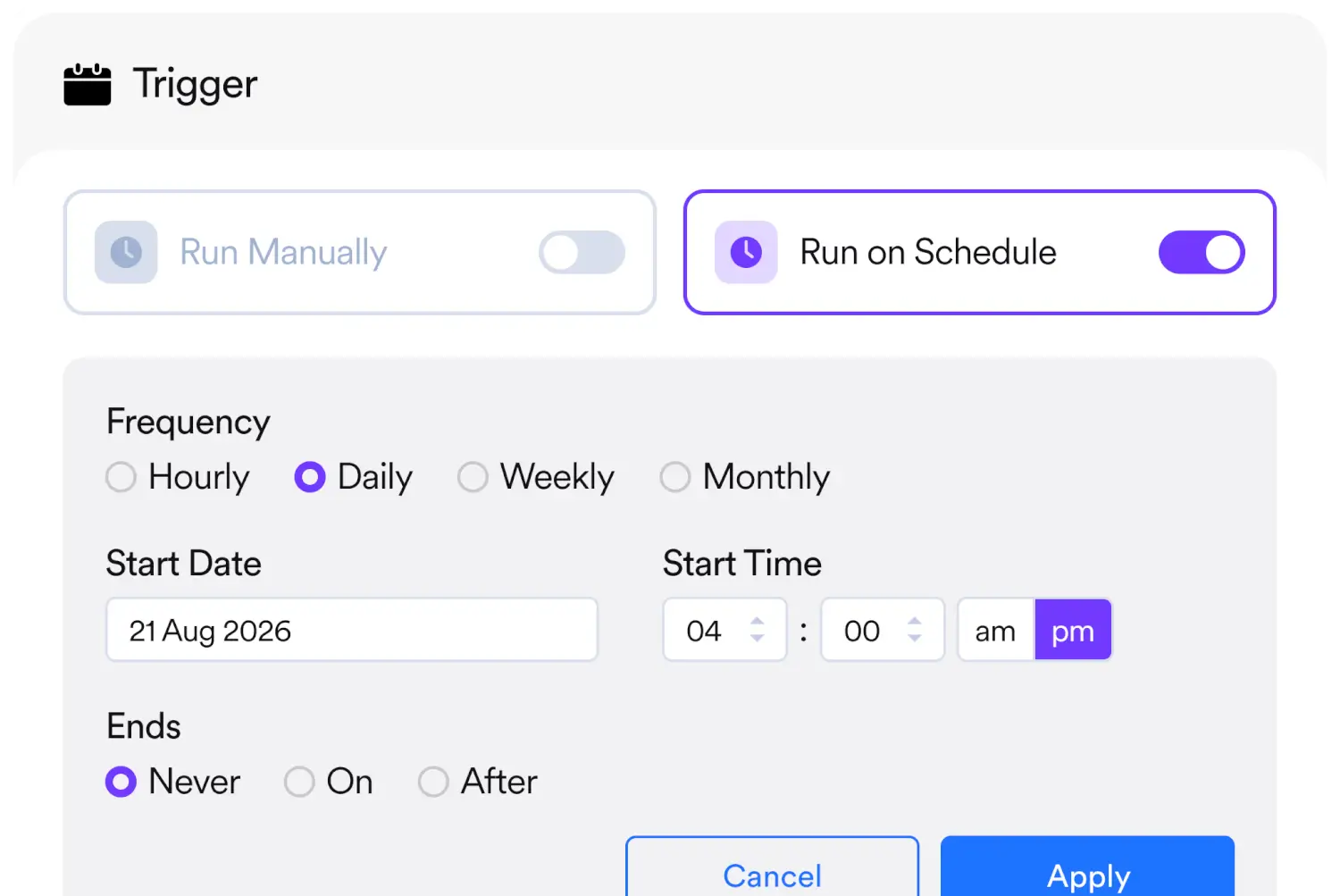
Set Triggers for Task Runs
Run agents manually or configure schedules like
weekly runs for recurring tasks.
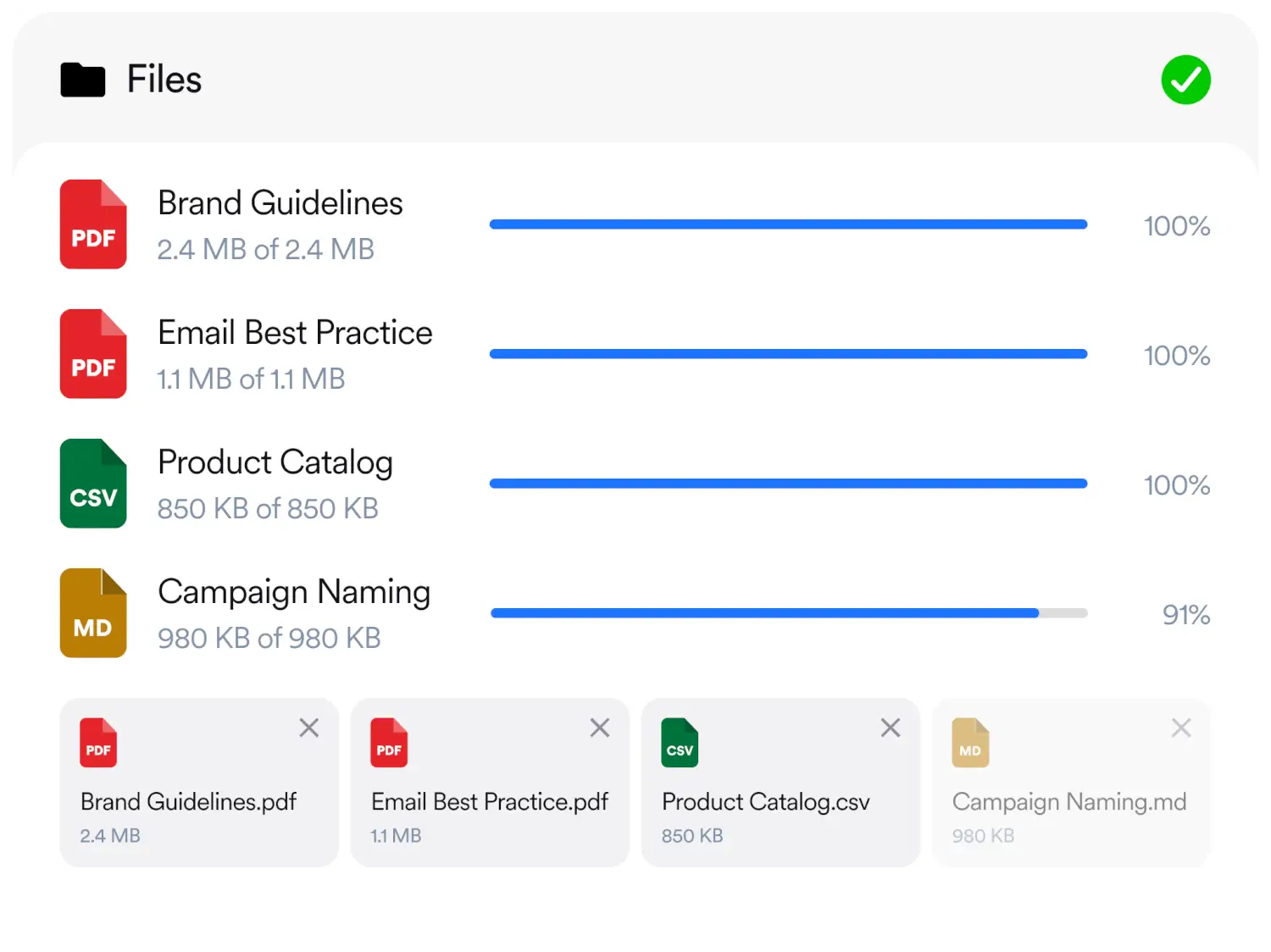
Add Context With Files
Give your agents context with files like brand
guidelines, campaign briefs and more.
Perfect Your Agents With Test Runs
Run your agent on real scenarios before going live. See exactly what it does and
fine tune it to achieve your goals.

Today at 1:49 pm
🎬 Example Scenario: Flash Sale Campaign
You (the marketer) say:
“We’re running a 24-hour flash sale – 25% off all premium plans. Target our trial users who haven’t converted yet. We want Email and In-app. Tone should be urgent but friendly. CTA is ‘Upgrade Now.’ Goes out tomorrow.”
What happens next:
Step 1 – Brief Ingestion
Goal: Drive trial-to-paid conversions
Offer: 25% off premium plans, 24-hour window
Audience: Trial users, not yet converted
Channels: Email + In-app
Tone: Urgent, friendly
CTA: “Upgrade Now”
Step 2 – Segment Search
✅ Matched segment: “Free Trial - Not Converted” (seg_abc123)
Step 3 – Content Generation (A/B Variants)
For Email:
| Variant A | Variant B | |
|---|---|---|
| Angle | Direct value prop | Urgency / scarcity |
| Subject | “Your 25% off upgrade is waiting. {{user.first_name}}” | “⏰ 24 hours left – don’t miss this” |
| CTA | “Upgrade Now” | “Claim My Discount” |
For In-app:
| Variant A | Variant B | |
|---|---|---|
| Angle | Feature highlight | Loss aversion |
| Subject | “Unlock Premium – 25% Off Today” | “Your trial ends soon 👀” |
| CTA | “Upgrade Now” | “See What You’re Missing” |
Step 4 – Drafts Created in MoEngage
Flash Sale – Email – 2026-05-27 – Draft ID: draft_001
Flash Sale – In-app – 2026-05-27 – Draft ID: draft_002
Both use a 50/50 A/B split and the matched segment.
Step 5 – Personalization Check
Step 6 – Summary Returned to You
Ready to try it?
Just paste your brief – or upload a .txt, .pdf, .dox, or .md file – and I’ll get started! The more detail you include (goal, audience, offer, tone, CTA)., the better the output. But even a rough works – I’ll flag any assumptions I make.
 Test Agent
Hi I'm Brief to Campaign Creator Agent

Send a sandbox test message Send a sandbox test...
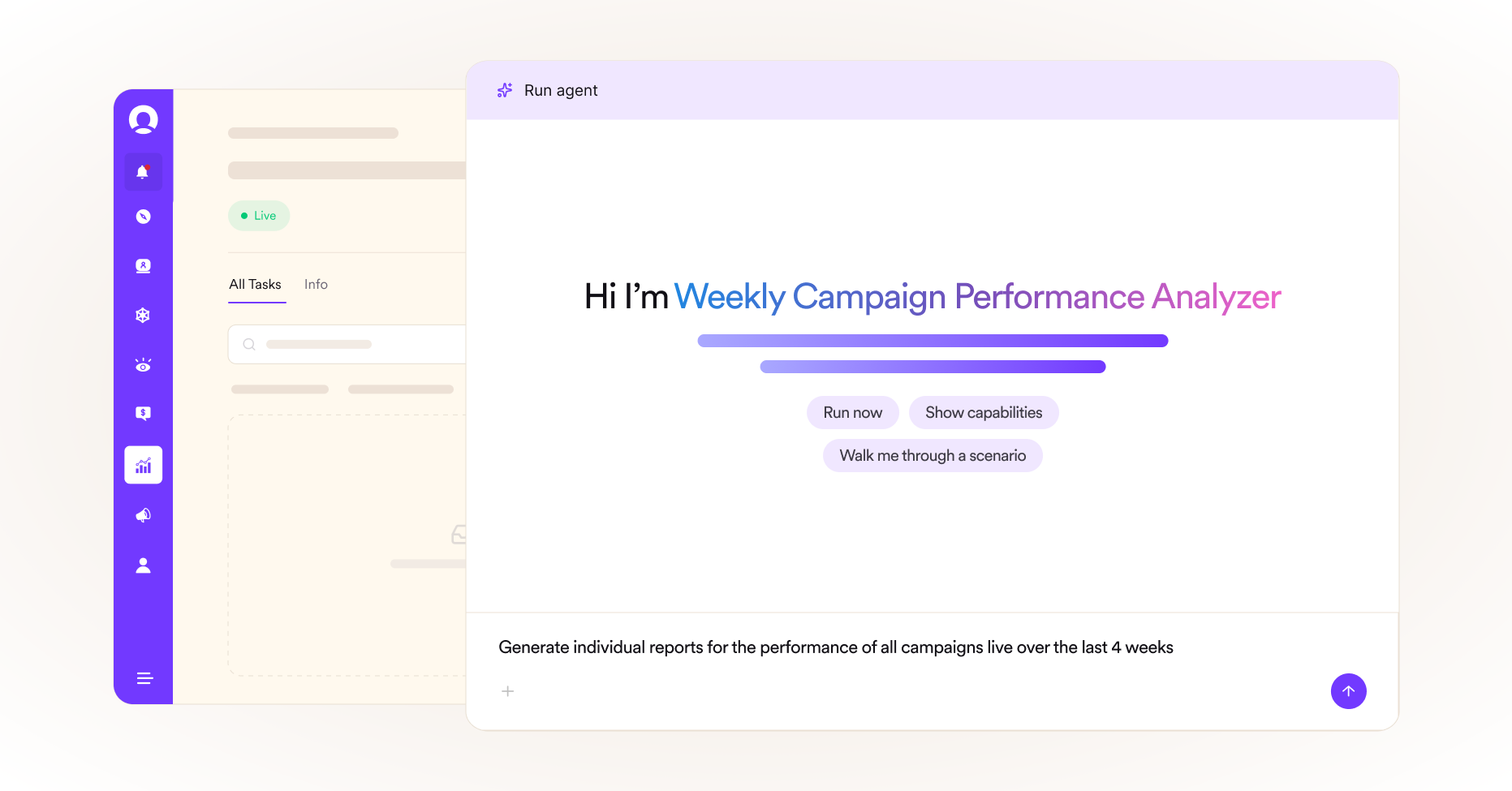
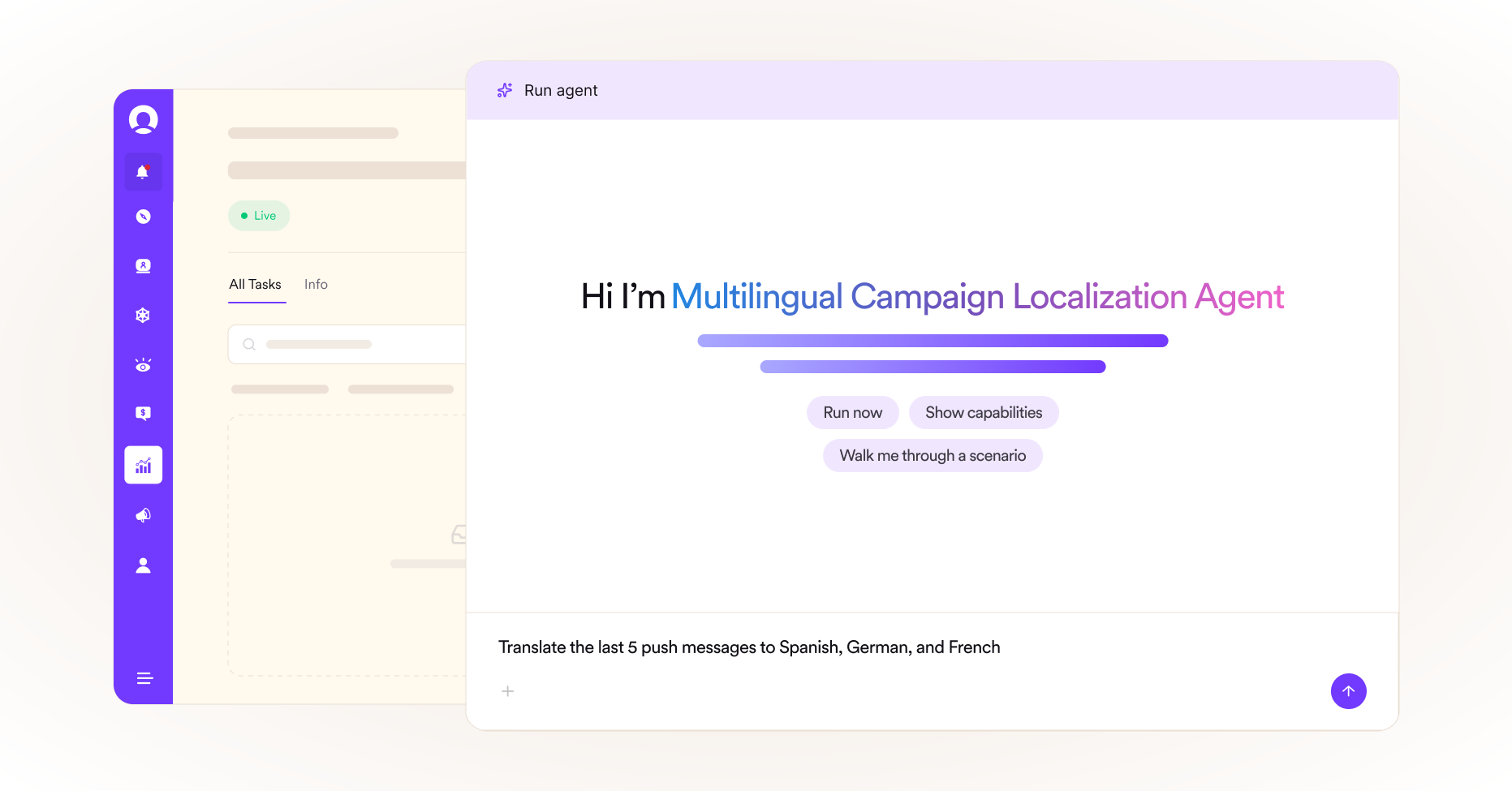
Get Tasks Done With Your Agents
Build your agent once and let your teams run tasks to achieve their goals.
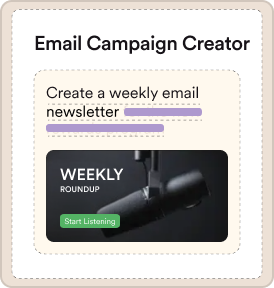
Email Campaign Creator
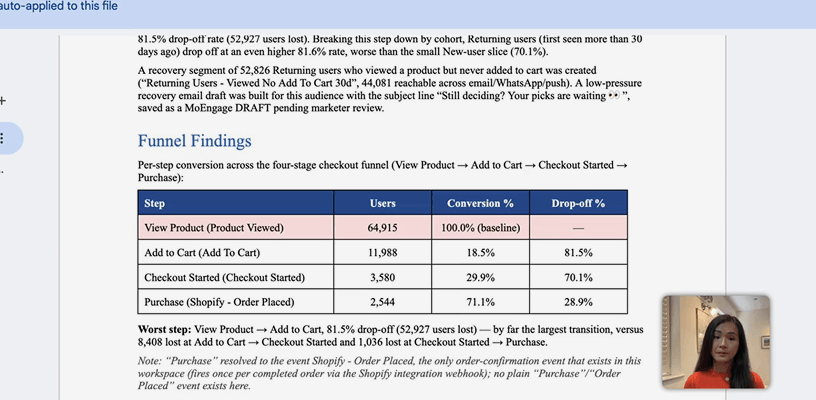
I want to build a campaign for summer sale season. Look at the past campaigns and build one targeting the dormant user.
Good, I have prior workspace-bound values verified. Now let me search past campaigns to find sale-themed reference campaigns and check for “dormant” segment/attribute usage.
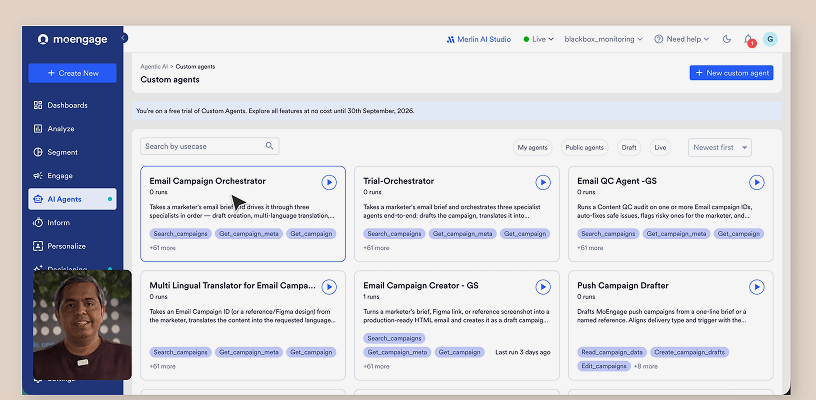
An Agent for Every Part of Your Workflow
Every marketer's workflow is different. Now your agents are too – built by your team, for your team.