Intelligent On-Site Messaging
Drive Conversions With Intelligent On-Site Messaging
Engage your visitors with personalised on-site messages tailored to their preferences and behavior. Keep them engaged, drive conversions, and build loyalty.


Trusted by 1350+ Consumer Brands Worldwide



















































Build Personalized On-Site Messages Effortlessly
Craft Beautiful Experiences With Ready-to-use Templates
Choose from our 50+ ready to use templates and get started in minutes.
Customize them according to your brand’s style using HTML or CSS.
Create responsive notifications across desktop, tablet, and mobile websites with a single campaign.

Design Custom On-Site Messages in Minutes
Design on-site messages that resonate with your customers and match your brand’s identity.
Intuitive drag-and-drop, visual No-Code builder.
Customize fonts, elements, backgrounds and more with unmatched design flexibility.
Make Web Visits Meaningful With Contextual
and Personalized On-Site Messages
Enhance Website Conversions With Automation

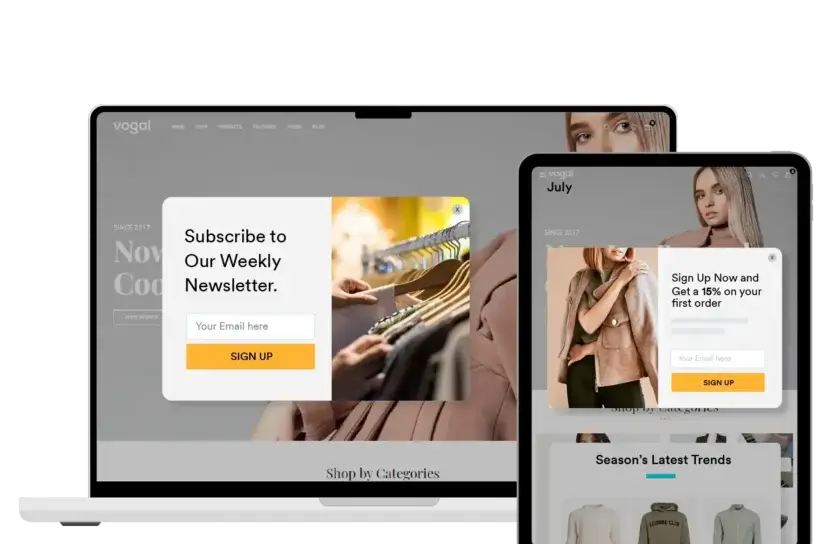
Leverage powerful and timely on-site messages to enhance lead capture. Whether it’s for a newsletter sign-up or special offers - On-site messages have you covered.
Deliver Offers and Promotions Based on Intent
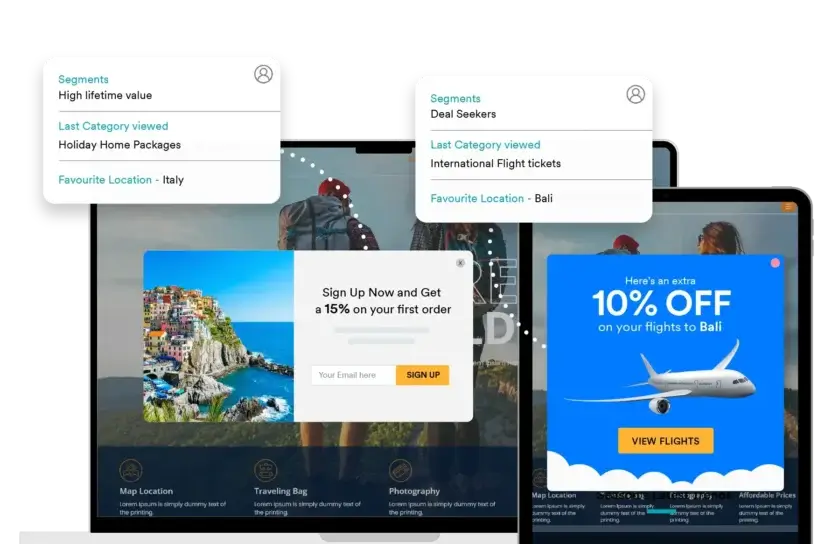
Actively engage your customers with offers and promotions aligned with their interests, ensuring maximum relevance and impact.
Deliver Personalized Recommendations in Real-time
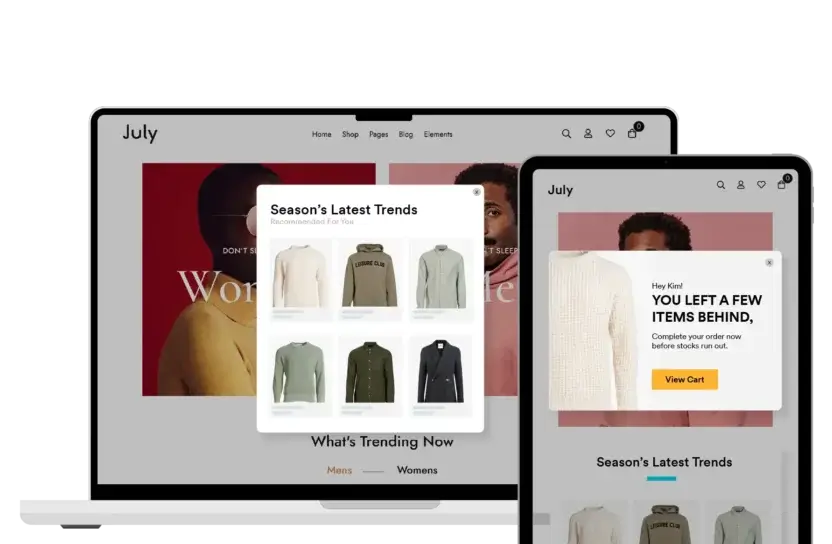
Provide real-time suggestions based on your customers' interactions, cart activity and buying behavior with real-time messages and smart triggers.
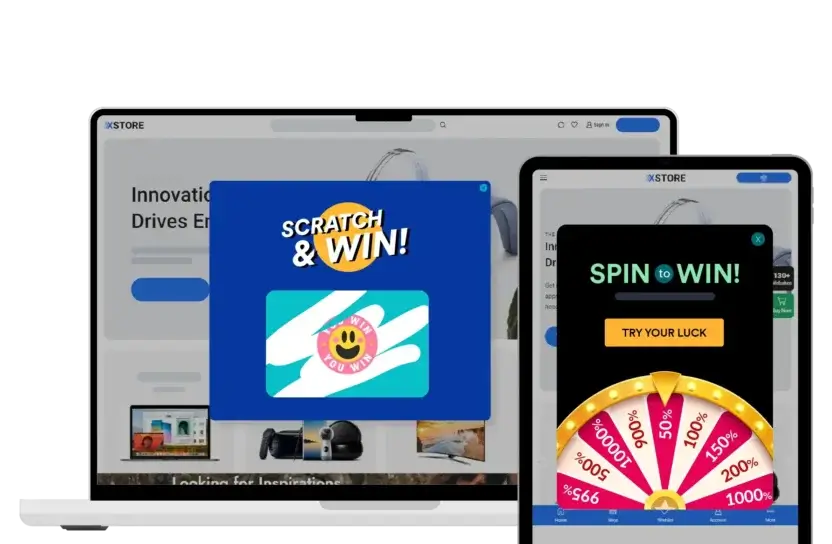
Gamify Customer Engagement
Enhance engagement, retention, and conversions using gamification to create interactive web experiences.
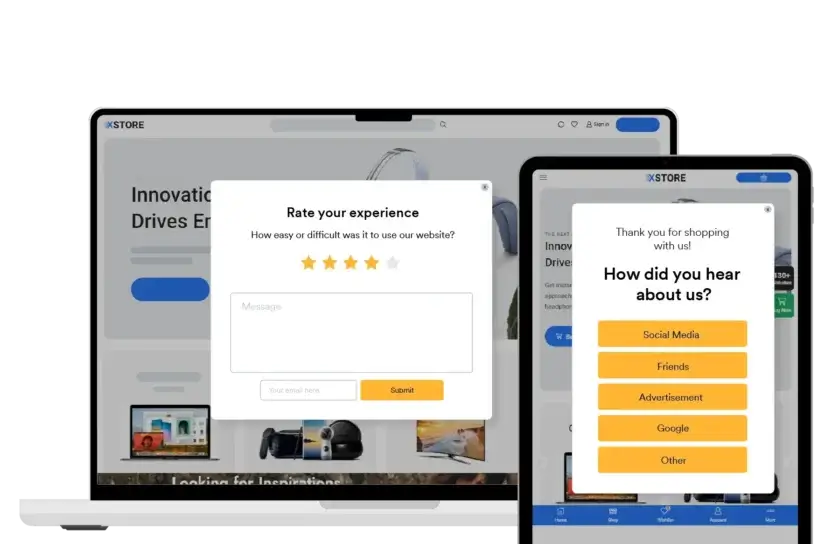
Collect Customer Feedback With Forms and Surveys
Engage visitors and build trust with perfectly timed on-site surveys. Gain insights into their thoughts and preferences.
Run Experiments and Personalize Your
On-Site Messages For Real Impact
Personalize Your Website Messages Using Custom Filters
Segment your audiences based on their behavior, preferences, channels, and demographics. Utilize custom filters to tailor messages for each segment during their site visits.
Experiment, Measure ROI and Scale Your Campaigns
Iterate at lightning speed to build winning on-site experiences. A/B Test with multiple variations or between control and target cohorts. Measure, analyze, and improve.
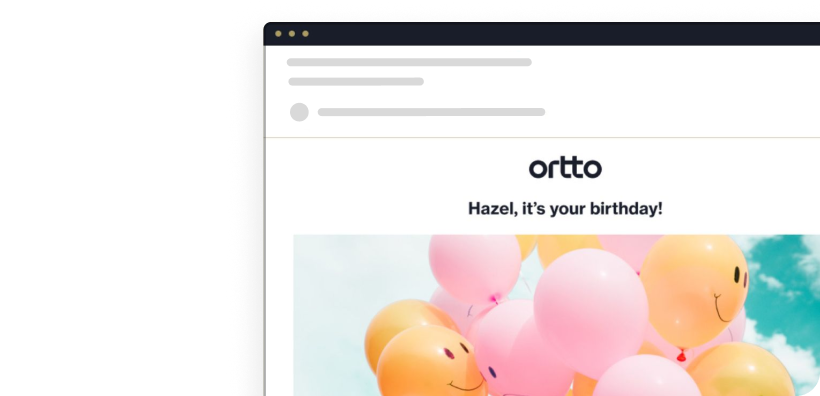
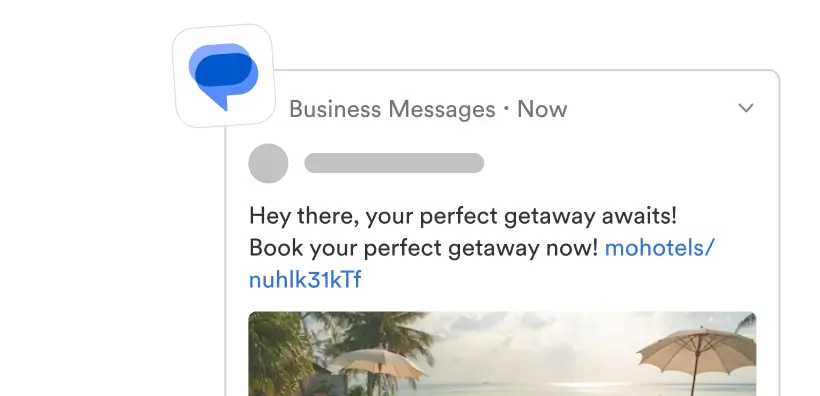
Expand Your Reach With More Channels
Meet your customers wherever they are with a targeted message that makes the best use
of what each channel has to offer — whether that be mobile, SMS, web or beyond.

Learn how MoEngage can help you succeed.
Talk to one of our experts today!


Additional On-Site Messaging Resources
Here are some actionable resources that we've curated for you.

Frequently Asked Questions
What is on-site messaging?
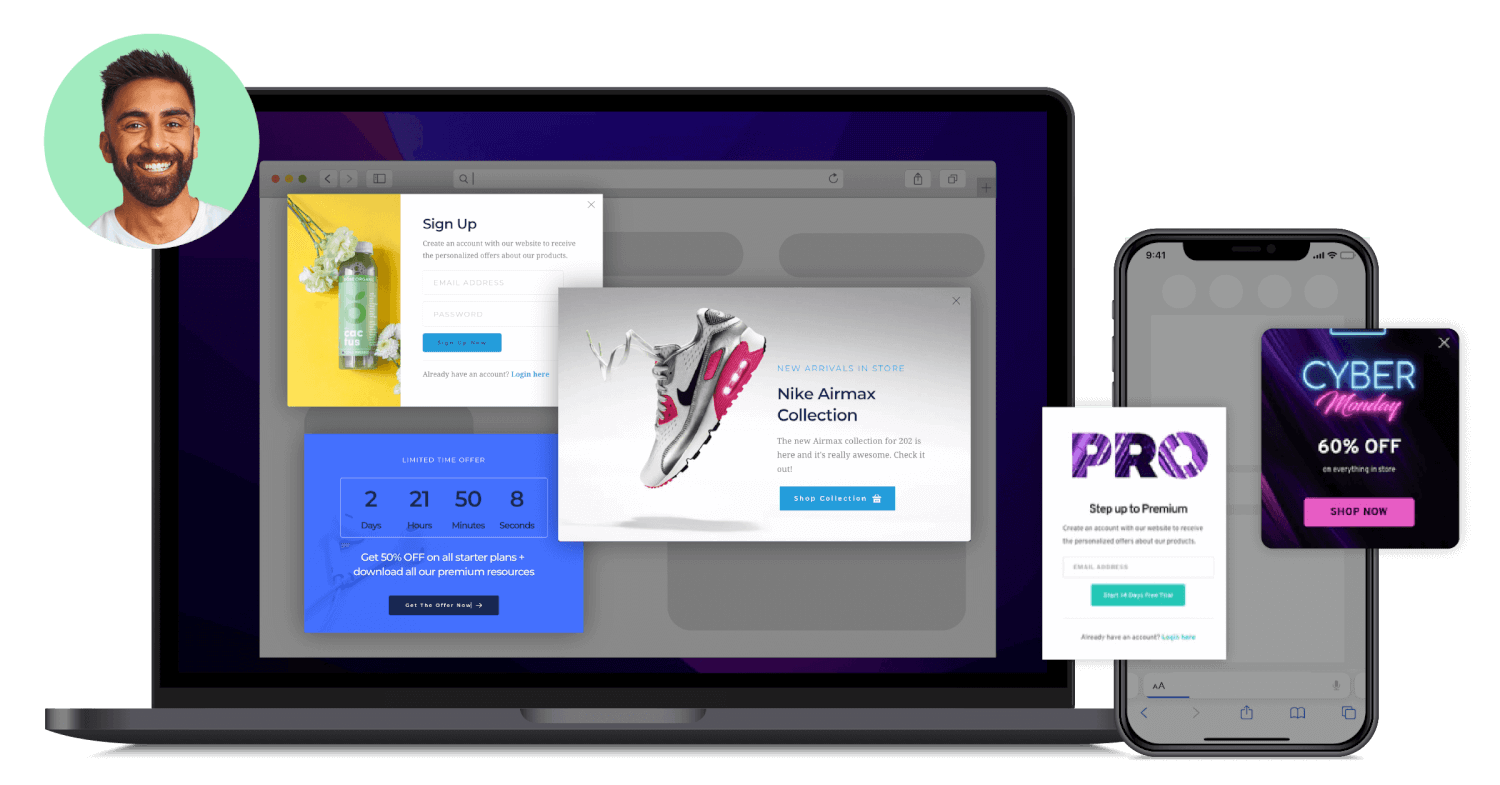
Onsite messaging, or OSM, is a feature that websites can use to alert customers about any deals, promo codes, and discounts and nudge them to become subscribers or stay longer on the website.
Onsite messaging is enabled on your website and often includes pop-ups and banners.
Using the on-site messaging feature of MoEngage, you can create contextual campaigns for your website personalized for each consumer and improve overall Customer Engagement.
How do I activate on-site messaging for my brand?
You can use a platform like MoEngage, which offers OSM or on-site messaging integration for your website.
To begin with, ensure that you are on the default billing plan of MoEngage so that the OSM can be implemented for your subscribers and non-subscribers.
Furthermore, the on-site messaging SDK needs to be integrated into your website before you launch any campaign.
Once this is done, you can use the MoEngage dashboard to create OSM campaigns that engage all your website visitors.
How is on-site messaging different from website messaging?
As the website owner, you have complete control over OSM campaigns. You can decide which customers to show what and for how long! This is why onsite messaging, if implemented correctly, can improve your overall website engagement.
On-site messaging differs from website push notifications, which are often subscribed to and rarely personalized according to the customer’s buying journey.
On the other hand, with on-site messaging marketing campaigns, you can increase the time spent on the website, offer to up-sell or cross-sell products, and even grow your email subscriber base.
Can I reduce cart abandonment with on-site messaging?
You can reduce your cart abandonment rate and improve up-sell and cross-sell opportunities with on-site messaging campaigns using MoEngage.
For example, you can score that extra sale by creating scarcity-related alerts or pop-ups. You can also get back your customer’s attention by creating an alert about the best-selling item or offering a special discount.
Overall, with MoEngage’s on-site messaging, you can:
- Send targeted offers to buyers who are at risk of cart abandonment.
- Use personalized pop-ups that are conversion optimized.
- Run multiple campaigns simultaneously to encourage faster conversions.
How to implement on-site messaging on my website?
Step 1: Log into MoEngage dashboard.
Step 2: Navigate to Campaigns => All Campaigns page.
Step 3: Search for the campaign type - “On-site messaging.”
Step 4: Click on the ‘Create’ button for On-site messaging.
Before starting the campaign, you can select the type of template you’d want to use. In MoEngage, you can customize the templates completely with the HTML editor.
Step 5: Segment your customers by selecting ‘Trigger Actions.’
Step 6: Select the pages where you want to show the campaign or message.
Step 7: Select your audience based on who you want to target.
Step 8: Once you have selected your audience, it's time to work on the template.
You can choose from the templates provided or upload your own.
Step 9: Select your display settings and test the campaign.
Step 10: Define the campaign schedule, conversion goals, priority, and delivery controls that will be useful for campaign sending.
How to convert website visitors into buyers with on-site messaging?
With MoEngage, you can engage with your website visitors with relevant on-site messages. These on-site messages can include a compelling CTA, personalized product recommendations, offers, and discount codes via pop-ups and banners and help convert your visitors into paying customers.
With the help of MoEngage on-site messaging campaigns, you can either choose to automate your push messages based on the website pages (landing pages, pages visited, emails viewed, last brought products and services, purchase intent, and more) or you can use onsite messaging to automate Customer Engagement at multiple points in the customer’s journey through predefined workflows.
How can MoEngage help in creating good on-site messaging campaigns for my brand?
You can create varied on-site messaging campaigns that help you keep your consumer interested and build a pipeline for your brand. You can use MoEngage on-site messaging for:
- Announcements: You can use it to broadcast a message across your website, for example, discount offerings, wishlisted product in-stock updates, and more.
- Promotions: You can also use on-site messaging to promote certain products/services and drive your customers towards a purchase decision.
- Exit intent pop-ups: You can use pop-ups to re-engage users who are about to drop off or even for cart abandonment.